Configuring high availability (HA) for critical servers keeps downtime to a minimum when hardware or software fails. The approach depends on your application requirements, server types, and the technologies you’re running. Here’s how to think through it.
1. Assess Criticality and Requirements
Identify which servers and applications need high availability — database servers, web servers, Kubernetes control planes, and so on.
Define acceptable recovery time objectives (RTO) and recovery point objectives (RPO).
Choose an HA solution type: clustering, replication, load balancing, or cloud-based redundancy.
2. Implement Failover Clustering
Microsoft Windows Failover Clustering:
Use Windows Server Failover Clustering (WSFC) for applications like SQL Server.
Ensure shared storage (SAN, iSCSI) or a quorum disk is configured.
Configure cluster nodes with identical hardware and software to avoid compatibility issues.
Run the Cluster Validation Wizard to confirm readiness.
Linux Clustering:
Use Pacemaker and Corosync for clustering services.
Configure fencing devices and quorum policies to avoid split-brain scenarios.
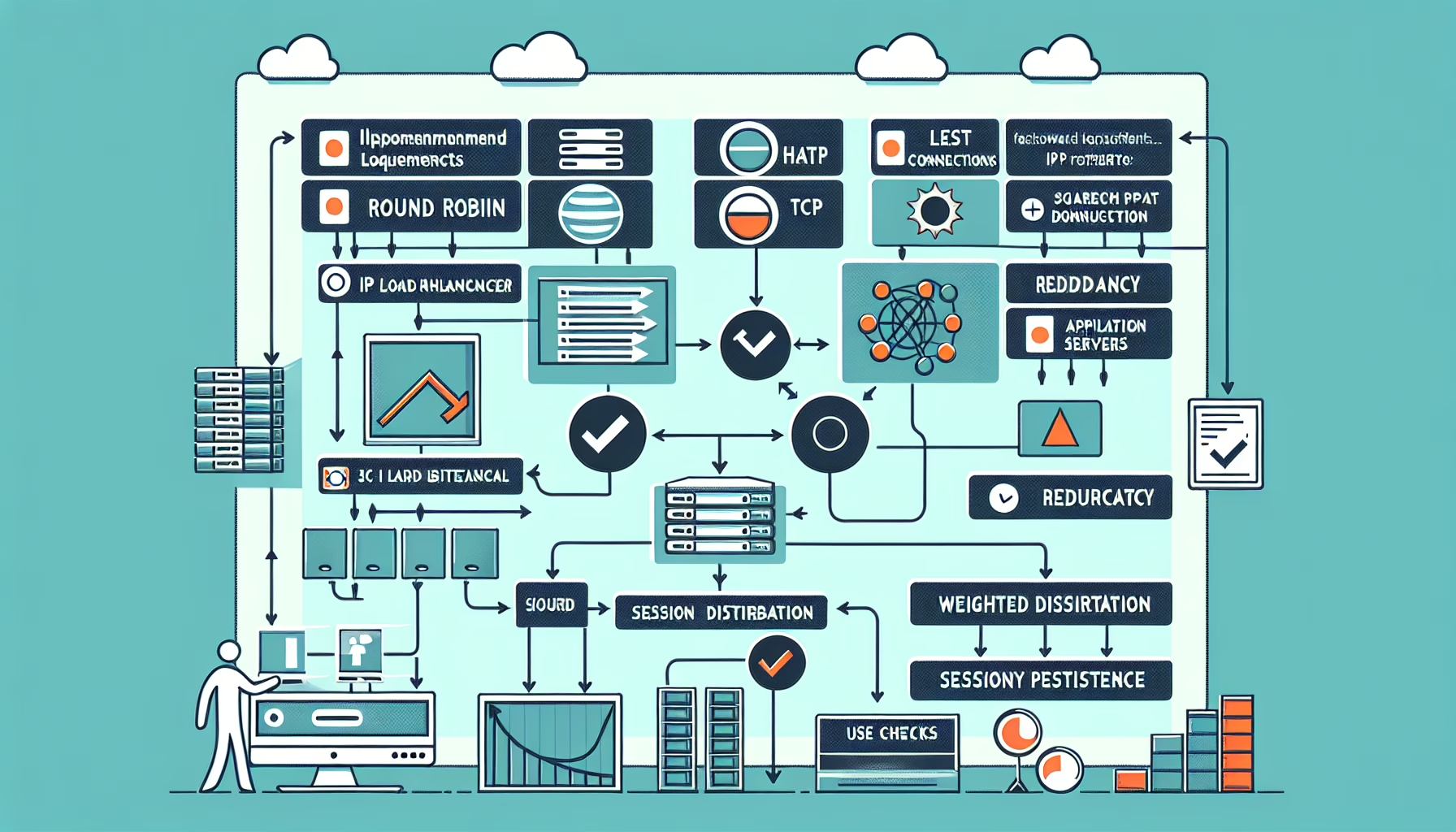
3. Deploy Load Balancers
Hardware/Software Load Balancers:
Options include F5 BIG-IP, Citrix ADC, or open-source tools like HAProxy, NGINX, or Traefik.
Distribute traffic across multiple servers to ensure redundancy.
DNS-Based Load Balancing:
Implement DNS failover using tools like Amazon Route 53 or Cloudflare to redirect traffic to healthy servers.
Ideal for web servers or stateless applications.
4. Use Virtualization Technologies
VMware High Availability (HA):
Configure VMware vSphere HA to restart virtual machines automatically on another ESXi host if a host fails.
Use vMotion for live migration of VMs to avoid downtime.
Hyper-V Replica:
Configure Hyper-V replica for asynchronous replication of virtual machines.
Replicate VMs between primary and secondary hosts or datacenters.
5. Implement Storage Redundancy
SAN/NAS:
Configure storage systems with RAID for redundancy.
Use dual controllers, multipathing, and replication to eliminate single points of failure.
Distributed Storage:
Solutions like Ceph, GlusterFS, or VMware vSAN provide distributed storage in a cluster environment.
6. Database High Availability
Replication:
Configure database replication — SQL Server Always On Availability Groups, MySQL Master-Slave, PostgreSQL Streaming Replication.
Clustered Databases:
Use clustered solutions like Oracle RAC or Galera Cluster.
Backup and Restore:
Schedule regular backups and test recovery procedures.
7. Containerized Environments (Kubernetes)
Control Plane HA:
Deploy the Kubernetes control plane across multiple nodes for redundancy.
Use etcd clustering with proper backup procedures.
Worker Node Redundancy:
Run multiple worker nodes so application pods aren’t tied to a single host.
Load Balancers:
Use cloud load balancers (AWS ELB, GCP Load Balancer) or external tools like MetalLB for ingress and service availability.
8. Backup and Disaster Recovery
Implement Backup Solutions:
Enterprise tools like Veeam, Commvault, or NetBackup.
Schedule regular backups and keep offsite or cloud copies for disaster recovery.
Disaster Recovery Plan:
Deploy replication tools like Zerto or Azure Site Recovery.
Test failover periodically to verify readiness.
9. Leverage Cloud Services for HA
Cloud Providers:
Use AWS, Azure, or GCP managed HA services — RDS, Elastic Load Balancer, managed Kubernetes.
Multi-Region Deployment:
Deploy resources in multiple regions to survive regional outages.
Hybrid Solutions:
Combine on-premises and cloud infrastructure for HA and scalability.
10. Monitor and Test
Monitoring Tools:
Prometheus, Grafana, Zabbix, or SolarWinds for uptime and resource utilization.
Regular Testing:
Run failover tests and verify all systems behave as expected.
Document Procedures:
Maintain detailed documentation for HA configurations and troubleshooting.
Best Practices
Eliminate single points of failure across hardware, software, and network components.
Use redundant power supplies and UPS for physical servers.
Ensure network redundancy with multiple NICs, switches, and firewalls.
Review and update HA configurations regularly as workloads change.
Ali YAZICI is a Senior IT Infrastructure Manager with 15+ years of enterprise experience. While a recognized expert in datacenter architecture, multi-cloud environments, storage, and advanced data protection and Commvault automation , his current focus is on next-generation datacenter technologies, including NVIDIA GPU architecture, high-performance server virtualization, and implementing AI-driven tools. He shares his practical, hands-on experience and combination of his personal field notes and “Expert-Driven AI.” he use AI tools as an assistant to structure drafts, which he then heavily edit, fact-check, and infuse with my own practical experience, original screenshots , and “in-the-trenches” insights that only a human expert can provide.