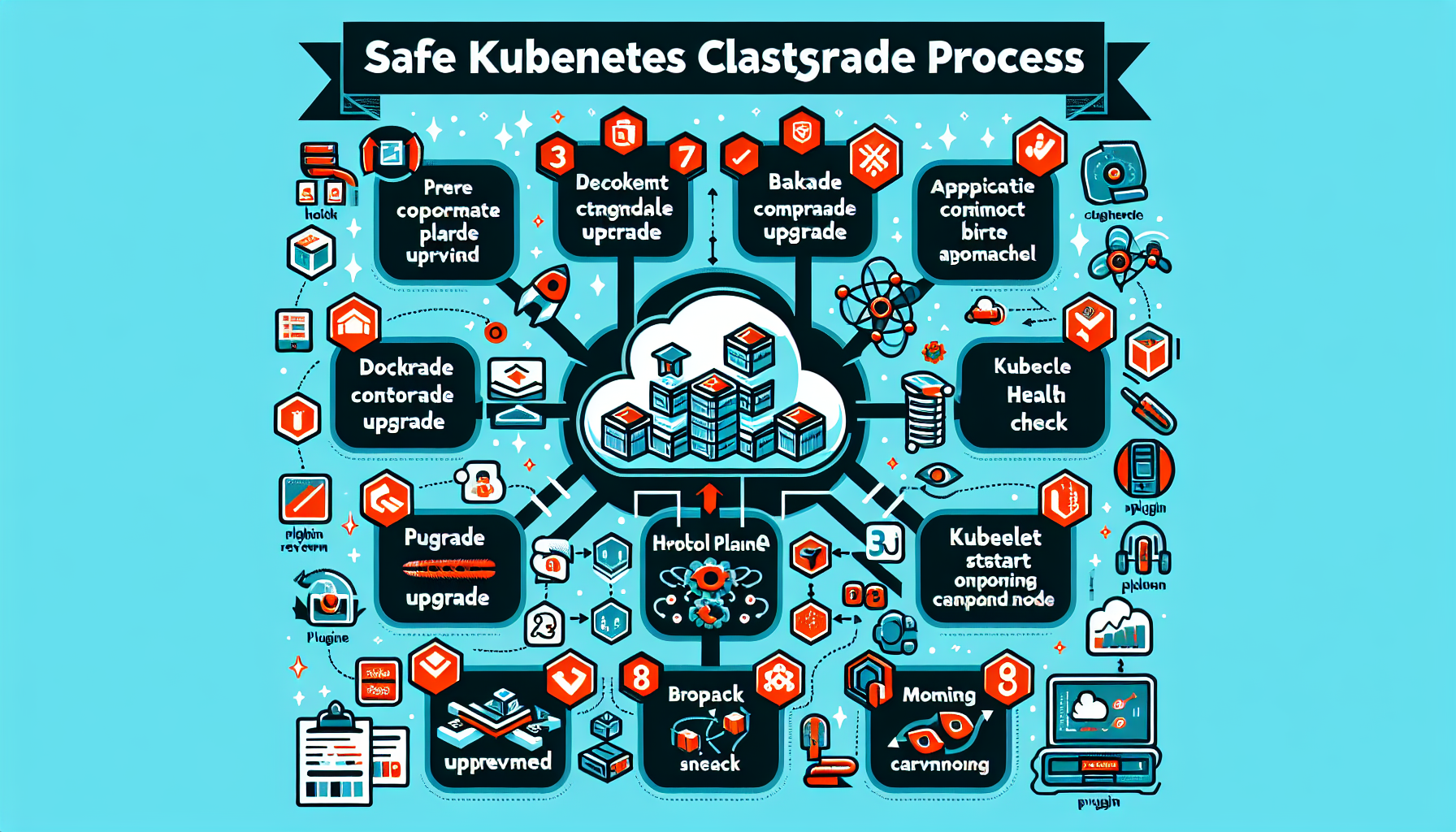
Upgrading a Kubernetes cluster takes careful planning to avoid downtime and workload disruptions. Here are the steps:
1. Pre-Upgrade Planning
a. Review Release Notes
- Check the Kubernetes Release Notes for the version you plan to upgrade to.
- Understand deprecations, breaking changes, and new features.
- Verify compatibility with add-ons, plugins, and third-party tools (e.g., CNI, CSI, Helm charts).
b. Backup Everything
- Backup etcd data: Use
etcdctlor your backup tool to take a snapshot of etcd.
etcdctl snapshot save /path/to/backup.db - Backup application manifests, configurations, and secrets.
c. Verify Cluster Configuration
- Ensure the cluster is healthy (
kubectl get nodes,kubectl get pods --all-namespaces). - Address any issues or pending updates before proceeding with the upgrade.
d. Check Version Compatibility
- Follow Kubernetes version skew policies:
- Control plane components must be upgraded first.
- Worker nodes can lag behind the control plane by one minor version.
e. Test in a Staging Environment
- If possible, replicate the production cluster in a staging environment.
- Perform the upgrade in staging first to identify potential issues.
2. Upgrade Control Plane Components
a. Upgrade kubeadm
- Upgrade the
kubeadmbinary on the control plane nodes:
apt update && apt install -y kubeadm=<desired-version>
b. Run Pre-Checks
- Run kubeadm pre-flight checks to ensure compatibility:
kubeadm upgrade plan
c. Upgrade the Control Plane
- Upgrade the Kubernetes API server and other control plane components:
kubeadm upgrade apply <desired-version> - Verify the control plane components (
kubectl get pods -n kube-system).
d. Upgrade kubelet and kubectl
- Upgrade the
kubeletandkubectlbinaries on control plane nodes:
apt update && apt install -y kubelet=<desired-version> kubectl=<desired-version> - Restart the
kubeletservice:
systemctl restart kubelet
3. Upgrade Worker Nodes
a. Upgrade kubeadm
- On each worker node, upgrade
kubeadm:
apt update && apt install -y kubeadm=<desired-version>
b. Drain the Node
- Safely cordon and drain the node to avoid workload disruption:
kubectl drain <node-name> --ignore-daemonsets --delete-local-data
c. Upgrade kubelet
- Run the kubeadm upgrade command on the node:
kubeadm upgrade node - Upgrade the
kubeletbinary:
apt update && apt install -y kubelet=<desired-version> - Restart the kubelet service:
systemctl restart kubelet
d. Uncordon the Node
- Once the node is upgraded, uncordon it to allow workloads to be scheduled again:
kubectl uncordon <node-name>
e. Repeat for All Worker Nodes
- Perform the same steps for each worker node in the cluster.
4. Upgrade Add-ons and Plugins
- Upgrade any cluster add-ons (e.g., CNI, CSI, metrics-server, ingress controllers) to ensure compatibility with the new Kubernetes version.
- Use Helm or kubectl to update add-ons.
5. Post-Upgrade Verification
a. Check Cluster Health
- Verify the cluster is healthy:
kubectl get nodes

  kubectl get pods --all-namespaces

kubectl get cs - Ensure all workloads are running as expected.
b. Test Applications
- Validate application functionality and performance.
- Check logs for any errors related to the upgrade.
c. Clean Up
- Remove old resources and deprecated configurations, if necessary.
6. Rollback Plan
- If something goes wrong, be prepared to roll back:
- Restore etcd backup.
- Revert binaries to the previous versions.
- Use snapshots or backups of your workloads.
Best Practices
- Perform upgrades during maintenance windows to minimize impact.
- Use automation tools like
kops,kubeadm, or managed Kubernetes services (e.g., EKS, AKS, GKE) to simplify upgrades. - Monitor the cluster closely during and after the upgrade using tools like Prometheus, Grafana, and ELK.

Ali YAZICI is a Senior IT Infrastructure Manager with 15+ years of enterprise experience. While a recognized expert in datacenter architecture, multi-cloud environments, storage, and advanced data protection and Commvault automation , his current focus is on next-generation datacenter technologies, including NVIDIA GPU architecture, high-performance server virtualization, and implementing AI-driven tools. He shares his practical, hands-on experience and combination of his personal field notes and “Expert-Driven AI.” he use AI tools as an assistant to structure drafts, which he then heavily edit, fact-check, and infuse with my own practical experience, original screenshots , and “in-the-trenches” insights that only a human expert can provide.
If you found this content valuable, [support this ad-free work with a coffee]. Connect with him on [LinkedIn].
Related Posts: