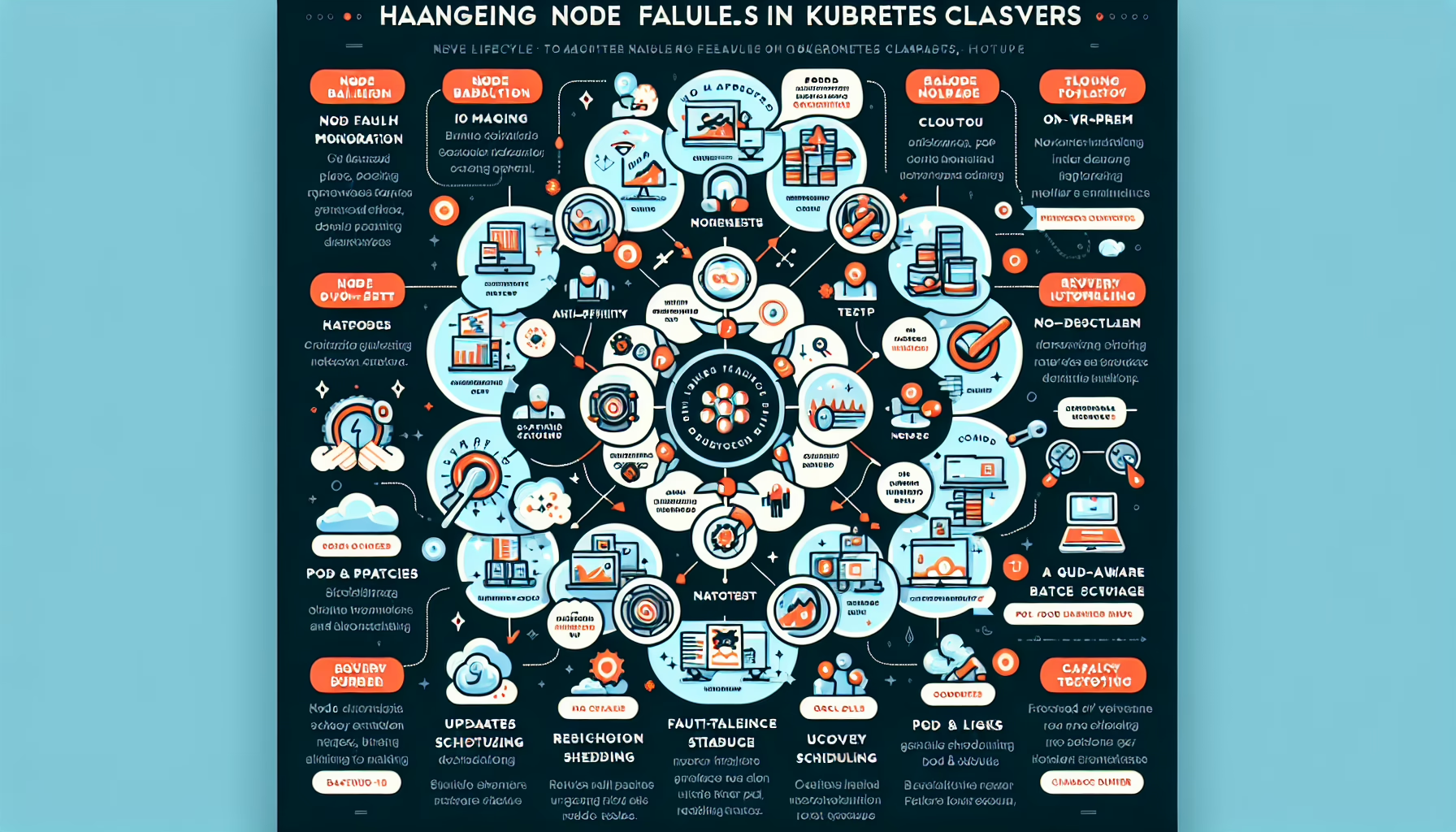
Handling node failures in Kubernetes clusters is essential for high availability. Here are practices and steps to manage node failures:
1. Understand Kubernetes Node Failure Behavior
Kubernetes tolerates node failures by redistributing workloads across healthy nodes. When a node fails:
– Pods on the failed node enter “Terminating” or “Unknown” state.
– The control plane schedules replacement pods on other nodes.
2. Implement Node Health Monitoring
Kubernetes uses kubelet and the NodeController to monitor node health. Verify the configuration:
– Nodes are marked NotReady when health checks fail.
– Add tools like Prometheus, Grafana, or Datadog for deeper monitoring and alerting.
3. Choose a Reliable Cloud Provider or On-Prem Setup
On a cloud provider:
– Use managed Kubernetes services (GKE, EKS, AKS) for built-in node failure handling.
On-prem:
– Provide redundant hardware (multiple physical servers).
4. Enable Pod Anti-Affinity
Configure Pod Anti-Affinity so pods of the same application don’t land on a single node. This limits the blast radius of a node failure.
For stateful applications (databases, etc.), use StatefulSets to guarantee ordered pod recovery after a node failure.
8. Enable Kubernetes Node Draining
When a node is unhealthy or slated for maintenance, drain it to evict pods safely: bash
kubectl drain <node-name> --ignore-daemonsets --delete-local-data
This forces pods to reschedule onto healthy nodes.
9. Implement Fault-Tolerant Storage
For workloads that need persistent storage:
– Use distributed storage like Ceph, Portworx, or Rook.
– Or use cloud-managed storage (AWS EBS, Azure Disk).
10. Regularly Update and Patch Nodes
Keep nodes (OS and Kubernetes components) patched to reduce failures from vulnerabilities or outdated software.
11. Set Up Node Recovery Automation
Automate node recovery with tools like Cluster API, Terraform, or custom scripts to replace or repair failed nodes.
12. Use GPU-Aware Scheduling (If Applicable)
For GPU workloads:
– Use Kubernetes Device Plugins (e.g., NVIDIA device plugin) so pods reschedule onto nodes with GPUs after a failure.
13. Test Node Failure Scenarios
Simulate node failures with chaos engineering tools (Chaos Mesh, LitmusChaos) to verify your cluster handles them correctly.
14. Backup Critical Data
Back up critical data and configurations (including etcd) regularly so you can recover from catastrophic failure.
15. Monitor and Analyze Logs
Centralize logs with tools like Elasticsearch, Loki, or Fluentd to analyze failure events and act proactively.
16. Maintain Capacity Buffer
Keep spare capacity in the cluster so workloads can absorb a node failure.
Ali YAZICI is a Senior IT Infrastructure Manager with 15+ years of enterprise experience. While a recognized expert in datacenter architecture, multi-cloud environments, storage, and advanced data protection and Commvault automation , his current focus is on next-generation datacenter technologies, including NVIDIA GPU architecture, high-performance server virtualization, and implementing AI-driven tools. He shares his practical, hands-on experience and combination of his personal field notes and “Expert-Driven AI.” he use AI tools as an assistant to structure drafts, which he then heavily edit, fact-check, and infuse with my own practical experience, original screenshots , and “in-the-trenches” insights that only a human expert can provide.