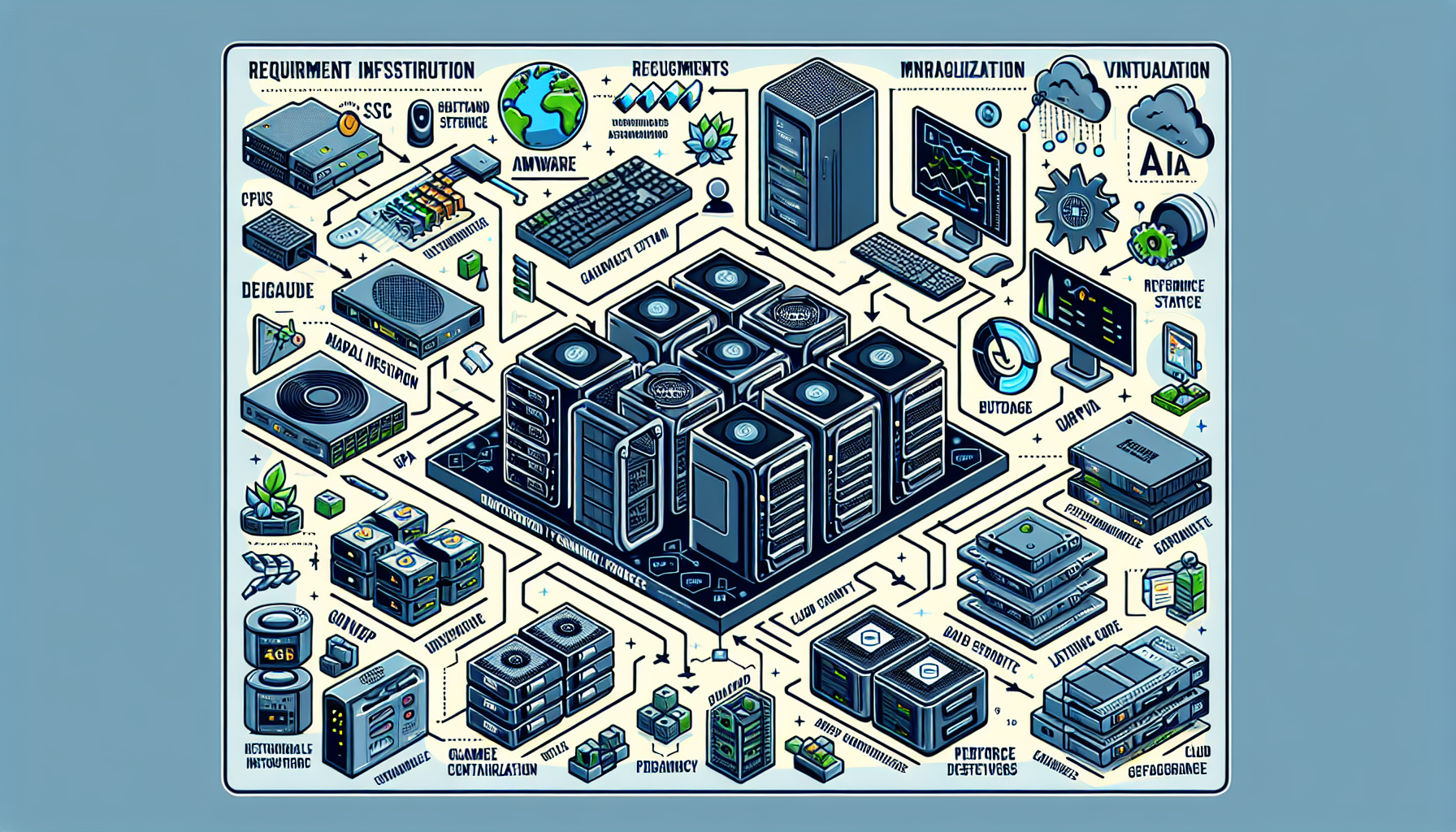
1. Define the Requirements
Before you provision anything, nail down the specifics:
- Workload type: Game development, testing, or hosting multiplayer servers.
- Performance targets: CPU, GPU, memory, storage, and network minimums.
- Scalability: Peak traffic during launches or events.
- Latency budget: What the game engine and netcode can tolerate.
- Budget: Where you can trade cost for performance without breaking the experience.
2. Design the Hardware Infrastructure
Gaming workloads are resource-intensive. Size the iron accordingly.
a. Servers
- Modern multi-threaded CPUs — AMD EPYC or Intel Xeon Scalable.
- RAM: 32 GB to 256 GB+ depending on workload.
- NVMe SSDs for low-latency storage.
b. GPUs
- For rendering, simulation, and AI: NVIDIA RTX A6000, A100, H100, or AMD Radeon PRO W7900.
- GPU-enabled servers for development pipelines, AI integration, and graphical workloads.
c. Networking
- Low-latency fabric: 10 GbE or 25 GbE switches with optimized routing.
- CDN for global delivery of game updates and assets.
d. Storage
- SSD-backed storage for high IOPS.
- Scalable back-end: NAS/SAN or distributed systems (Ceph, GlusterFS) for large asset libraries.
3. Virtualization and Containerization
Isolation and elasticity matter. Pick the right abstraction layer.
a. Virtualization
- VMware vSphere, Microsoft Hyper-V, or KVM for server virtualization.
- Dynamic resource allocation per workload.
b. Kubernetes
- Container orchestration for game server fleets, CI/CD pipelines, and AI model serving.
- Autoscaling to absorb launch-day spikes.
4. AI Integration
Modern titles lean on AI for NPCs, matchmaking, and procedural content.
- Frameworks: TensorFlow, PyTorch, or NVIDIA Triton Inference Server.
- GPU acceleration for training and inference.
- Package models in containers; deploy via Kubernetes or Docker Swarm.
5. Game Server Hosting
Multiplayer demands reliable, low-latency compute close to players.
a. Dedicated Game Servers
- Bare-metal or single-tenant instances for deterministic performance.
- Geographically distributed points of presence.
b. Managed Cloud Gaming
- AWS GameLift, Google Cloud Game Servers, or Azure PlayFab for managed fleets.
- Auto-scaling policies tied to player concurrency metrics.
c. Load Balancing
- Layer 4/7 balancers — HAProxy, NGINX, or cloud-native equivalents — to distribute player connections.
6. Backup and Disaster Recovery
Outages and data loss kill player trust.
- Backup: Veeam, Cohesity, or Commvault for game data and server configs.
- DR: Documented failover to a secondary site or cloud region with tested RPO/RTO.
7. Monitoring and Optimization
Instrument everything. React before players notice.
- Stack: Prometheus + Grafana, Nagios, or Zabbix for host, GPU, network, and application metrics.
- Tune based on observed CPU/GPU utilization, queue depths, and end-to-end latency.
8. Security
Gaming infrastructure is a high-value target.
- DDoS mitigation: Cloudflare, AWS Shield, Akamai, or on-prem scrubbing.
- Firewall and WAF: Properly configured perimeter and application-layer filtering.
- Encryption: TLS 1.2+ for all player data and control-plane traffic.
9. Scalability
Design for growth from day one.
- Cloud burst capacity (AWS, Azure, GCP) for unpredictable demand.
- Auto-scaling groups for game servers and stateless backend services.
- Microservices boundaries that let you scale hot paths independently.
10. Compliance
Map regulatory requirements to your data flows: GDPR, COPPA, regional data-sovereignty laws.
Example Infrastructure Design
| Component | Example Technology |
|---|---|
| Compute | High-performance servers with GPUs (e.g., NVIDIA A100) |
| Storage | NVMe SSDs, NAS/SAN, or cloud object storage |
| Networking | 10 GbE or 25 GbE with low-latency tuning |
| Virtualization | VMware, KVM, or Hyper-V |
| Orchestration | Kubernetes with Helm charts |
| AI | NVIDIA Triton, TensorFlow, or PyTorch |
| Game Hosting Platform | AWS GameLift, Google Cloud Game Servers, or Azure PlayFab |

Ali YAZICI is a Senior IT Infrastructure Manager with 15+ years of enterprise experience. While a recognized expert in datacenter architecture, multi-cloud environments, storage, and advanced data protection and Commvault automation , his current focus is on next-generation datacenter technologies, including NVIDIA GPU architecture, high-performance server virtualization, and implementing AI-driven tools. He shares his practical, hands-on experience and combination of his personal field notes and “Expert-Driven AI.” he use AI tools as an assistant to structure drafts, which he then heavily edit, fact-check, and infuse with my own practical experience, original screenshots , and “in-the-trenches” insights that only a human expert can provide.
If you found this content valuable, [support this ad-free work with a coffee]. Connect with him on [LinkedIn].
Related Posts:
