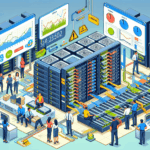
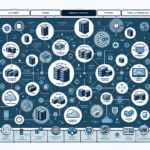
Monitoring server performance and resource utilization keeps systems running, prevents downtime, and lets you catch issues before they become outages. Here are the metrics to watch, the tools to use, and the practices that work.
Key Metrics to Monitor
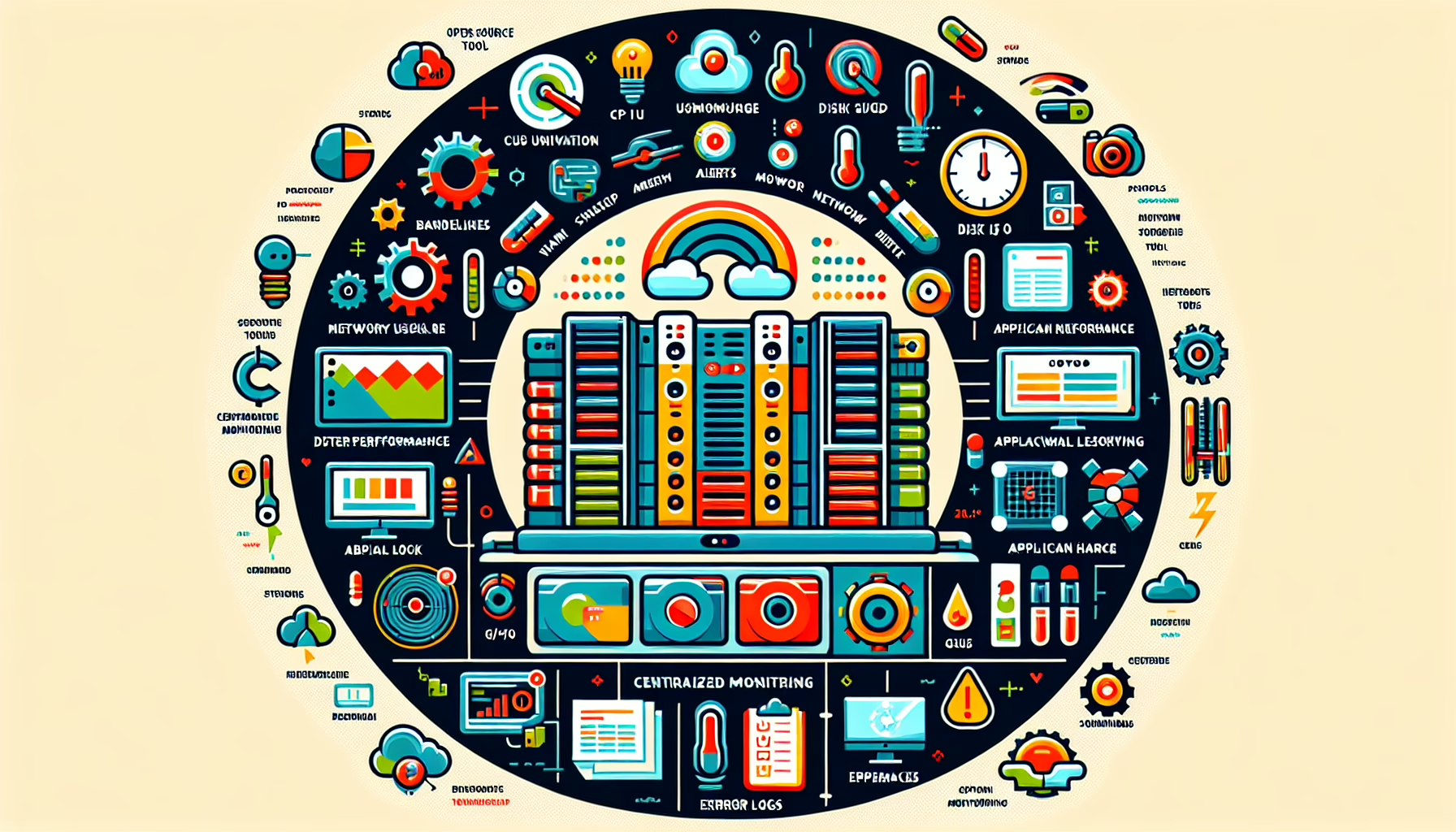
CPU Utilization — Watch for sustained high usage. Short spikes are normal; consistent saturation means a bottleneck.
Memory Usage — Track RAM so applications don’t starve. Look for leaks and systems running out of available memory.
Disk I/O — Monitor read/write operations, queue lengths, and latency. High queue depth or latency above 20 ms on spinning disks usually signals a problem.
Network Utilization — Measure bandwidth, latency, packet drops, and retransmissions. Saturation or high error rates need investigation.
Application Performance — Monitor the services running on the server. Response times, error rates, and throughput tell you more than host metrics alone.
Temperature and Power — Track hardware sensors to catch overheating or failing power supplies early.
GPU Utilization (if applicable) — For GPU-equipped servers, monitor usage, memory, and temperature with nvidia-smi or vendor tools.
Error Logs — Collect and alert on hardware failures, disk errors, and kernel messages.
Tools for Monitoring Server Performance
Open Source
Prometheus + Grafana — Prometheus scrapes metrics; Grafana builds dashboards. Standard for Kubernetes and container workloads.
Nagios — Mature, plugin-driven monitoring for servers, apps, and network gear. Alerting is flexible but configuration is verbose.
Zabbix — Scales to large environments with auto-discovery, distributed proxies, and built-in visualization.
Icinga — Nagios fork with a modern web UI and better API support.
Netdata — Lightweight, per-second metrics with zero-config dashboards. Good for quick visibility on individual hosts.
Commercial
SolarWinds Server & Application Monitor — Deep Windows/Linux coverage, application templates, and reporting.
Datadog — SaaS platform covering infrastructure, APM, and logs. Strong in hybrid and multi-cloud setups.
Dynatrace — Full-stack observability with automated dependency mapping.
VMware vRealize Operations — Purpose-built for vSphere environments and virtualized workloads.
Microsoft System Center Operations Manager (SCOM) — Deep Windows and Hyper-V integration, management packs for major Microsoft workloads.
Linux-Specific
htop — Interactive process viewer for CPU, memory, and swap.
iostat — CPU and block-device statistics (part of sysstat).
vmstat — System-wide memory, CPU, and I/O summary.
nmon — Single-screen snapshot of CPU, memory, disk, network, and kernel stats.
Windows-Specific
Task Manager — Quick real-time view of CPU, memory, disk, and network.
Performance Monitor (PerfMon) — Built-in counter logging and alerting for detailed analysis.
Resource Monitor — Real-time breakdown by process, service, and handle.
Best Practices
Set baselines. Capture normal ranges for each metric so anomalies are obvious.
Define alerts with thresholds. Example: CPU > 90% for 5 minutes, disk latency > 20 ms, memory available < 10%. Tune per workload.
Automate collection and alerting. Reduce manual checks; let the tooling page you.
Centralize visibility. Aggregate metrics into one dashboard (Grafana, Datadog, Zabbix frontend) instead of hopping between hosts.
Prioritize critical applications. Instrument the services that cost money when they’re down.
Audit regularly. Review dashboards, alert rules, and data retention quarterly. Remove stale checks and add coverage for new services.
Kubernetes and AI Workloads
For Kubernetes, deploy kube-state-metrics and the Prometheus node exporter on every node. Monitor pod resource requests/limits, container restarts, API server latency, and control-plane health. For AI/GPU workloads, add dcgm-exporter or scrape nvidia-smi output to track GPU utilization, memory, temperature, and power draw. Ensure your cooling and power budgets match the sustained load.
Ali YAZICI is a Senior IT Infrastructure Manager with 15+ years of enterprise experience. While a recognized expert in datacenter architecture, multi-cloud environments, storage, and advanced data protection and Commvault automation , his current focus is on next-generation datacenter technologies, including NVIDIA GPU architecture, high-performance server virtualization, and implementing AI-driven tools. He shares his practical, hands-on experience and combination of his personal field notes and “Expert-Driven AI.” he use AI tools as an assistant to structure drafts, which he then heavily edit, fact-check, and infuse with my own practical experience, original screenshots , and “in-the-trenches” insights that only a human expert can provide.