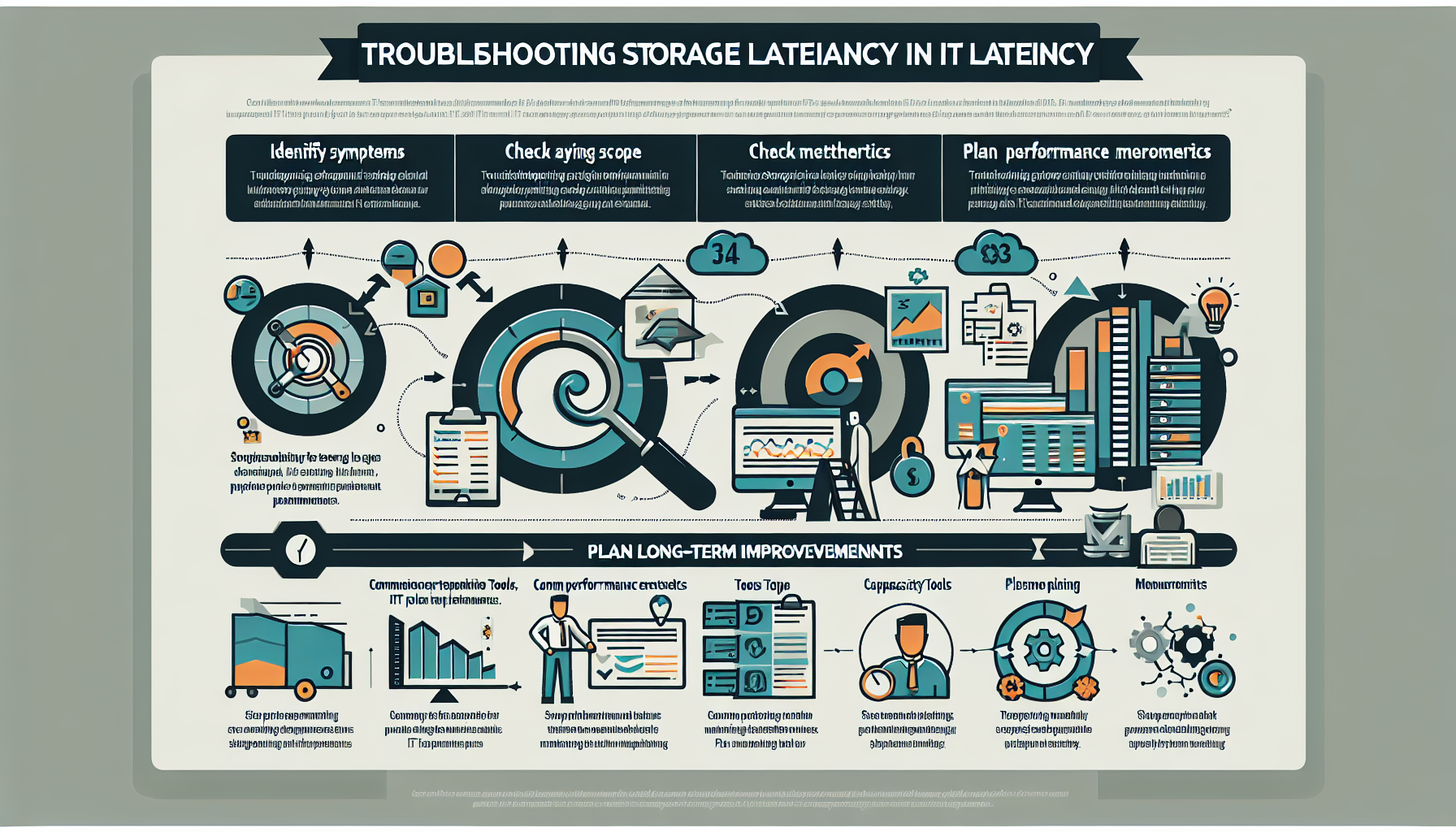
Correlate latency spikes with specific workloads — large file transfers, database checkpoints, batch jobs.
Look for sudden IOPS or throughput increases during peak periods.
Verify the application is configured for the storage type (block, file, object). Misaligned I/O sizes kill performance.
4. Investigate Storage Hardware
Run diagnostics on SSDs, HDDs, and NVMe drives. Check for hardware failures, wear-out, or media errors.
Confirm no RAID rebuilds or degraded arrays are running.
Check controller CPU and cache utilization. Overloaded or misconfigured controllers are a common bottleneck.
Update firmware on drives, controllers, and HBAs. Many latency bugs are fixed in firmware.
5. Review Storage Network
Look for bandwidth saturation or misconfigured switches on the storage fabric.
Inspect cables and connectors (FC, Ethernet, InfiniBand) for physical faults — bad optics or bent pins cause intermittent errors.
Validate SAN zoning and LUN masking. Wrong zoning can cause path thrashing.
If running iSCSI or NFS over 10 GbE or faster, enable jumbo frames end-to-end — hosts, switches, array.
6. Analyze Virtualization Layer (if applicable)
Check VM storage policies against the underlying storage capabilities. Misaligned policies cause extra I/O.
Monitor datastore latency in vSphere, Hyper-V, or your platform. Consistently >20 ms on a datastore warrants investigation.
Watch for storage vMotion, snapshot creation, or backup snapshots adding load during production hours.
Thin-provisioned disks can cause latency spikes when they expand under load. Pre-allocate if the workload is sensitive.
7. Optimize Storage Configuration
Tier hot data to SSDs or NVMe; move cold data to capacity tiers.
Tune read/write caching on controllers. Disable write cache on volumes that can’t tolerate data loss without a battery-backed cache.
Deduplication and compression save space but consume CPU. Disable or schedule them if they’re causing latency under load.
8. Monitor Backup and Replication Activities
Schedule backups and replication outside peak production windows.
Clean up old snapshots and clones. Excessive snapshots degrade performance on many arrays.
Ensure replication links have dedicated bandwidth and aren’t saturating the storage controllers.
9. Leverage Vendor Tools and Support
Run vendor diagnostics: Dell EMC Unisphere, NetApp Active IQ, HPE InfoSight, Pure Storage Purity, etc.
Review storage-system logs for error messages, retries, or performance warnings.
Open a support case if the issue points to hardware or firmware. Vendors have deeper telemetry than you do.
10. Plan Long-Term Improvements
Capacity-plan for current and projected workloads. Don’t wait until you’re at 85% utilization.
Evaluate upgrades: NVMe, all-flash arrays, or hybrid configurations matched to your workload profile.
Consider architectural changes — storage clustering, distributed systems like Ceph, or Kubernetes Persistent Volumes — if you need horizontal scalability.
Ali YAZICI is a Senior IT Infrastructure Manager with 15+ years of enterprise experience. While a recognized expert in datacenter architecture, multi-cloud environments, storage, and advanced data protection and Commvault automation , his current focus is on next-generation datacenter technologies, including NVIDIA GPU architecture, high-performance server virtualization, and implementing AI-driven tools. He shares his practical, hands-on experience and combination of his personal field notes and “Expert-Driven AI.” he use AI tools as an assistant to structure drafts, which he then heavily edit, fact-check, and infuse with my own practical experience, original screenshots , and “in-the-trenches” insights that only a human expert can provide.