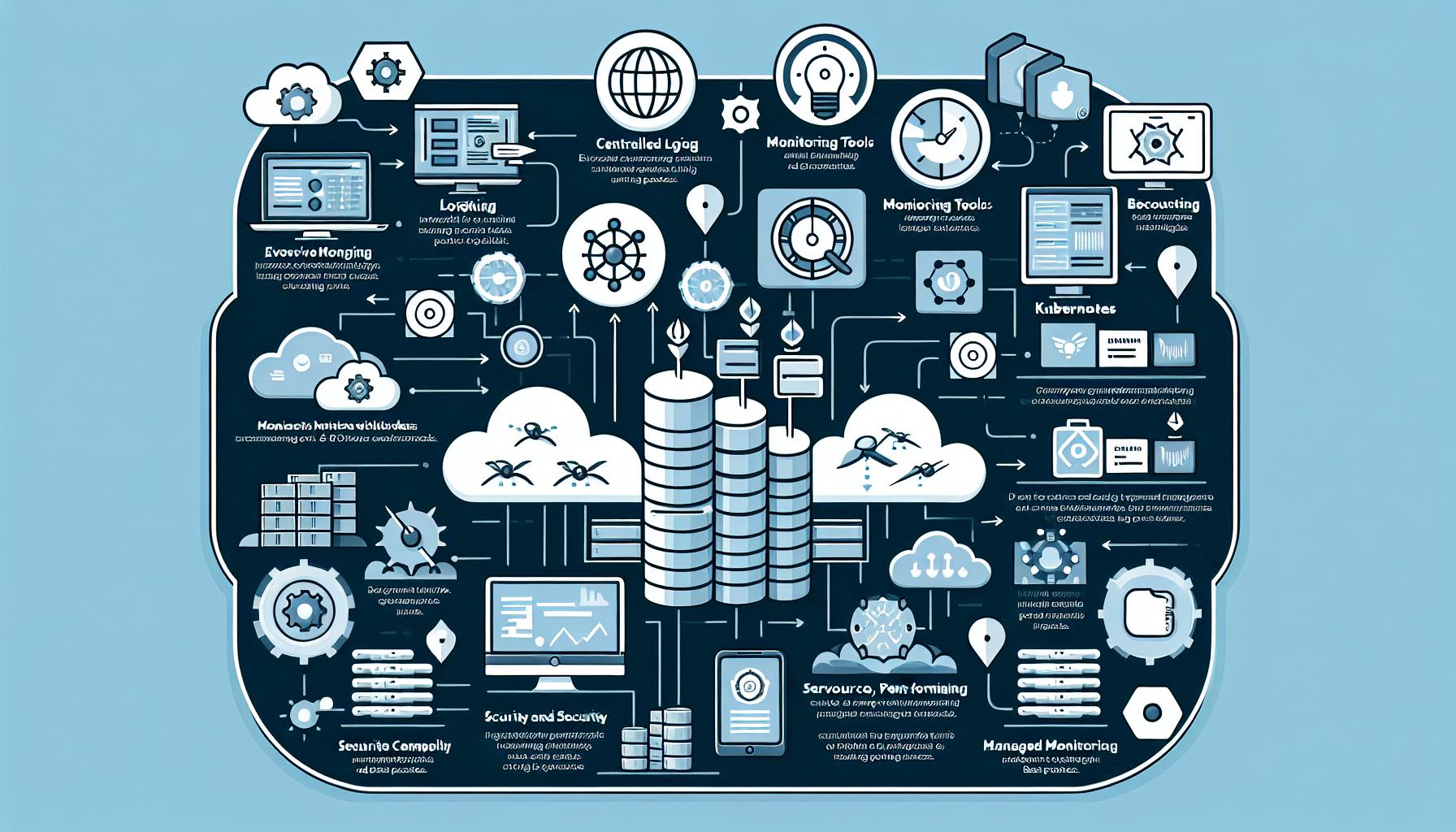
How do I monitor and log Kubernetes workloads effectively?

Monitoring and logging Kubernetes workloads effectively is crucial for ensuring the availability, performance, and security of your applications.


1. Set Up a Centralized Logging Solution

Kubernetes workloads generate logs from applications, containers, and the control plane. Centralizing these logs is critical for efficient management and troubleshooting.

  • ELK Stack (Elasticsearch, Logstash, Kibana): log aggregation, indexing, and visualization.
  • Fluentd/Fluent Bit: lightweight log forwarders that collect logs from Kubernetes nodes and send them to a centralized log store.
  • Loki (by Grafana): log aggregation optimized for Kubernetes, integrates with Grafana for visualization.
  • Cloud logging: if you’re on a cloud platform (GCP, AWS, Azure), use their native solutions (Google Cloud Logging, AWS CloudWatch, Azure Monitor).

Setup steps:

  • Deploy a logging agent (Fluentd or Fluent Bit) as a DaemonSet to collect logs from all nodes.
  • Configure the agent to ship logs to your backend (Elasticsearch, Loki, or a cloud logging service).
  • Use labels and filters to organize logs by namespace, pod, or container.

2. Implement Monitoring

Monitoring gives you insight into the health, performance, and resource consumption of your Kubernetes workloads.

  • Prometheus and Grafana: Prometheus is the standard for monitoring Kubernetes clusters. Combine it with Grafana for visualization.
  • Kubernetes Metrics Server: provides resource usage metrics like CPU and memory consumption.
  • Datadog, New Relic, or Dynatrace: commercial full-stack observability platforms with Kubernetes integrations.

Setup steps:

  • Deploy Prometheus using Helm or the Prometheus Operator.
  • Configure Prometheus to scrape metrics from Kubernetes components (kube-apiserver, kube-scheduler) and workloads.
  • Visualize metrics in Grafana using pre-built dashboards or custom queries.
  • Set up alerts in Prometheus or Grafana to notify you of issues (high CPU usage, pod restarts).

3. Enable Kubernetes Native Tools

Kubernetes provides built-in tools for basic monitoring and logging.

  • kubectl logs: view logs from individual pods.
    bash
    kubectl logs <pod-name>
  • kubectl top: view resource usage of nodes and pods.
    bash
    kubectl top pod
    kubectl top node
  • Kubernetes Events: use kubectl get events to see important cluster events (pod failures, scaling events).

These tools are useful for quick checks, but not sufficient for long-term monitoring or centralized logging.


4. Use Application Performance Monitoring (APM)

For complex, distributed applications, you need deeper visibility into application performance.

  • Jaeger: distributed tracing for microservices architectures.
  • OpenTelemetry: collects traces, logs, and metrics for modern applications.
  • Istio or Linkerd: service meshes that provide observability for service-to-service communication.

Setup steps:

  • Instrument your applications with tracing libraries (OpenTelemetry SDK).
  • Deploy a tracing backend like Jaeger or Zipkin.
  • Visualize traces to analyze latency, bottlenecks, and dependencies.

5. Monitor Security and Policy Compliance

Security monitoring detects and responds to threats in your Kubernetes environment.

  • Falco: runtime security tool that detects abnormal behaviors in Kubernetes workloads.
  • Kube-bench: checks your cluster against Kubernetes security best practices (CIS benchmarks).
  • Aqua Trivy: scans container images for vulnerabilities.

Setup steps:

  • Deploy Falco as a DaemonSet to monitor runtime behavior.
  • Run Kube-bench regularly to ensure compliance with security benchmarks.
  • Scan all container images with Trivy before deployment.

6. Optimize Observability with Labels and Annotations

Labels and annotations are critical for organizing and querying logs, metrics, and events.

  • Add meaningful labels to your workloads (e.g., app=frontend, env=prod).
  • Use annotations for metadata like application version or contact information.

7. Automate Alerts and Notifications

Set up alerts to be notified proactively about issues.

  • Prometheus Alertmanager: define rules to trigger alerts based on metric thresholds.
  • Third-party integrations: send alerts to Slack, Microsoft Teams, or PagerDuty.

8. Monitor Kubernetes Control Plane

Don’t overlook the health of the control plane itself.

  • Metrics to monitor:
  • API server latency and request rates.
  • Scheduler performance.
  • ETCD health and disk usage.
  • Use Prometheus or cloud-native tools to monitor these components.

9. Monitor Cluster Resource Utilization

Keep an eye on cluster-wide resource usage to prevent over-provisioning or resource starvation.

  • Kube-state-metrics: exposes Kubernetes resource states as Prometheus metrics.
  • Vertical Pod Autoscaler (VPA): automatically adjusts resource requests for pods.
  • Cluster Autoscaler: adds or removes nodes based on workload demands.

10. Consider Managed Monitoring Solutions

If you don’t have the resources to manage monitoring and logging in-house, consider managed services:

  • Google Cloud Operations Suite
  • AWS CloudWatch Container Insights
  • Azure Monitor for Containers

Best Practices

  • Retention policies: define log and metric retention periods to balance cost and compliance.
  • Dashboards: create dashboards for key workloads, namespaces, and cluster components.
  • Testing: regularly test your monitoring and alerting setup to ensure it works in real incidents.
  • RBAC: secure your monitoring and logging tools with proper role-based access control.

Liked this briefing? Get it in your inbox

Every morning: the stories that make tech leaders act, with official clips and primary sources. Free, 5-minute read.

Free. One click to unsubscribe. We never share your email. Privacy

How do I monitor and log Kubernetes workloads effectively?

Leave a Reply

Your email address will not be published. Required fields are marked *

This site uses Akismet to reduce spam. Learn how your comment data is processed.

Scroll to top