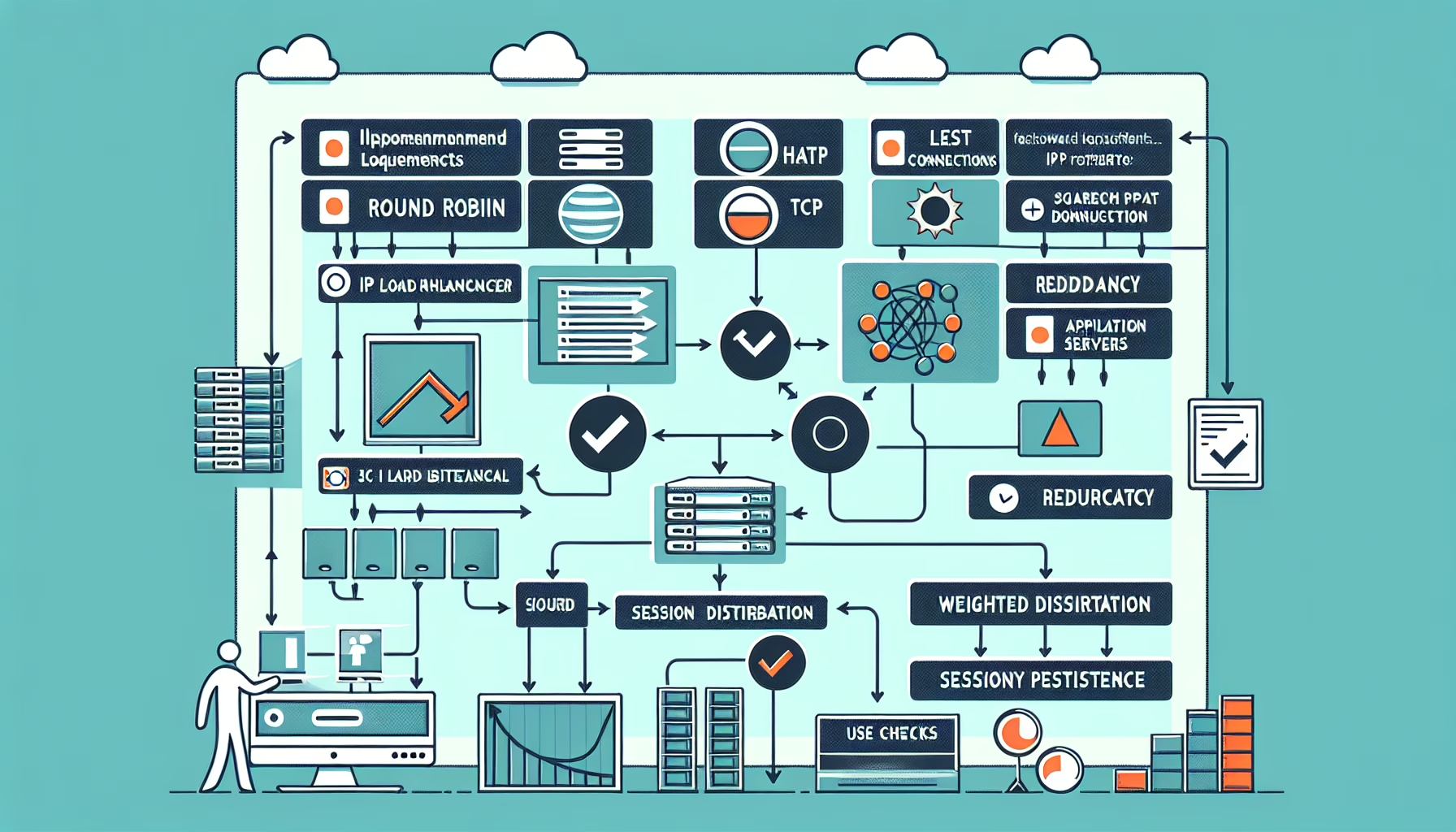
Follow these steps to configure a load balancer for your web application:
1. Define Your Load Balancing Strategy
Decide on the load-balancing method based on your application’s requirements:
– Round Robin: Distributes requests sequentially across servers.
– Least Connections: Routes traffic to the server with the fewest active connections.
– IP Hash: Routes traffic based on a hash of the client’s IP address.
– Weighted Distribution: Assigns weights to servers based on their capacity.
2. Choose a Load Balancer Type
Hardware Load Balancer: Dedicated appliances for high-performance environments.
Software Load Balancer: Software-based solutions like HAProxy, NGINX, or Apache Traffic Server.
Cloud Load Balancer: Managed services like AWS Elastic Load Balancer (ELB), Azure Load Balancer, or Google Cloud Load Balancer.
3. Provision the Load Balancer
On-Premise: Deploy and configure hardware/software load balancers within your datacenter.
Cloud: Use your cloud provider’s native load balancer service.
4. Configure the Backend Server Pool
Define the servers that the load balancer will distribute traffic to:
– Add Backend Servers: Specify the IP addresses or FQDNs of your web servers.
– Health Checks: Configure periodic health checks to ensure servers are operational. Common checks include HTTP(S) status codes, response times, or TCP connectivity.
5. Set Up the Frontend Configuration
Listener Configuration: Define how the load balancer listens for incoming traffic. Specify the protocol (HTTP, HTTPS, TCP) and port.
SSL/TLS Configuration: If using HTTPS, configure SSL certificates on the load balancer for encrypted communication. Use Let’s Encrypt or import custom certificates.
6. Configure Session Persistence (Optional)
If your application requires sticky sessions (e.g., for user authentication or shopping carts), enable session persistence. This can be done via cookies or IP-based persistence.
7. Configure DNS
Point your domain name to the load balancer’s public IP or DNS name.
Use a global DNS service like AWS Route 53 or Cloudflare to manage traffic across regions if you have multi-region deployments.
8. Enable Autoscaling (For Cloud Environments)
If using a cloud provider, integrate the load balancer with an autoscaling group to automatically add or remove servers based on traffic patterns.
9. Optimize and Monitor Performance
Logging: Enable logging to track traffic and errors.
Monitoring: Use monitoring tools like Prometheus, Grafana, or cloud-native solutions (CloudWatch, Azure Monitor) to monitor load balancer performance.
Testing: Perform load testing using tools like Apache JMeter, Locust, or k6 to ensure the configuration can handle expected traffic.
10. Security Considerations
Firewall Rules: Restrict access to only necessary ports (e.g., 80, 443).
DDoS Protection: Use tools like AWS Shield, Cloudflare DDoS Protection, or Azure DDoS Protection.
WAF (Web Application Firewall): Configure a WAF to protect against common web threats like SQL injection or cross-site scripting.
11. High Availability
Failover: Deploy multiple load balancers in active-passive or active-active mode.
Redundancy: Use multiple availability zones or regions to avoid single points of failure.
Ali YAZICI is a Senior IT Infrastructure Manager with 15+ years of enterprise experience. While a recognized expert in datacenter architecture, multi-cloud environments, storage, and advanced data protection and Commvault automation , his current focus is on next-generation datacenter technologies, including NVIDIA GPU architecture, high-performance server virtualization, and implementing AI-driven tools. He shares his practical, hands-on experience and combination of his personal field notes and “Expert-Driven AI.” he use AI tools as an assistant to structure drafts, which he then heavily edit, fact-check, and infuse with my own practical experience, original screenshots , and “in-the-trenches” insights that only a human expert can provide.