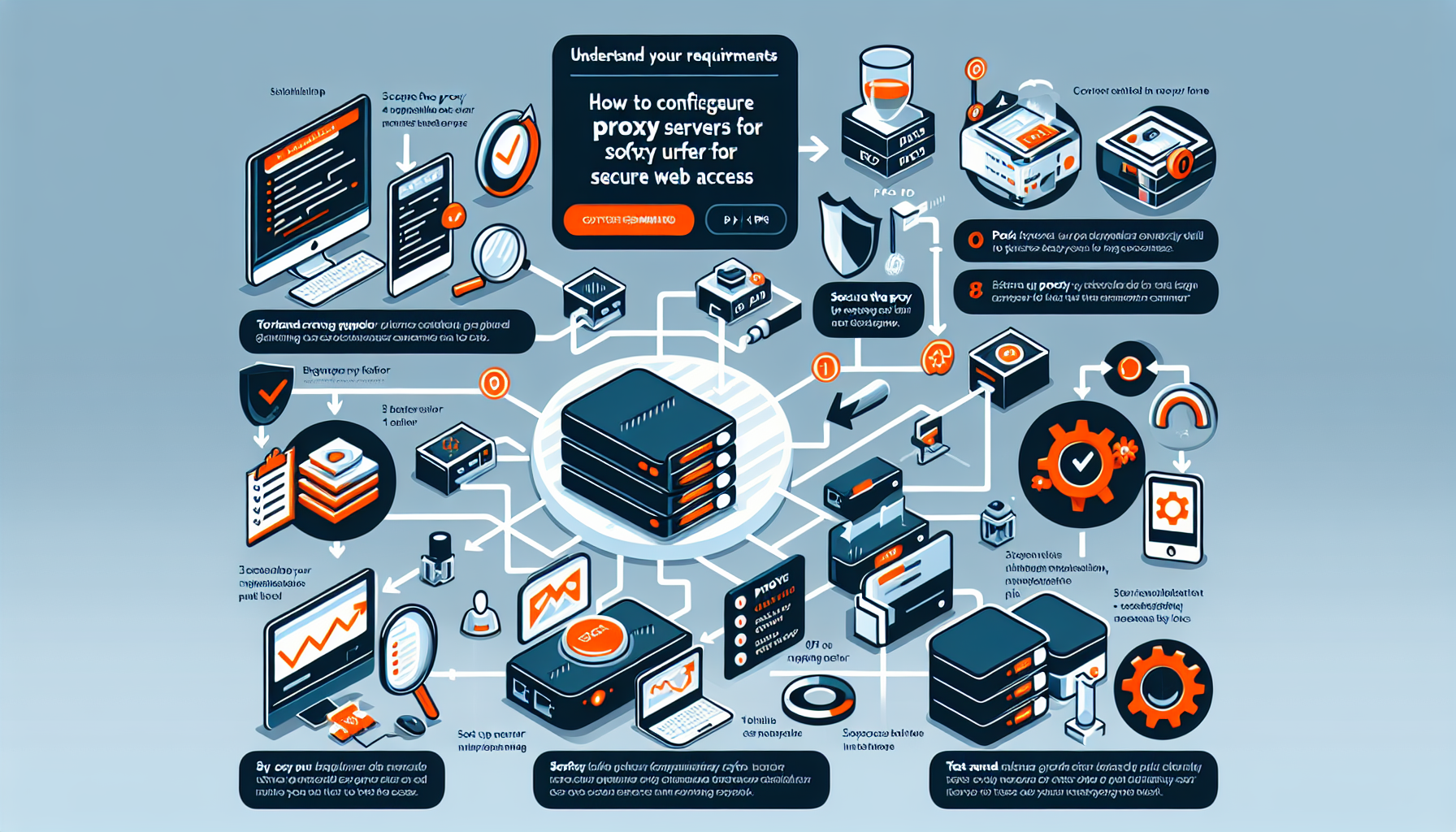
Configuring proxy servers for secure web access involves several steps to ensure proper functionality and security. Here is a detailed guide tailored to an IT manager like yourself:
1. Understand Your Requirements
Before configuring a proxy server:
– Define the use case: Is it for web filtering, caching, anonymity, or improved security?
– Determine the scope: Will it serve a single application, a department, or the entire organization?
– Decide on the type of proxy: Forward proxy (client-side) or reverse proxy (server-side).
2. Choose the Right Proxy Server Software
Select a proxy solution that meets your requirements. Popular choices include:
– Squid: Open-source caching proxy for web content.
– NGINX: Lightweight, high-performance reverse proxy.
– HAProxy: Reliable load balancer and reverse proxy.
– Apache Traffic Server: High-performance proxy.
– Cloud-based proxies: Zscaler, Palo Alto Prisma Access, etc.
3. Install the Proxy Server
Linux-based systems: Use your package manager (e.g., apt for Debian/Ubuntu, yum for CentOS/RHEL) to install the software. bash
sudo apt install squid
Windows-based systems: Use installers or virtual appliances.
Dockerized proxies: Deploy using Docker for easier maintenance. bash
docker run -d --name squid-proxy -p 3128:3128 sameersbn/squid
4. Configure the Proxy Server
a) Define Access Rules
Edit the configuration file (e.g., /etc/squid/squid.conf for Squid or nginx.conf for NGINX).
Set up access and error logs for monitoring usage and diagnosing issues. bash
access_log /var/log/squid/access.log;
error_log /var/log/squid/error.log;
d) Optimize Performance
Configure caching to reduce bandwidth usage.
Tune memory and disk settings for large-scale deployments.
5. Secure the Proxy Server
Firewall rules: Restrict access to the proxy port (e.g., 3128 for Squid) to internal IPs or trusted networks.
Authentication: Use LDAP, Kerberos, or local user-based authentication to restrict access.
Encryption: Force HTTPS (SSL/TLS) for all traffic.
Regular updates: Keep the proxy software and underlying OS patched.
6. Configure Clients
Point client devices or browsers to the proxy server:
Manual configuration: Set the proxy IP and port in the browser or application.
Automatic configuration: Deploy a PAC (Proxy Auto-Config) file or use WPAD (Web Proxy Auto-Discovery Protocol). javascript
function FindProxyForURL(url, host) {
if (isInNet(host, "192.168.1.0", "255.255.255.0")) {
return "PROXY 192.168.1.1:3128";
} else {
return "DIRECT";
}
}
For large organizations, configure proxy settings via Group Policy (Windows) or MDM (Mac/Linux).
7. Test the Proxy
Verify that the proxy filters traffic and enforces rules.
Check logs for anomalies or errors.
Use tools like curl or a browser to test connectivity: bash
curl -x http://192.168.1.1:3128 -L https://example.com
8. Monitor and Maintain
Regularly review logs for suspicious activity.
Monitor performance and resource usage (CPU, memory, disk, and network).
Update proxy configurations as organizational needs evolve.
Perform periodic penetration testing to ensure security.
9. Integration with Security Systems
Integrate the proxy with your SIEM (Security Information and Event Management) system for real-time monitoring and alerting.
Use a DLP (Data Loss Prevention) solution to prevent sensitive data from being leaked through the proxy.
By following these steps, you can configure a secure and efficient proxy server that meets your organization’s needs. If you need more guidance on specific tools or features, let me know!
Ali YAZICI is a Senior IT Infrastructure Manager with 15+ years of enterprise experience. While a recognized expert in datacenter architecture, multi-cloud environments, storage, and advanced data protection and Commvault automation , his current focus is on next-generation datacenter technologies, including NVIDIA GPU architecture, high-performance server virtualization, and implementing AI-driven tools. He shares his practical, hands-on experience and combination of his personal field notes and “Expert-Driven AI.” he use AI tools as an assistant to structure drafts, which he then heavily edit, fact-check, and infuse with my own practical experience, original screenshots , and “in-the-trenches” insights that only a human expert can provide.