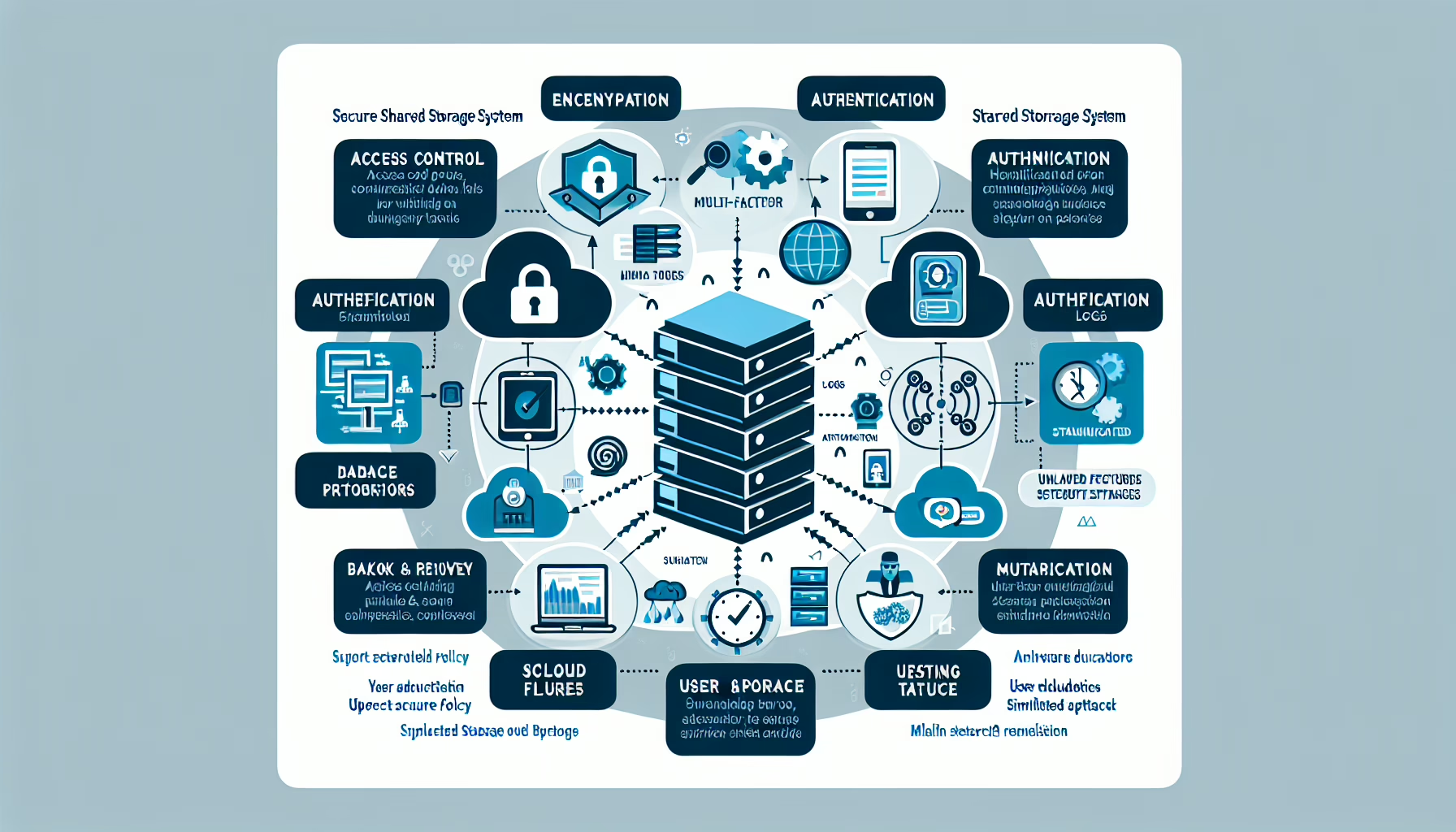
Phishing defense works best as a layered stack: technical controls, process, and user awareness. Here’s how to build it.
1. User Awareness and Training
Run periodic training so employees can spot suspicious links, fake login pages, and urgency tactics.
Send simulated phishing emails to find gaps and reinforce the training.
Add a simple “Report Phishing” button in the email client so reporting takes one click.
2. Email Security Measures
Deploy an email security gateway that scans for malicious attachments, links, and spoofed sender domains.
Enable spam filtering to catch bulk junk before it reaches inboxes.
Configure DMARC, SPF, and DKIM to prevent domain spoofing and verify sender legitimacy.
Use URL rewriting and time-of-click analysis to catch links that turn malicious after delivery.
3. Endpoint Security
Install endpoint detection and response (EDR) that blocks phishing payloads and malicious scripts.
Monitor endpoints for suspicious process chains or network connections triggered by clicked links.
Enforce URL filtering to block known phishing sites at the DNS or proxy layer.
4. Multi-Factor Authentication (MFA)
Require MFA on all critical systems, email, and VPN. Push-number or FIDO2 keys are preferable to SMS.
5. Zero Trust Access
Verify every access request regardless of network location. Enforce device health checks and least-privilege tokens before granting access to resources.
6. Network Security
Block outbound traffic to known malicious domains at the firewall.
Run IDS/IPS signatures tuned for phishing kit callbacks and credential harvesting.
Use DNS filtering (e.g., RPZ or a secure DNS provider) to sinkhole malicious domains.
7. Patch Management
Keep browsers, email clients, OS, and plugins current. Phishing often exploits known vulns in outdated software.
8. Backup and Recovery
Back up critical data on a schedule tested for restore integrity.
Keep at least one offline or immutable backup copy so ransomware can’t encrypt it.
Document and drill a recovery plan that includes phishing-triggered ransomware scenarios.
9. Access Control
Enforce least privilege: users get only the permissions their role requires.
Implement RBAC and segment administrative access so a compromised low-privilege account can’t pivot to domain admin.
10. Secure Collaboration Tools
Monitor internal chat and file-sharing platforms for credential-phishing links and social-engineering attempts.
Restrict external sharing to approved domains and require approval for guest access.
11. Monitoring and Incident Response
Feed email gateway, proxy, EDR, and authentication logs into a SIEM for correlation.
Maintain a runbook for phishing incidents: isolate the endpoint, reset credentials, block IOCs, and notify affected users.
12. Test Your Defenses
Run regular red-team or purple-team exercises focused on phishing entry points. Measure click rates, credential capture, and time-to-detect.
13. Threat Intelligence
Subscribe to feeds that track active phishing kits, typo-squatted domains, and campaign IOCs. Automate blocklist updates where possible.
Ali YAZICI is a Senior IT Infrastructure Manager with 15+ years of enterprise experience. While a recognized expert in datacenter architecture, multi-cloud environments, storage, and advanced data protection and Commvault automation , his current focus is on next-generation datacenter technologies, including NVIDIA GPU architecture, high-performance server virtualization, and implementing AI-driven tools. He shares his practical, hands-on experience and combination of his personal field notes and “Expert-Driven AI.” he use AI tools as an assistant to structure drafts, which he then heavily edit, fact-check, and infuse with my own practical experience, original screenshots , and “in-the-trenches” insights that only a human expert can provide.