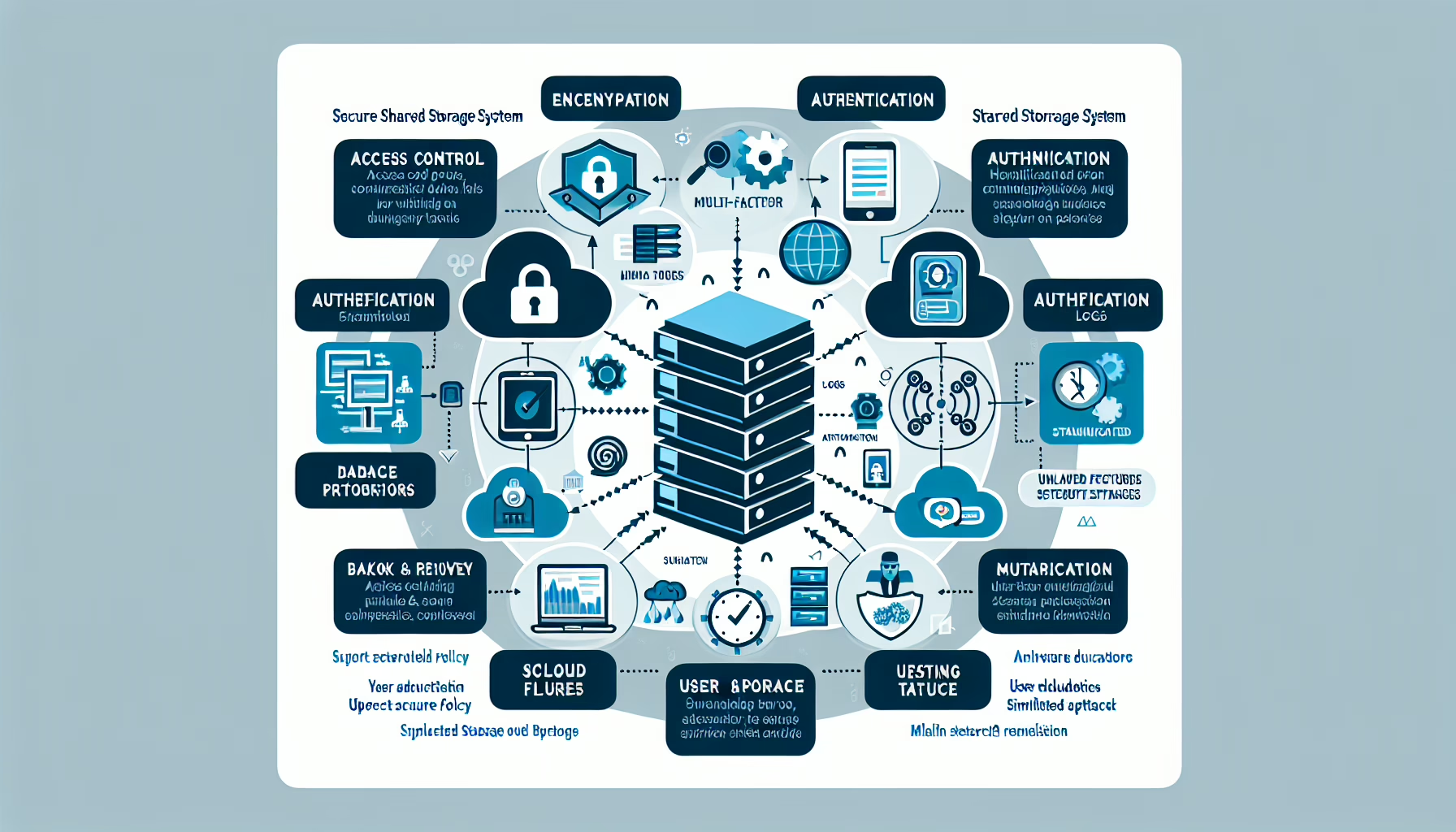
Securing data on shared storage systems prevents unauthorized access, data loss, and corruption. Here are the key practices:
1. Implement Access Control Policies
- Role-Based Access Control (RBAC): Assign permissions based on roles so users only access the data they need.
- Least Privilege Principle: Limit access rights to the minimum required for users or services to perform their tasks.
- Access Auditing: Regularly review and audit access permissions to prevent privilege creep.
2. Enable Encryption
- At-Rest Encryption: Encrypt data at rest with strong algorithms (e.g., AES-256).
- In-Transit Encryption: Encrypt data in transit with TLS or HTTPS.
- Hardware-Level Encryption: Use hardware encryption features in storage arrays or appliances where available.
3. Use Authentication and Authorization
- Strong Passwords: Enforce strong passwords with complexity requirements and regular rotation.
- Multi-Factor Authentication (MFA): Require MFA for storage system access.
- Centralized Identity Management: Centralize authentication with Active Directory, LDAP, or an IAM solution.
4. Isolate Sensitive Data
- Data Segmentation: Store sensitive data on separate volumes or shares with stricter access controls.
- Network Segmentation: Isolate storage traffic with VLANs or firewalls to limit exposure.
5. Implement Backup and Recovery Plans
- Regular Backups: Schedule frequent backups so you can recover from corruption or ransomware.
- Offsite Storage: Keep backup copies offsite or in cloud storage for redundancy.
- Immutable Backups: Use WORM storage for critical backups to prevent tampering.
6. Monitor and Audit Activity
- Log Management: Enable logging for access attempts, changes, and file operations.
- Anomaly Detection: Deploy anomaly detection to flag unusual behavior.
- Compliance Reporting: Audit logs regularly for compliance with GDPR, HIPAA, PCI-DSS, etc.
7. Apply Regular Updates and Patches
- Firmware Updates: Keep storage firmware current to patch vulnerabilities.
- OS and Software Patching: Patch the OS and management software regularly.
- Security Configuration: Harden the storage configuration: disable unused services and ports.
8. Protect Against Malware and Ransomware
- Endpoint Security: Run antivirus and anti-malware on every endpoint that accesses shared storage.
- Ransomware Protection: Enable built-in ransomware detection on the storage array if available.
- Snapshots: Take frequent snapshots so you can roll back quickly after an attack.
9. Leverage Advanced Storage Security Features
- Data Deduplication and Compression: Secure deduplication and compression features to prevent data exposure.
- Access Quotas: Set storage quotas to prevent abuse or accidental overuse.
- Object Storage Policies: For object storage, enforce bucket policies and ACLs for fine-grained control.
10. Educate Users
- Training: Run regular security awareness training for anyone with storage access.
- Phishing Awareness: Teach users to spot phishing and handle suspicious links.
- Acceptable Use Policy: Enforce an acceptable-use policy for shared storage.
11. Use Advanced Security Tools
- Data Loss Prevention (DLP): Deploy DLP to monitor, classify, and protect sensitive data.
- Encryption Key Management: Manage encryption keys with a dedicated key management system.
- Storage Security Software: Consider third-party storage security tools for additional coverage.
12. Regularly Test Security Measures
- Penetration Testing: Run periodic penetration tests against the storage environment.
- Simulated Attacks: Simulate common attacks (brute force, malware) to test defenses.
- Disaster Recovery Tests: Test disaster recovery regularly to verify backups and restore procedures work.
Tailor these measures to your data’s criticality and compliance requirements.

Ali YAZICI is a Senior IT Infrastructure Manager with 15+ years of enterprise experience. While a recognized expert in datacenter architecture, multi-cloud environments, storage, and advanced data protection and Commvault automation , his current focus is on next-generation datacenter technologies, including NVIDIA GPU architecture, high-performance server virtualization, and implementing AI-driven tools. He shares his practical, hands-on experience and combination of his personal field notes and “Expert-Driven AI.” he use AI tools as an assistant to structure drafts, which he then heavily edit, fact-check, and infuse with my own practical experience, original screenshots , and “in-the-trenches” insights that only a human expert can provide.
If you found this content valuable, [support this ad-free work with a coffee]. Connect with him on [LinkedIn].
Related Posts: