A secure email gateway (SEG) sits between your mail infrastructure and the internet, inspecting inbound and outbound mail for phishing, malware, spam, and data loss. Here is how to deploy one for an enterprise environment.
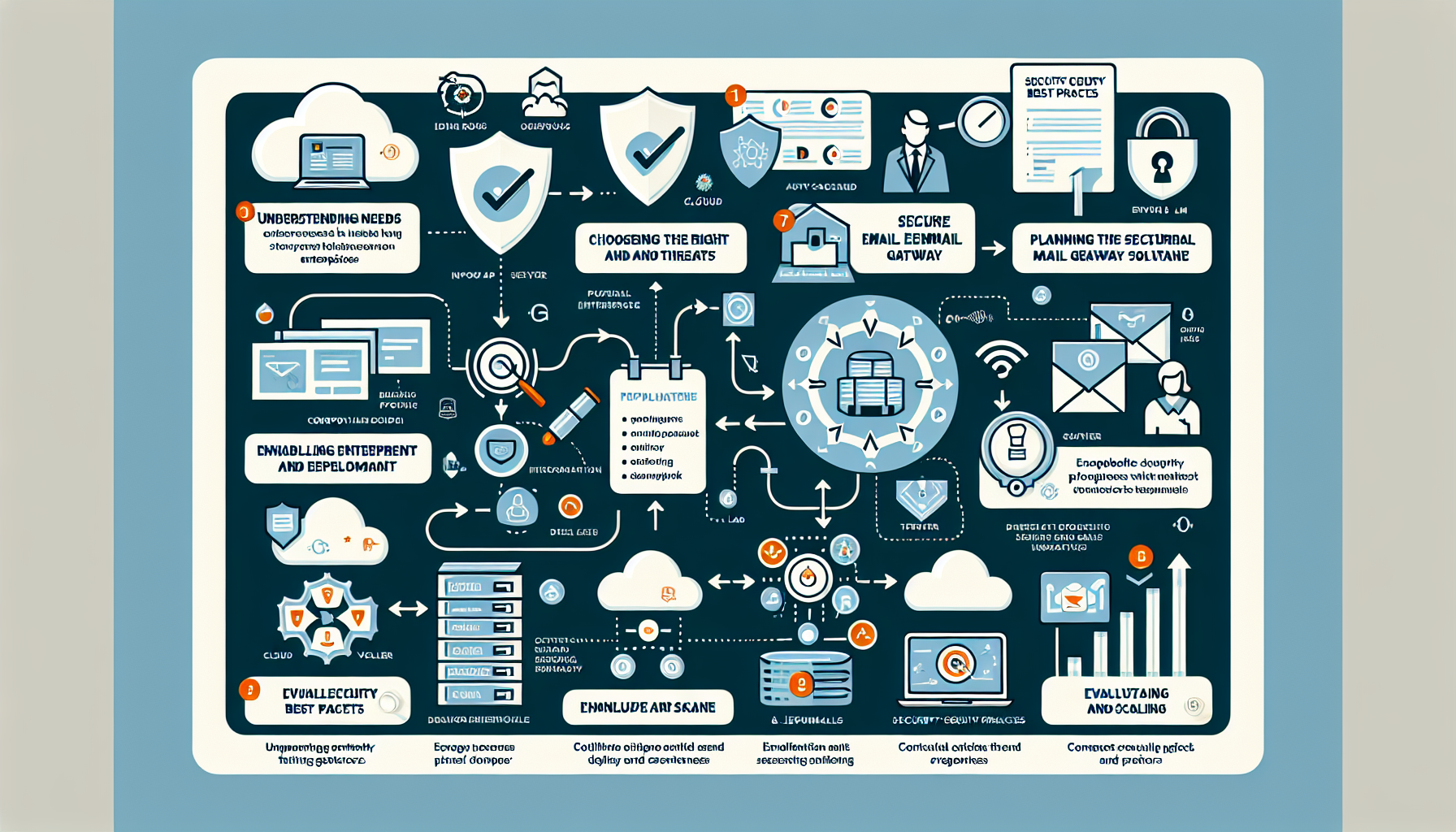
1. Understand Enterprise Needs and Threats
Identify the specific email security risks your organization faces: phishing, business email compromise (BEC), advanced persistent threats (APTs).
Map compliance requirements (GDPR, HIPAA, PCI DSS) that mandate email security and data protection.
Factor in organization size, email volume, and projected growth so the solution scales.
2. Choose the Right Secure Email Gateway Solution
Deployment options:
Cloud-based (SaaS): Proofpoint, Mimecast, Microsoft Defender for Office 365.
On-premise: Hardware or software appliances in your data center.
Hybrid: Combination of both for flexibility and redundancy.
Core features to evaluate:
Anti-malware and anti-phishing with real-time detection.
Spam filtering that minimizes false positives and negatives.
Data Loss Prevention (DLP) to stop sensitive data exfiltration.
Encryption for sensitive communications.
Sandboxing to analyze suspicious attachments in isolation.
SIEM/SOAR integration for centralized monitoring and automated response.
Machine learning detection for zero-day and advanced threats.
3. Plan the Deployment
Plan DNS changes (MX records) to route mail through the SEG.
Set up a pilot or test environment to validate the solution before full rollout.
Verify compatibility with your email platform (Microsoft 365, Google Workspace, on-premises Exchange).
Integrate with your identity provider (Active Directory, Azure AD) for authentication.
Train end users on the new system and email security best practices.
4. Implement the Secure Email Gateway
Deploy the gateway inline with your mail flow (inbound and outbound).
Update DNS MX records to route mail through the SEG.
Configure policies:
Anti-spam, anti-phishing, and malware detection rules.
Content filtering to block high-risk file types (e.g., .exe, .zip) and suspicious URLs.
DLP policies for sensitive data patterns (credit card numbers, SSNs).
Encryption rules for designated mail categories.
Set up quarantine handling with a self-service portal for end users.
Define allowlists for trusted domains and blocklists for known malicious senders.
5. Monitor and Optimize
Enable detailed logging of mail flow, blocked threats, and policy violations.
Use dashboards and scheduled reports to track SEG performance.
Subscribe to vendor threat intelligence feeds for emerging threats.
Tune spam thresholds and policies to reduce false positives and negatives.
Apply software/firmware updates promptly to patch vulnerabilities and add capabilities.
6. Enable Incident Response and Recovery
Integrate the SEG with your SIEM or SOAR platform for centralized alerting and automated response.
Document a clear incident response playbook for email-based attacks.
Include email systems in your backup strategy and test recovery regularly.
7. Conduct Regular Audits and Security Awareness
Audit SEG performance periodically; align policies with evolving threats and business needs.
Run ongoing phishing simulations and training for employees.
Ali YAZICI is a Senior IT Infrastructure Manager with 15+ years of enterprise experience. While a recognized expert in datacenter architecture, multi-cloud environments, storage, and advanced data protection and Commvault automation , his current focus is on next-generation datacenter technologies, including NVIDIA GPU architecture, high-performance server virtualization, and implementing AI-driven tools. He shares his practical, hands-on experience and combination of his personal field notes and “Expert-Driven AI.” he use AI tools as an assistant to structure drafts, which he then heavily edit, fact-check, and infuse with my own practical experience, original screenshots , and “in-the-trenches” insights that only a human expert can provide.