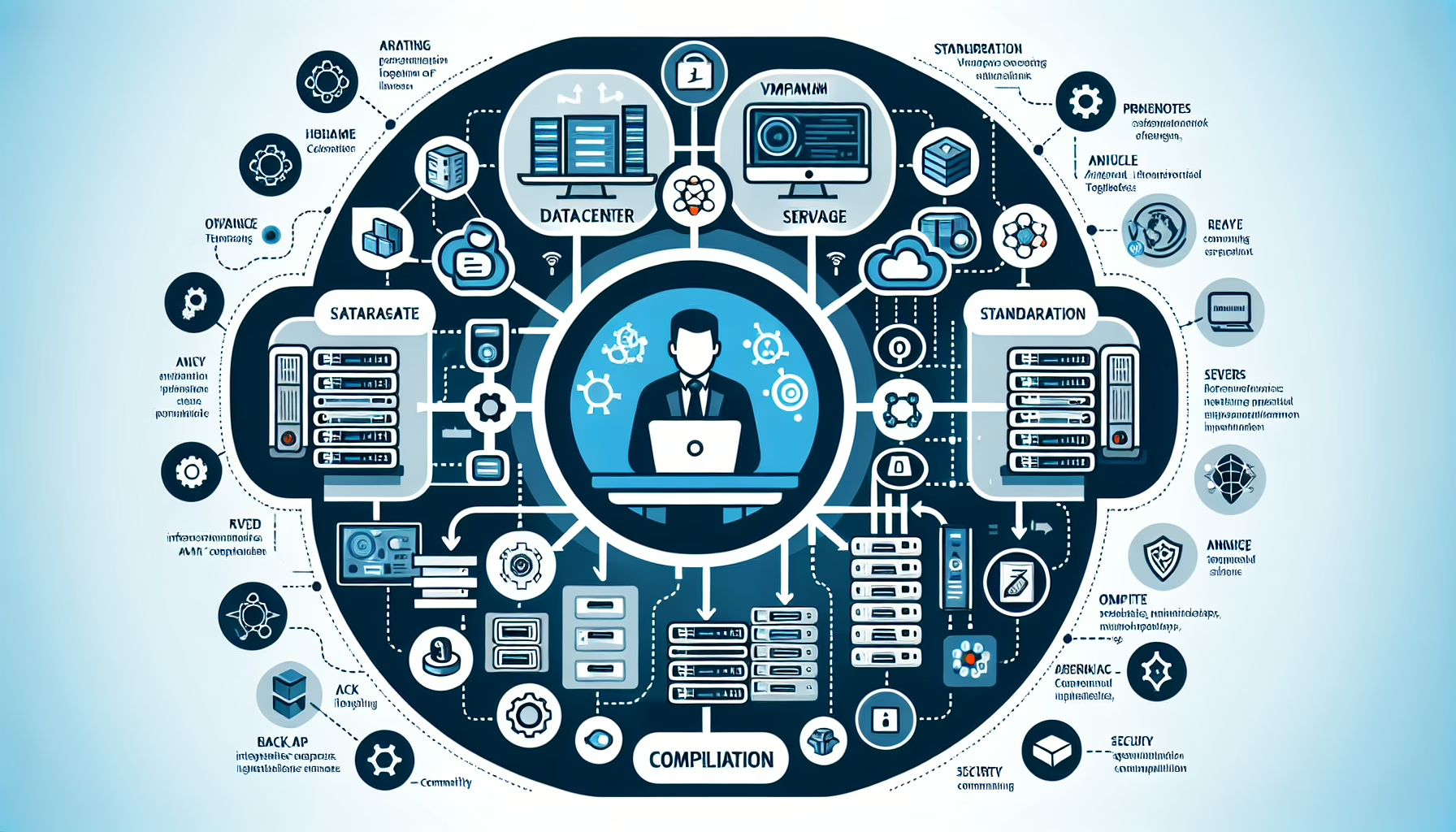
Integrating your IT infrastructure with an Identity and Access Management (IAM) solution strengthens security, improves operational efficiency, and helps meet compliance requirements. Here’s a step-by-step approach:
1. Assess Your IT Infrastructure and IAM Requirements
- Inventory your infrastructure: document servers, storage systems, virtualization platforms, Kubernetes clusters, and cloud resources.
- Define access needs: identify which systems and applications require IAM integration and understand access patterns for each.
- Evaluate compliance requirements: ensure IAM integration aligns with regulatory requirements (e.g., GDPR, HIPAA, ISO 27001).
2. Choose the Right IAM Solution
- Decide between cloud-based IAM (e.g., Microsoft Entra ID, AWS IAM, Okta) or on-premises IAM (e.g., Microsoft Active Directory, FreeIPA).
- Evaluate IAM solutions for compatibility with your IT stack: Windows/Linux servers, Kubernetes, virtualization, and AI workloads.
- Ensure the IAM system supports modern authentication standards: OAuth 2.0, SAML, and OpenID Connect.
3. Implement Role-Based Access Control (RBAC)
- Design a Role-Based Access Control (RBAC) model that maps user roles to permissions across infrastructure components.
- Windows/Linux Servers: Use Active Directory or FreeIPA for centralized authentication and map roles to file/share permissions.
- Kubernetes: Integrate with IAM to manage roles and permissions using Kubernetes RBAC.
- Virtualization Platforms: Grant access based on user roles (e.g., read-only, admin) in tools like VMware vSphere or Hyper-V.
4. Centralize Authentication Across Systems
- Integrate core infrastructure components with a centralized directory (e.g., Microsoft Active Directory or LDAP).
- Windows/Linux Servers: Use Kerberos or LDAP for authentication.
- Kubernetes: Configure the Kubernetes API server to use an IAM-backed authentication plugin or OIDC.
- Storage Systems: Connect NAS/SAN solutions like NetApp or Dell EMC to centralized IAM for user authentication.
- Virtualization: Configure your hypervisor management tools to authenticate against the IAM system.
5. Enable Multi-Factor Authentication (MFA)
- Enforce MFA for accessing critical systems:
- Datacenter management interfaces (e.g., iDRAC, HPE iLO).
- Cloud platforms (e.g., AWS, Azure, GCP).
- Kubernetes clusters and CI/CD pipelines.
- Integrate MFA with your IAM solution for a consistent user experience.
6. Integrate IAM with IT Infrastructure Management Tools
- Connect IAM to monitoring, backup, and automation tools:
- Backup Solutions: Configure IAM-based authentication for backup systems like Veeam, Commvault, or Rubrik.
- Monitoring Tools: Use IAM for authentication in tools like Prometheus, Grafana, or Zabbix.
- Automation/Orchestration: Securely manage API keys and credentials for tools like Ansible, Terraform, or Jenkins.
7. Implement Fine-Grained Access Controls
- Use IAM policies to define granular access:
- Restrict GPU access in Kubernetes for AI/ML workloads to specific users or groups.
- Apply storage quotas per user or group to prevent resource abuse.
- Limit admin privileges on virtualization platforms and servers to authorized staff.
8. Leverage Audit and Logging
- Enable auditing and logging for all IAM-integrated systems:
- Log access attempts, role changes, and policy updates for compliance.
- Use tools like Splunk, Elastic Stack, or native IAM logging to monitor user activity.
- Centralize logs and analyze them for suspicious behavior (e.g., brute force attempts, privilege escalation).
9. Automate Provisioning and Deprovisioning
- Configure IAM to automatically provision and deprovision access based on user lifecycle events (e.g., onboarding, role changes, offboarding).
- Use tools like Microsoft Entra Connect or Okta Workflows to sync user roles and permissions across on-premises and cloud environments.
10. Secure API Access
- For infrastructure components with APIs (e.g., Kubernetes, storage systems), use IAM to manage API keys and tokens.
- Enforce least privilege for service accounts and API consumers through IAM tools.
11. Regularly Review IAM Policies
- Periodically review and update IAM policies to ensure they align with current business needs and security best practices.
- Use tools like IAM policy simulators (AWS IAM Policy Simulator, Microsoft Entra Conditional Access) to test policies without impacting production.
12. Educate Your Team
- Train IT staff and end-users on IAM best practices:
- Recognizing phishing attempts.
- Properly using MFA.
- Managing IAM roles and permissions responsibly.
Example Use Case: Integrating Kubernetes with IAM
- Scenario: Your Kubernetes cluster hosts AI/ML workloads that require GPU access.
- Integration Steps:
- Configure your Kubernetes cluster to authenticate users using an OIDC provider (e.g., Microsoft Entra ID or Okta).
- Use Kubernetes RBAC to define roles for GPU access and restrict access to specific namespaces.
- Use IAM policies to enforce MFA for Kubernetes Dashboard access.
- Enable logging and auditing for Kubernetes API calls and access to GPU nodes.
Key Benefits of IAM Integration
- Improved Security: Centralized control reduces the risk of unauthorized access.
- Operational Efficiency: Automated provisioning and deprovisioning save time.
- Compliance: Auditing and logging simplify regulatory reporting.
- Scalability: IAM can grow with your IT infrastructure as it evolves.

Ali YAZICI is a Senior IT Infrastructure Manager with 15+ years of enterprise experience. While a recognized expert in datacenter architecture, multi-cloud environments, storage, and advanced data protection and Commvault automation , his current focus is on next-generation datacenter technologies, including NVIDIA GPU architecture, high-performance server virtualization, and implementing AI-driven tools. He shares his practical, hands-on experience and combination of his personal field notes and “Expert-Driven AI.” he use AI tools as an assistant to structure drafts, which he then heavily edit, fact-check, and infuse with my own practical experience, original screenshots , and “in-the-trenches” insights that only a human expert can provide.

If you found this content valuable, [support this ad-free work with a coffee]. Connect with him on [LinkedIn].