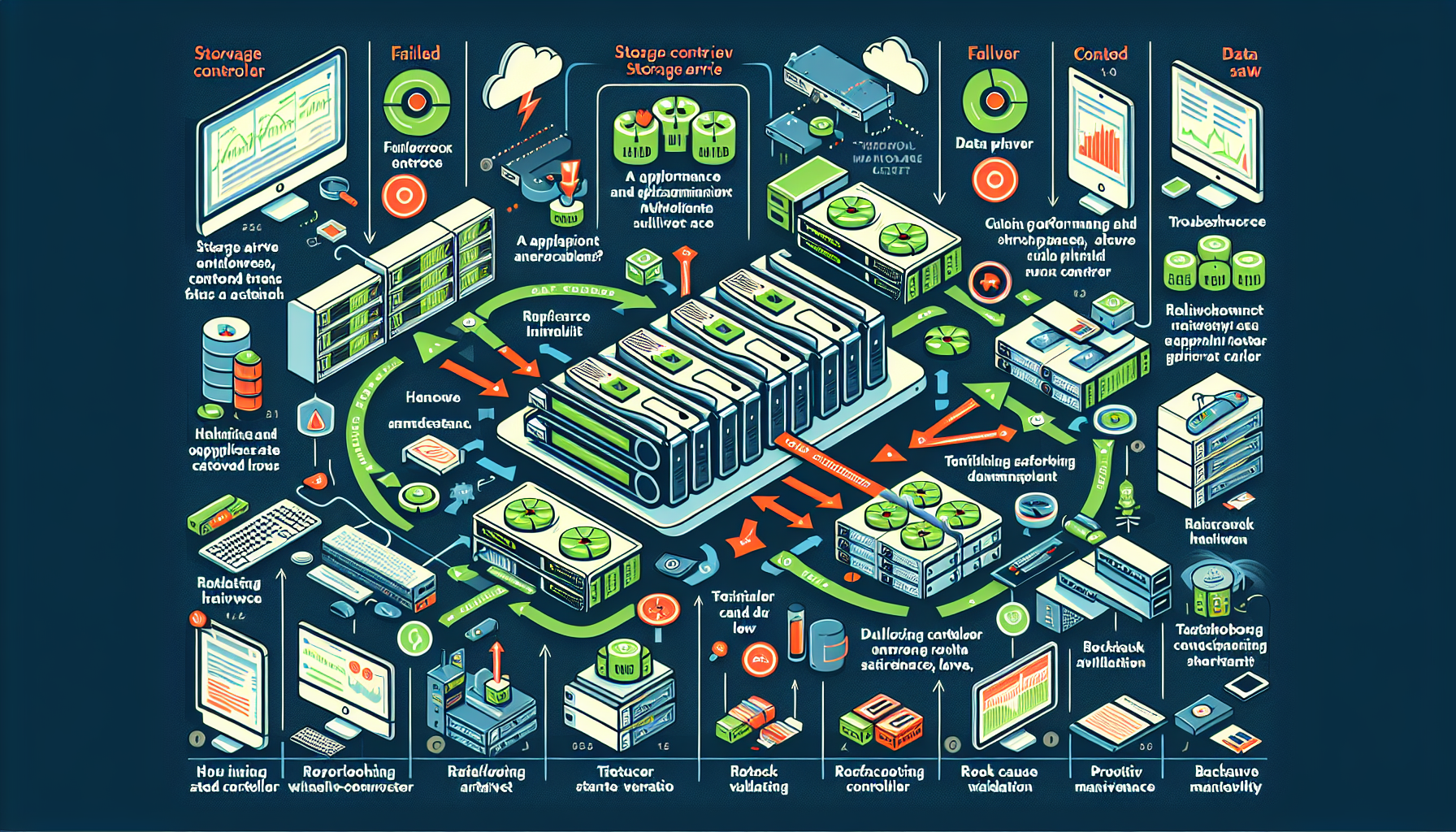
When a storage array controller fails, you need a clear sequence: identify, assess, communicate, fail over, diagnose, replace, validate, and document. Here’s the practical workflow.
1. Identify the Problem
Check your storage management software or monitoring tools for alerts indicating a controller failure.
Use the array management interface (GUI or CLI) to verify the failed controller’s status. Enterprise arrays surface controller health on a dashboard.
Determine whether the array is running on the redundant controller (assuming a dual-controller design). This tells you the immediate impact.
2. Assess the Impact
Expect degraded performance — the surviving controller now handles all I/O.
Check dependent applications and VMs for errors or latency spikes.
Confirm the remaining controller is serving all LUNs/volumes without interruption.
3. Inform Stakeholders
Notify application owners, DBAs, and senior IT staff.
Give an estimated resolution window and note any performance risk during the degraded state.
4. Verify Failover to the Redundant Controller
Most dual-controller arrays fail over automatically. Confirm the failover completed — all volumes should be accessible through the surviving controller.
If the array did not fail over (rare), consult vendor docs before attempting a manual trigger; forced failover can cause a second outage.
5. Troubleshoot the Failed Controller
Physically inspect for loose cables, overheating, or power-supply faults.
Check firmware levels on both controllers. Update the surviving controller if the vendor recommends it; you cannot update a failed controller.
Pull controller logs for hardware faults, power events, or thermal warnings.
Run the vendor’s diagnostic suite if the failure persists or the cause isn’t clear.
6. Replace or Repair the Controller
Open a vendor support ticket. Supply logs and diagnostic output to accelerate the RMA.
If the array supports hot-swap (most enterprise models do), replace the controller without powering down. Follow the vendor’s exact replacement procedure.
After installation, verify the new controller synchronizes configuration and returns to a healthy, active state.
7. Test and Validate
Run a performance benchmark or synthetic workload to confirm the array operates at expected throughput and latency.
Verify both controllers show active/healthy and that automatic failover is restored.
Validate that all applications, databases, and VMs access storage cleanly.
8. Post-Mortem Analysis
Conduct a root-cause analysis with the vendor and your team.
Ali YAZICI is a Senior IT Infrastructure Manager with 15+ years of enterprise experience. While a recognized expert in datacenter architecture, multi-cloud environments, storage, and advanced data protection and Commvault automation , his current focus is on next-generation datacenter technologies, including NVIDIA GPU architecture, high-performance server virtualization, and implementing AI-driven tools. He shares his practical, hands-on experience and combination of his personal field notes and “Expert-Driven AI.” he use AI tools as an assistant to structure drafts, which he then heavily edit, fact-check, and infuse with my own practical experience, original screenshots , and “in-the-trenches” insights that only a human expert can provide.