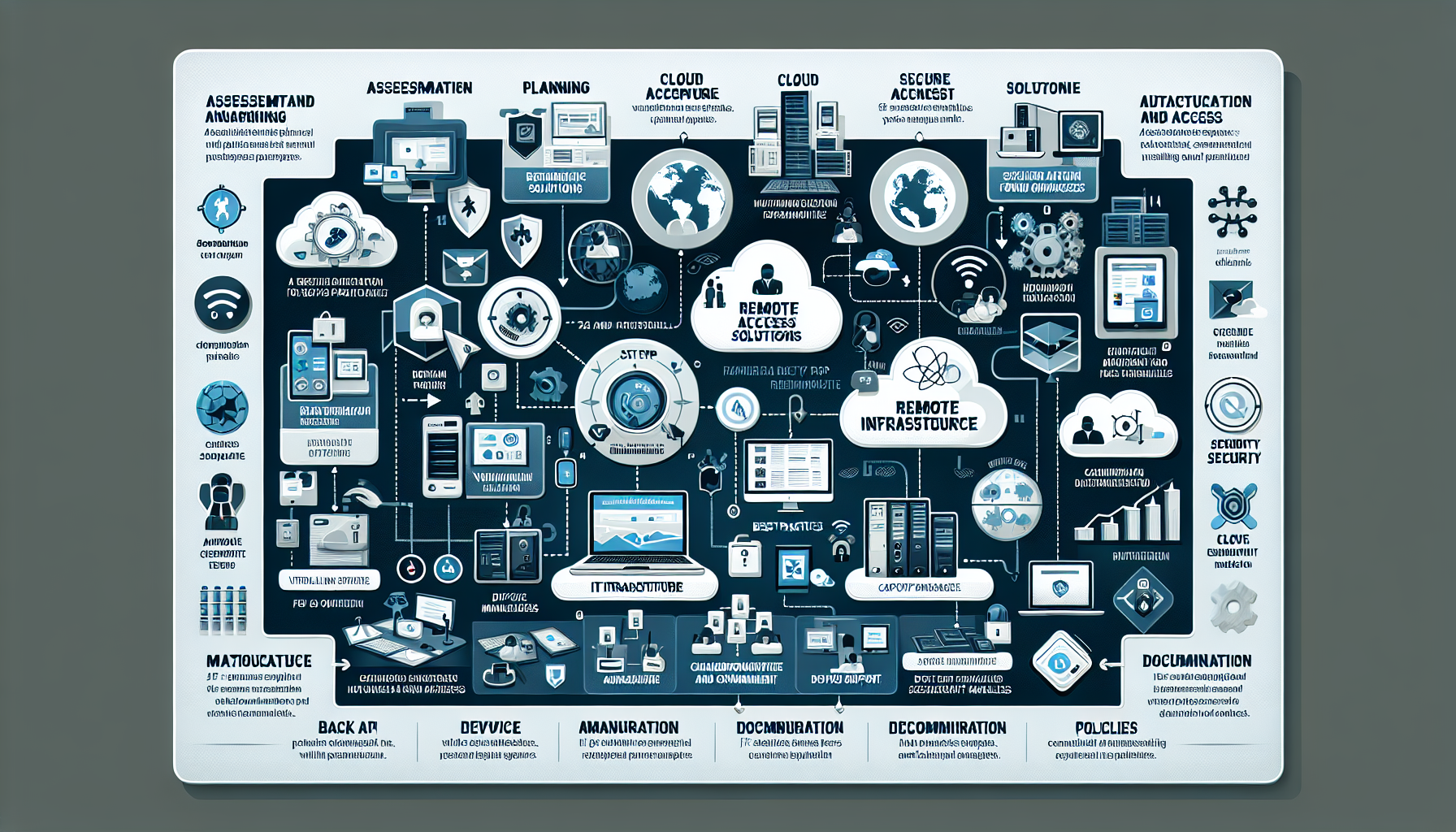
Configuring IT infrastructure for a remote workforce requires planning, security, and a usable experience to keep people productive. Here’s how to set it up:
1. Assessment and Planning
Business needs:
List the applications, storage, collaboration tools, and on-premises resources your remote teams need.
Existing infrastructure:
Review what you have and whether it scales to support remote work.
Bandwidth and performance:
Verify corporate network capacity and remote users’ connections can handle remote access, video calls, and file transfers.
2. Remote Access Solutions
Virtual Private Network (VPN):
Set up secure VPN access for corporate network connectivity. Enterprise options: Cisco AnyConnect, Palo Alto GlobalProtect, OpenVPN.
Zero Trust Network Access (ZTNA):
Adopt a Zero Trust model where users access resources based on strict authentication and authorization.
Remote Desktop Protocol (RDP):
Configure RDP for on-premises system access, but restrict it through VPNs or jump servers.
Virtual Desktop Infrastructure (VDI):
Deploy VDI (VMware Horizon, Citrix, Microsoft Azure Virtual Desktop) to deliver virtualized desktops from anywhere.
3. Cloud Infrastructure
Cloud collaboration tools:
Microsoft 365, Google Workspace, or Slack for productivity and communication.
Cloud servers and applications:
Host critical apps in AWS, Azure, or Google Cloud.
Scalable storage:
OneDrive, Google Drive, or AWS S3 for file sharing and collaboration.
Hybrid cloud:
For mixed on-premises and cloud workloads, hybrid solutions balance performance and cost.
4. Secure Authentication and Access
Multi-Factor Authentication (MFA):
Enforce MFA for all remote users.
Identity and Access Management (IAM):
Azure AD, Okta, or Ping Identity to manage access and permissions.
Single Sign-On (SSO):
Enable SSO for one login across multiple applications.
Endpoint security:
CrowdStrike, Sophos, or Carbon Black to secure remote devices.
5. Virtualization and Kubernetes
Virtualized servers:
VMware, Hyper-V, or Proxmox to host critical workloads and applications.
Kubernetes for scalability:
Deploy containerized apps with Kubernetes for scale and HA. Prefer managed services (AKS, EKS, GKE).
GPU workloads:
Configure servers with GPU cards (NVIDIA A100, RTX series) for AI, ML, or graphics-intensive work.
6. Backup and Disaster Recovery
Cloud backup:
Veeam, Acronis, or Azure Backup to protect data.
Disaster recovery plan:
VMware SRM, Azure Site Recovery, or Zerto for business continuity.
Regular testing:
Test backup and recovery processes on a schedule.
7. Collaboration and Communication
Unified communication platforms:
Microsoft Teams, Zoom, or WebEx.
Project management tools:
Asana, Trello, or Jira.
File sharing:
OneDrive, Google Drive, or Dropbox Business.
8. Device Management
Bring Your Own Device (BYOD):
If employees use personal devices, enforce BYOD policies and manage them with MDM (Intune, Workspace ONE).
Corporate devices:
Provide pre-configured laptops with remote management.
Patch management:
Keep all devices patched and updated.
9. Monitoring and Support
Remote monitoring tools:
SolarWinds, Datadog, or Nagios for infrastructure performance and availability.
Help desk:
ServiceNow or Zendesk for remote troubleshooting.
Logging and analytics:
ELK Stack, Splunk, or Azure Monitor to collect logs and analyze events.
10. Cybersecurity Measures
Firewalls and intrusion detection:
Palo Alto, Fortinet, and IDS/IPS for network security.
Data encryption:
Enforce end-to-end encryption for sensitive data in transit and at rest.
Security awareness training:
Train employees on phishing recognition and device security.
11. AI and Automation
AI-driven monitoring:
AIOps platforms for predictive analytics and intelligent monitoring.
Automation:
Ansible, Terraform, or Kubernetes Operators to automate provisioning and configuration.
12. Documentation and Policies
Remote work policies:
Define acceptable use, data security, and device management.
Documentation:
Keep remote access, troubleshooting, and escalation procedures current.
Compliance:
Meet GDPR, HIPAA, CCPA, and other regulations.
Ali YAZICI is a Senior IT Infrastructure Manager with 15+ years of enterprise experience. While a recognized expert in datacenter architecture, multi-cloud environments, storage, and advanced data protection and Commvault automation , his current focus is on next-generation datacenter technologies, including NVIDIA GPU architecture, high-performance server virtualization, and implementing AI-driven tools. He shares his practical, hands-on experience and combination of his personal field notes and “Expert-Driven AI.” he use AI tools as an assistant to structure drafts, which he then heavily edit, fact-check, and infuse with my own practical experience, original screenshots , and “in-the-trenches” insights that only a human expert can provide.