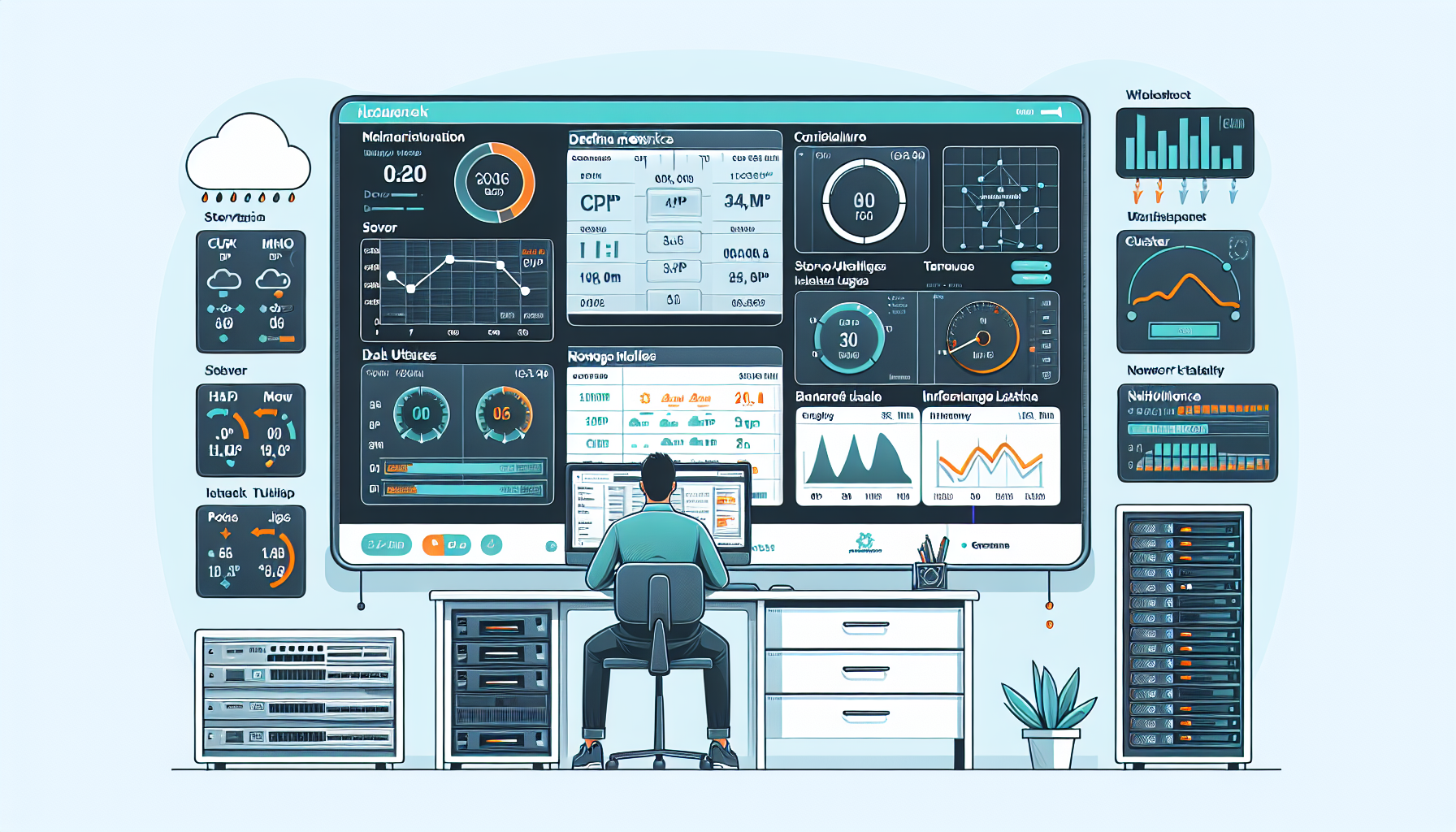
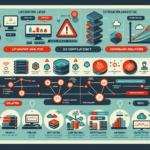
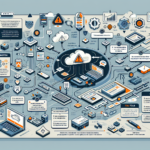
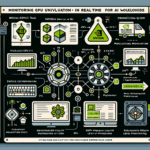
Building an IT infrastructure monitoring dashboard comes down to three things: picking tools that fit your stack, defining metrics that actually matter, and laying them out so you can spot trouble fast. Here’s how to put one together.
Step 1: Define what you need to see
Start with the components in your environment. For each, list the metrics that tell you whether it’s healthy.
Datacenter: Power draw, temperature, network connectivity
Datacenter environmental: SNMP or vendor APIs (APC, Vertiv, etc.) into your TSDB
Backup: Vendor dashboards (Veeam, Commvault, NetBackup) — often expose APIs for central aggregation
Step 3: Install and configure data collection
Deploy agents. Push Node Exporter or Telegraf to every server, hypervisor, and Kubernetes node. Use DaemonSets for K8s.
Wire up infrastructure. Configure SNMP traps, REST APIs, or vendor plugins for storage arrays, network gear, and backup systems. Document each data source.
Connect the pipeline. Point Prometheus (or your TSDB) at the scrape targets. Verify label hygiene — cluster, environment, team, instance — so you can filter later.
Set alerts on thresholds that matter. High CPU alone is noise. Alert on sustained saturation, failed backups, pod crash loops, or GPU memory OOM. Route to Slack, PagerDuty, or email with runbook links.
Step 4: Build the dashboard
Pick the platform. Grafana is the default choice for mixed sources. Kibana if you’re log-heavy. Vendor UIs for single-stack views.
Organize by layer. One row per domain: compute, storage, network, Kubernetes, backup, GPU. Keep it scannable.
Choose the right visualization. Time-series graphs for trends, heatmaps for fleet-wide patterns, gauges for single-value thresholds, tables for top-N offenders.
Write queries that scale. Use PromQL recording rules for expensive aggregations. Avoid high-cardinality label joins in dashboard queries.
Add filters. Template variables for cluster, region, namespace, service — so the same dashboard serves NOC, SRE, and dev teams.
Step 5: Test and tune
Validate data. Spot-check dashboard values against raw metrics (e.g., kubectl top nodes, iostat, vendor CLI). Fix mismatched units or scrape intervals.
Fire test alerts. Simulate a pod kill, fill a disk, throttle a NIC. Confirm notifications arrive with context.
Optimize query load. Pre-aggregate with recording rules. Downsample long-term retention. Set reasonable query timeouts.
Gate access. RBAC: read-only for on-call, edit for dashboard owners, admin for datasource config.
Step 6: Maintain it
Review quarterly. Drop metrics nobody looks at. Add coverage for new services (new GPU cluster, migrated DB, added region).
Automate remediation where safe. API-driven actions: restart a stuck pod, scale a deployment, snapshot a volume. Keep humans in the loop for destructive actions.
Version-control dashboards. Export JSON to Git. Review changes like code. Restore from repo if someone deletes a panel.
Tool reference
Grafana (with Prometheus, Loki, InfluxDB) — best all-rounder for heterogeneous stacks
Elastic Stack (ELK) — log-centric, strong correlation between metrics and logs
Datadog — SaaS, unified platform, pricing scales with hosts
Splunk — enterprise logging and metrics, high ingest cost
PRTG Network Monitor — sensor-based, good for network-heavy shops
Practices that save time
Optimize for actionable signals, not pretty charts. A red gauge with a runbook link beats a green graph with no context.
Standardize color semantics: green = healthy, yellow = degraded, red = critical, gray = no data.
Keep dashboard JSON in Git. Treat changes as code reviews.
Ali YAZICI is a Senior IT Infrastructure Manager with 15+ years of enterprise experience. While a recognized expert in datacenter architecture, multi-cloud environments, storage, and advanced data protection and Commvault automation , his current focus is on next-generation datacenter technologies, including NVIDIA GPU architecture, high-performance server virtualization, and implementing AI-driven tools. He shares his practical, hands-on experience and combination of his personal field notes and “Expert-Driven AI.” he use AI tools as an assistant to structure drafts, which he then heavily edit, fact-check, and infuse with my own practical experience, original screenshots , and “in-the-trenches” insights that only a human expert can provide.