
GPU troubleshooting

How do I troubleshoot CUDA errors on GPUs?

Troubleshooting CUDA errors on GPUs requires a systematic approach. Here’s a step-by-step guide: 1. Gather Information Before diving in, collect details about the problem: – Error Message: Note the exact CUDA error code or message (e.g., CUDA_ERROR_OUT_OF_MEMORY). – Environment: – GPU model (e.g., NVIDIA A100, RTX 3090). – CUDA version (e.g., CUDA 11.8). – Driver […]
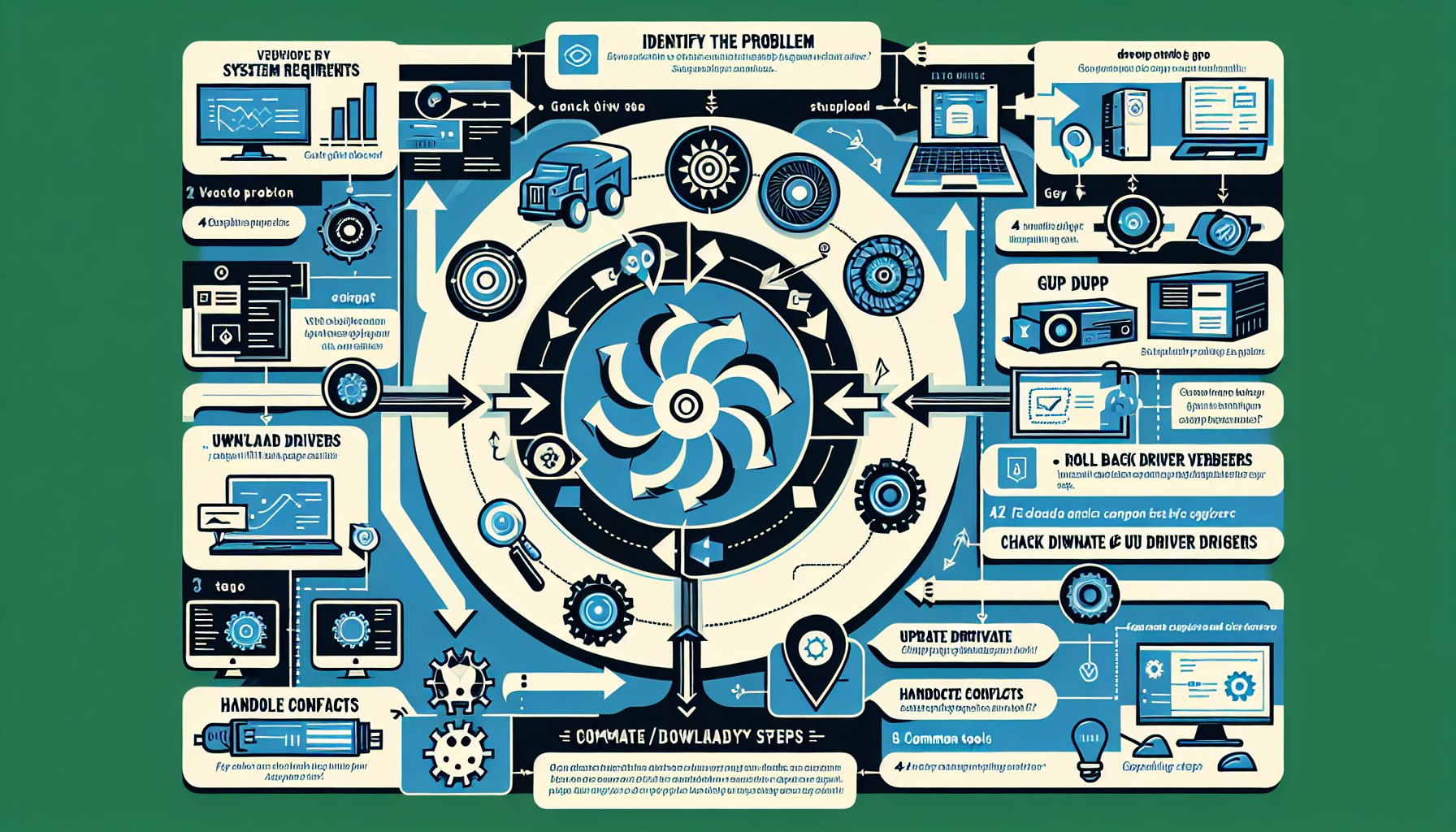
How do I troubleshoot GPU driver compatibility issues?

Troubleshooting GPU driver compatibility issues matters for servers, virtualization, AI workloads, and gaming. 1. Identify the Problem Symptoms: Check for signs such as system crashes, poor performance, applications not utilizing the GPU, or error messages. Event Logs: Review system logs on Windows (Event Viewer) or Linux (dmesg, /var/log/syslog, or /var/log/Xorg.0.log) for GPU-related errors. Error Codes: […]

Scroll to top