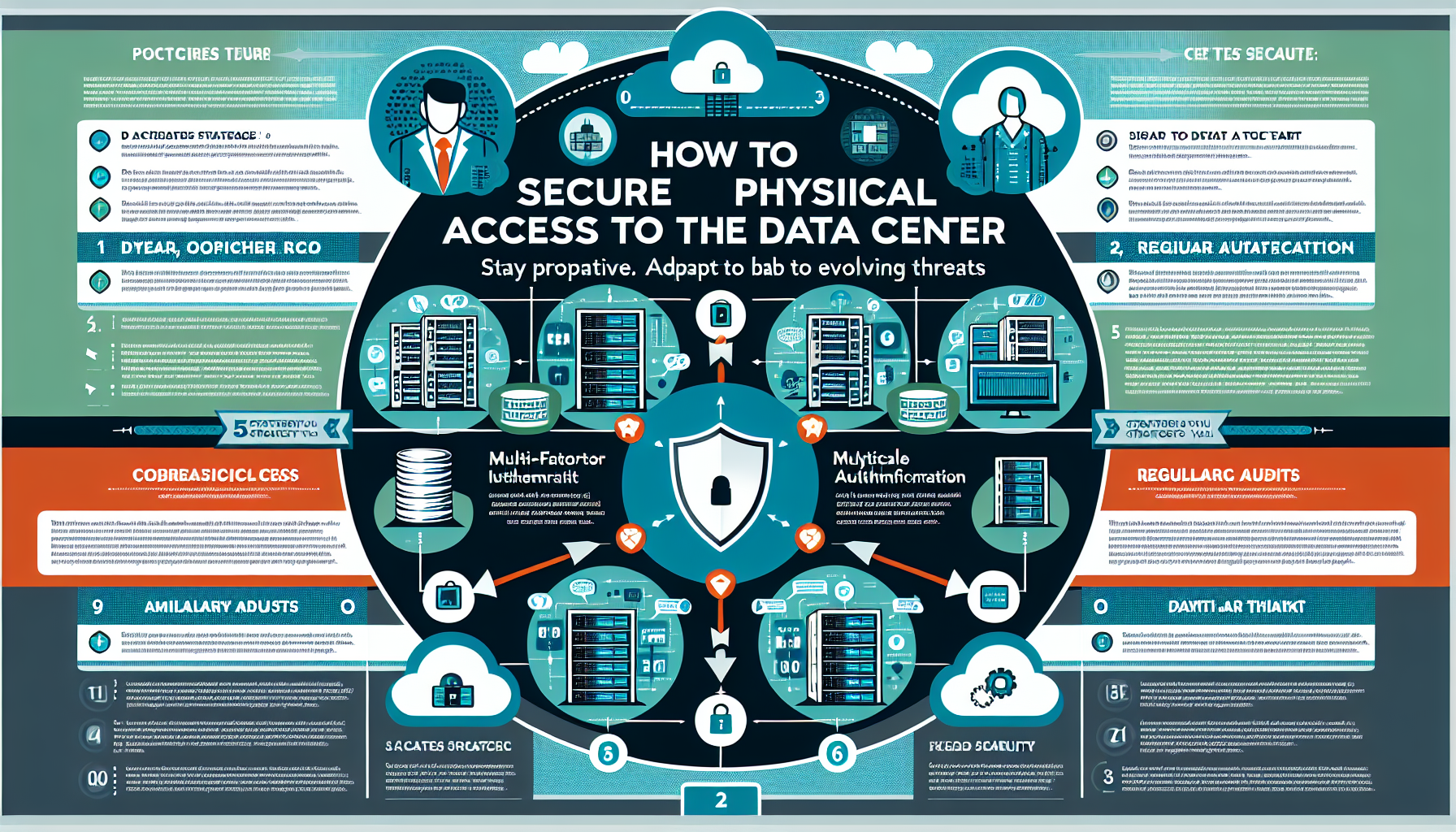
1. Access Control Mechanisms
- Badge-based access: Use RFID or smart card systems to allow only authorized personnel into the datacenter. Maintain access logs.
- Biometric authentication: Add fingerprint, iris scanning, or facial recognition for a second factor.
- Multi-factor authentication (MFA): Combine a badge with a PIN, or biometrics with a password.
- Mantrap doors: Use airlock-style mantraps to ensure only one person enters at a time, preventing tailgating.
2. Surveillance and Monitoring
- CCTV cameras: Install high-definition cameras covering all entry points, server racks, and sensitive areas, both inside and outside.
- Real-time monitoring: Configure alerts for suspicious activity.
- Retention policy: Store footage in secure storage for at least 90 days for forensic investigation.
3. Perimeter Security
- Fencing and barriers: Surround the facility with high fences and controlled gates.
- Security guards: Employ trained personnel to monitor the perimeter and manage visitor access.
- Lighting: Ensure adequate exterior lighting to deter unauthorized access at night.
4. Visitor Management
- Pre-approved access: Require visitors to be pre-approved and escorted by authorized personnel at all times.
- Visitor logs: Record identification, purpose, and escort for every visit.
- Temporary badges: Issue time-limited badges and revoke them immediately after the visit ends.
5. Environmental Security
- Locked racks: Secure individual servers and network gear in locked cabinets.
- Cable and power protection: Secure raised-floor and overhead pathways to prevent tampering.
- Fire suppression: Install detection and suppression systems rated for electrical equipment.
- Leak and temperature monitoring: Deploy sensors for water, humidity, and thermal anomalies.
6. Access Zones
- Segmentation: Divide the facility into zones by sensitivity — lobby, general floor, restricted rows, high-security cages.
- Role-based access: Grant zone access by job function. Network engineers get network rows; storage admins get storage cages.
7. Alarms and Intrusion Detection
- Intrusion detection: Deploy motion detectors, door contacts, and glass-break sensors tied to a central alarm panel.
- Panic buttons: Place duress alarms at guard stations and in the datacenter for immediate security response.
8. Audit and Compliance
- Regular audits: Verify that physical controls are enforced and effective on a quarterly cadence.
- Access reviews: Recertify permissions monthly; revoke access immediately for departed employees and contractors.
- Compliance alignment: Map controls to ISO 27001, SOC 2, or PCI-DSS physical-security requirements.
9. Backup and Redundancy
- Backup power: Size UPS and generator capacity for critical loads; test transfer switches monthly.
- Secure backup media: Store tapes, disks, or removable drives in locked, fire-rated cabinets or an offsite vault.
10. Emergency Procedures
- Disaster recovery plan: Include physical-breach scenarios — forced entry, insider theft, sabotage — in your DR runbooks.
- Evacuation plans: Post clear egress routes and assembly points; drill annually.
- Training: Run tabletop and hands-on exercises for security staff and datacenter technicians.
11. Anti-Tampering Measures
- Tamper-evident seals: Apply numbered seals to rack doors, cable bundles, and critical ports; log seal numbers.
- After-hours alerts: Configure the access-control system to notify on-call staff for any entry outside approved windows.
12. Employee Awareness
- Security training: Teach staff to recognize social engineering, piggybacking, and unattended devices.
- Tailgating prevention: Enforce single-person entry at mantraps; require badge-out as well as badge-in.

Ali YAZICI is a Senior IT Infrastructure Manager with 15+ years of enterprise experience. While a recognized expert in datacenter architecture, multi-cloud environments, storage, and advanced data protection and Commvault automation , his current focus is on next-generation datacenter technologies, including NVIDIA GPU architecture, high-performance server virtualization, and implementing AI-driven tools. He shares his practical, hands-on experience and combination of his personal field notes and “Expert-Driven AI.” he use AI tools as an assistant to structure drafts, which he then heavily edit, fact-check, and infuse with my own practical experience, original screenshots , and “in-the-trenches” insights that only a human expert can provide.
If you found this content valuable, [support this ad-free work with a coffee]. Connect with him on [LinkedIn].
Related Posts:

