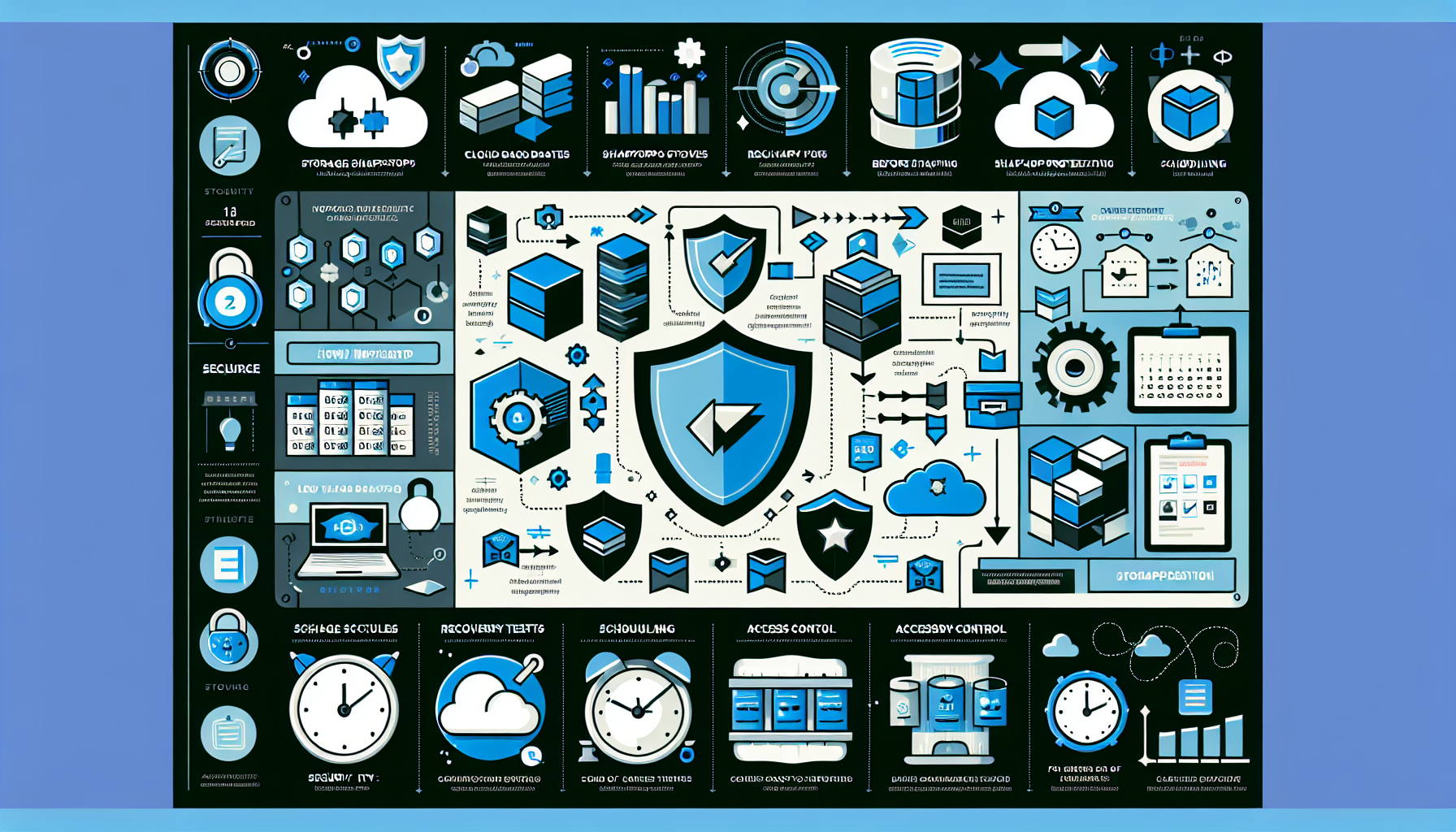
A storage snapshot is a point-in-time copy of your data, typically implemented at the storage array or file system level. Snapshots track changes to original data blocks rather than copying everything, making them space-efficient and fast to create.
1. Assess Your Infrastructure
Verify your storage array or file system supports snapshots. Check vendor documentation (NetApp, Dell EMC, HPE, Pure Storage, etc.).
Identify critical workloads, databases, or VMs that need snapshot protection.
Decide whether snapshots stay local or replicate to another system for disaster recovery.
2. Define Retention Policies
Set snapshot frequency (every 15 minutes, hourly, daily) based on recovery point objectives.
Define retention periods tied to business needs and storage capacity.
Plan rotation: for example, keep hourly snapshots for 24 hours, daily for 7 days, weekly for 4 weeks.
Backup software integration: Veeam, Commvault, Rubrik, or similar to fold snapshots into a broader backup strategy.
Cloud snapshots: AWS EBS Snapshots, Azure Disk Snapshots, Google Cloud Persistent Disk Snapshots.
4. Plan Snapshot Schedules
Application consistency: Use Microsoft VSS via VMware Tools (or native database quiesce) so snapshots capture a consistent state for SQL Server, Oracle, and other transactional workloads.
Automation: Schedule creation and deletion with storage management tools or scripts (PowerShell, Python, vendor CLIs) rather than manual runs.
5. Test Recovery Regularly
Restore files, VMs, or databases from snapshots on a schedule — monthly at minimum.
In virtual environments, test single-VM and single-file restores.
For databases, verify point-in-time recovery works end-to-end.
6. Integrate with Disaster Recovery
Replicate snapshots to a secondary site or cloud target.
Use vendor replication (async for distance, sync for metro) rather than rolling your own.
Test failover and failback quarterly.
7. Monitor and Optimize Capacity
Track snapshot growth; it consumes space on the source volume or a dedicated pool.
Automate expiry deletion so orphaned snapshots don’t fill the array.
Enable compression and deduplication if the platform supports them without performance penalty.
8. Secure Snapshots
Apply RBAC: limit who can create, modify, or delete snapshots.
Use immutability features — NetApp SnapLock, AWS Backup Vault Lock, Pure SafeMode — to protect against ransomware and accidental deletion.
Audit snapshot access and deletion events.
9. Document and Train
Record schedules, retention rules, and recovery procedures.
Run tabletop exercises so the team knows the steps before an incident.
10. Align with Compliance and SLAs
Map snapshot frequency and retention to RPO/RTO targets.
Verify the approach satisfies regulatory requirements (GDPR, HIPAA, PCI-DSS) for data protection and recoverability.
Example: VMware Environment
Enable array-based snapshots on the storage presenting datastores to the cluster.
Configure VMware vSphere Storage APIs for Data Protection (VADP) so backup software can request consistent snapshots.
Schedule snapshots in Veeam (or equivalent) and chain them with full backups.
Test VM and file-level recovery from the backup console and the vSphere Client.
Ali YAZICI is a Senior IT Infrastructure Manager with 15+ years of enterprise experience. While a recognized expert in datacenter architecture, multi-cloud environments, storage, and advanced data protection and Commvault automation , his current focus is on next-generation datacenter technologies, including NVIDIA GPU architecture, high-performance server virtualization, and implementing AI-driven tools. He shares his practical, hands-on experience and combination of his personal field notes and “Expert-Driven AI.” he use AI tools as an assistant to structure drafts, which he then heavily edit, fact-check, and infuse with my own practical experience, original screenshots , and “in-the-trenches” insights that only a human expert can provide.