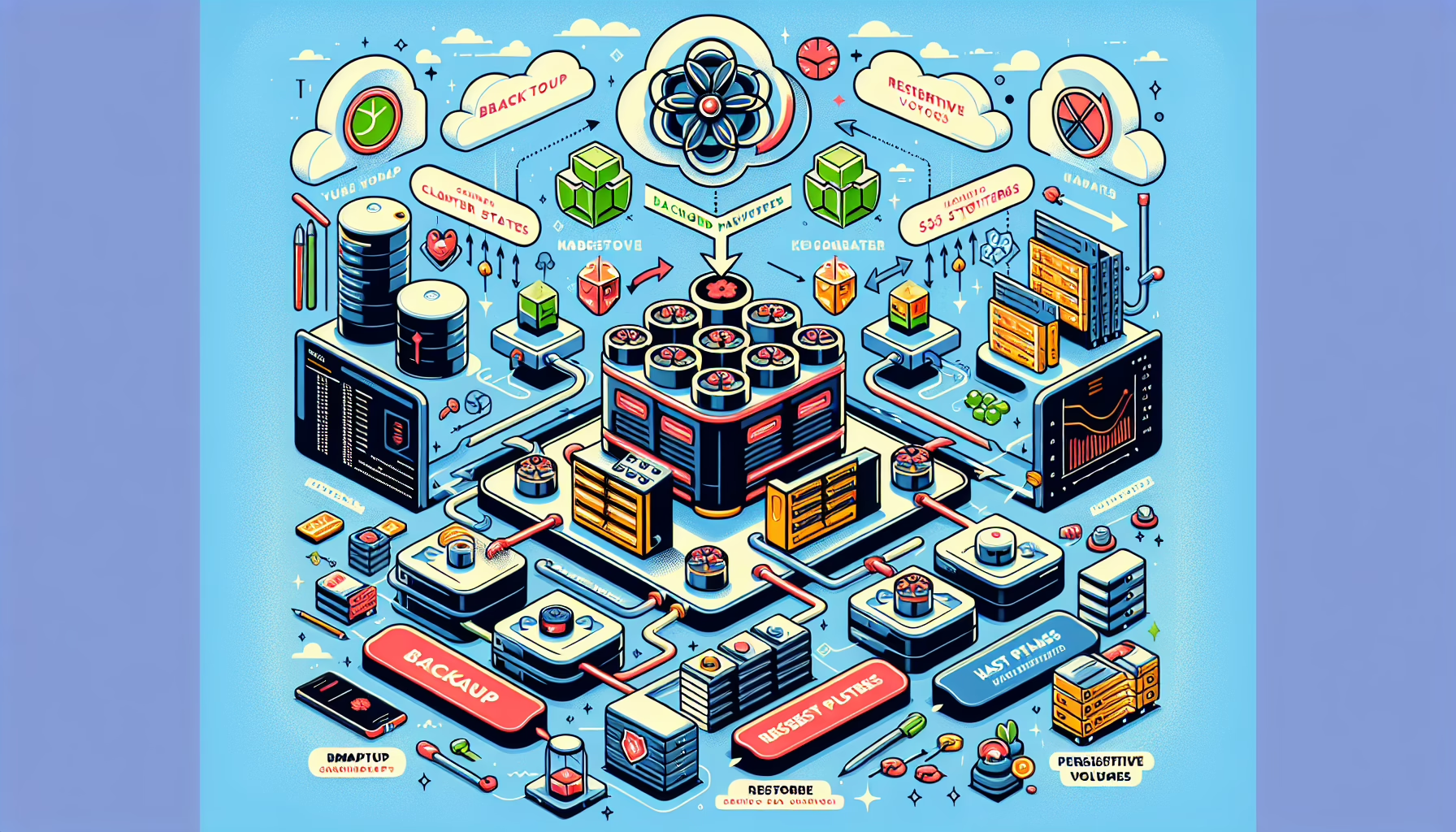
Backing up and restoring Kubernetes configurations is a critical task for business continuity and disaster recovery.
Backup Kubernetes Configurations
Kubernetes configurations are primarily stored in etcd, the key-value store that Kubernetes uses as its backing store. You should also back up application manifests, custom resource definitions (CRDs), and other cluster-level configurations.
1. Backup etcd Data
etcd contains all cluster state and configurations — secrets, deployments, services, and more. Backing up etcd is required for a full cluster recovery.
Steps:
– Connect to the etcd instance running in the control plane.
– Use the etcdctl tool to take a snapshot: bash
ETCDCTL_API=3 etcdctl \
--endpoints=https://127.0.0.1:2379 \
--cert=/etc/kubernetes/pki/etcd/server.crt \
--key=/etc/kubernetes/pki/etcd/server.key \
--cacert=/etc/kubernetes/pki/etcd/ca.crt \
snapshot save /path/to/backup/etcd-snapshot.db
Replace /path/to/backup/etcd-snapshot.db with the desired backup path.
Automate backups: schedule periodic snapshots with a cron job or systemd timer.
2. Backup Kubernetes YAML Manifests
In addition to etcd, back up the YAML manifests for your workloads (deployments, services, ingresses, etc.).
Steps:
– Export resources using kubectl: bash
kubectl get all --all-namespaces -o yaml > all-resources-backup.yaml
kubectl get crd -o yaml > crds-backup.yaml
– Store these files in a version-controlled system like Git or a secure backup location.
3. Backup Secrets
Secrets are stored in etcd (encrypted at rest). You can export them for backup: bash
kubectl get secrets --all-namespaces -o yaml > secrets-backup.yaml
Encrypt these backups before storing them.
4. Consider a Kubernetes Backup Tool
Several tools automate backups and add features like persistent volume snapshots:
Velero: open-source backup and restore for Kubernetes resources and persistent volumes.
Restoring involves rehydrating etcd, reapplying resource manifests in the correct order, and recovering persistent volumes if needed.
1. Restore etcd Data
Stop the kubelet on the control-plane node (this stops the static pods for kube-apiserver, kube-scheduler, kube-controller-manager, and etcd).
Restore the etcd snapshot: bash
ETCDCTL_API=3 etcdctl snapshot restore /path/to/backup/etcd-snapshot.db \
--data-dir /var/lib/etcd
Replace /var/lib/etcd with your etcd data directory if different.
Start the kubelet to bring up the control-plane components.
2. Reapply Kubernetes Manifests
Apply resources in dependency order: CRDs first, then other resources, then secrets.
kubectl apply -f crds-backup.yaml
kubectl apply -f all-resources-backup.yaml
kubectl apply -f secrets-backup.yaml
3. Restore Persistent Volumes
If using Velero, Kasten, or Stash, follow their documentation to restore persistent volumes.
For manual restores, verify the underlying storage (NFS, Ceph, etc.) is intact and remount volumes to the appropriate pods.
4. Verify Cluster State
Check node and pod status: bash
kubectl get nodes
kubectl get pods --all-namespaces
Confirm workloads are running and data integrity is intact.
Best Practices
Automate the backup process with Velero, cron jobs, or systemd timers.
Encrypt sensitive backups (secrets, etcd snapshots) and store them securely.
Test restores regularly to ensure backups are usable.
Keep Kubernetes manifests in Git or another version-controlled system.
Document backup and restore procedures and keep them up to date.
Ali YAZICI is a Senior IT Infrastructure Manager with 15+ years of enterprise experience. While a recognized expert in datacenter architecture, multi-cloud environments, storage, and advanced data protection and Commvault automation , his current focus is on next-generation datacenter technologies, including NVIDIA GPU architecture, high-performance server virtualization, and implementing AI-driven tools. He shares his practical, hands-on experience and combination of his personal field notes and “Expert-Driven AI.” he use AI tools as an assistant to structure drafts, which he then heavily edit, fact-check, and infuse with my own practical experience, original screenshots , and “in-the-trenches” insights that only a human expert can provide.