Performance tuning spans every layer of infrastructure. Below are the practices that matter most in production.
1. Datacenter Optimization
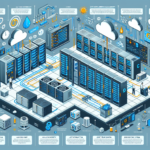
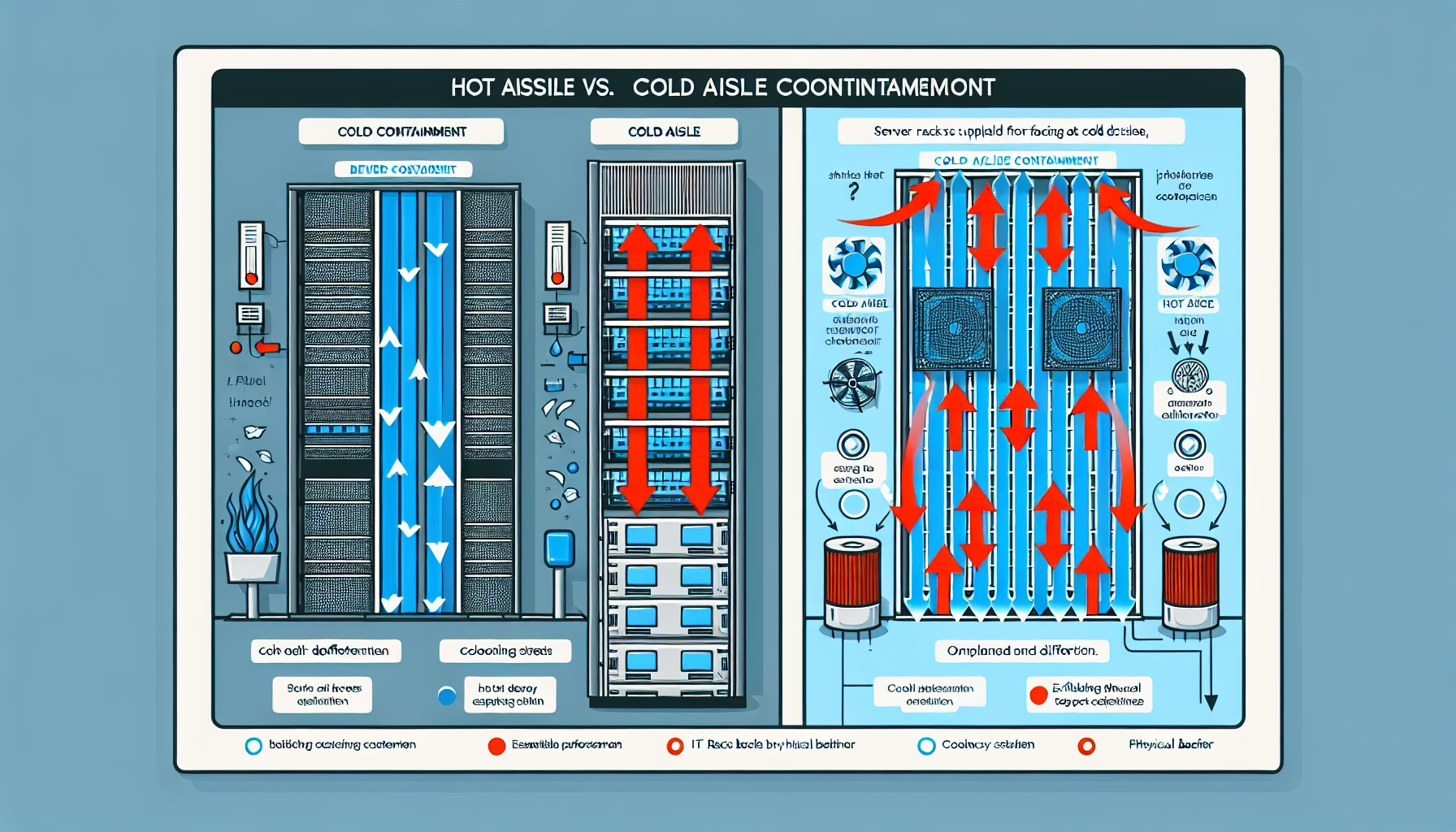
Power and Cooling: Run hot/cold aisle containment. Monitor inlet temperatures and humidity at the rack level; thermal throttling starts before you see alerts.
Network Fabric: Segment traffic with VLANs and apply QoS for storage, management, and tenant workloads. Use 25/100 GbE uplinks for east-west traffic; avoid oversubscribing spine links.
Physical Maintenance: Inspect cabling, transceivers, and PDU connections quarterly. Label everything; unlabeled fiber is a future outage.
2. Storage Performance
Tiering: Place active datasets on NVMe or SSD; archive to HDD or object storage. Automate tiering with policies, not manual moves.
RAID: Use RAID 10 for write-heavy, latency-sensitive workloads. RAID 5/6 carry a write penalty — avoid for databases or VM boot volumes.
IOPS and Latency: Track both. High IOPS with high latency means queue depth issues. Tune cache ratios, block sizes (typically 4K–64K), and queue depths per workload.
Transport: NVMe-oF (TCP or RoCE) or Fibre Channel for block; NFSv4.1 or SMB3 for file. Match MTU (9000) end-to-end for Jumbo Frames.
3. Backup and Recovery
Incremental Forever: Synthetic fulls reduce backup windows and storage. Verify changed-block tracking works on your hypervisor/storage array.
Replication and Snapshots: Async replication for RPO < 15 min; sync only where required. Snapshots are not backups — replicate them off-array.
Test Restores: Schedule quarterly full restores of critical systems. Document RTO/RPO results.
Deduplication and Compression: Enable on backup targets. Expect 10:1–20:1 for virtualized workloads; less for encrypted or already-compressed data.
4. Server Performance
Right-Size Resources: Monitor CPU ready time, memory ballooning, and disk latency. Over-provisioned VMs waste capacity; under-provisioned ones cause latency spikes.
Firmware and BIOS: Update on a schedule (quarterly minimum). Enable performance profiles (e.g., “Performance Per Watt” vs “Maximum Performance”) per workload.
Hardware Telemetry: Collect IPMI/Redfish metrics — temperature, fan RPM, PSU health, drive SMART. Alert on trends, not just thresholds.
5. Virtualization Best Practices
Resource Management: Monitor overcommitment ratios. CPU overcommit 3:1–4:1 is typical; memory overcommit requires ballooning/compression visibility. Set reservations for latency-sensitive VMs.
Hypervisor Tuning: Keep ESXi/Hyper-V/KVM patched. Disable unused hardware (audio, serial ports). Enable huge pages for large-memory VMs.
Shared Storage: Use SAN/NAS for HA and vMotion. For performance, consider local NVMe with vSAN or similar HCI — lower latency, no fabric hop.
Workload Balancing: Enable DRS (VMware) or equivalent. Set affinity/anti-affinity rules for license-bound or latency-sensitive groups.
6. Windows and Linux Performance
Patch Cadence: Monthly for security; test kernel/firmware updates in staging before production.
Observability: Windows — PerfMon counters (LogicalDisk\Avg. Disk sec/Read, Memory\Available MBytes, Processor\% Privileged Time). Linux — top, iotop, vmstat, pidstat, perf. Use eBPF tools (bpftrace, bcc) for deep dives.
Service Reduction: Disable unused roles (print spooler, Bluetooth, etc.). On Linux, mask unnecessary systemd units.
Filesystem Tuning: XFS or ext4 with noatime,nodiratime; align partitions to 1M. Windows: format ReFS/NTFS with 64K allocation unit for SQL/VM workloads.
7. Kubernetes Optimization
Requests and Limits: Set both. Requests = scheduler guarantee; limits = OOM/CPU throttle boundary. Avoid limit > request for CPU (throttling); memory limit = request for guaranteed QoS.
Cluster Autoscaler: Configure scale-up/down delays. Use node pools per instance type (GPU, high-mem, spot).
CNI: Calico (eBPF dataplane) or Cilium for L3/L4 performance and network policy. Avoid overlay overhead where possible (host-gw, VPC-native).
StorageClasses: Define per backend (NVMe, SSD, HDD). Enable volume expansion. Use CSI drivers with snapshot support.
Monitoring: Prometheus + Grafana + kube-state-metrics. Alert on pod restart rate, CPU throttle %, PVC pending, node pressure conditions.
8. AI Workloads and GPU Tuning
GPU Utilization: nvidia-smi dmon or dcgmi for per-GPU SM, memory, encoder, decoder, NVLink utilization. Target >80% SM occupancy.
Software Stack: Match CUDA/ROCm, cuDNN, NCCL, and driver versions to framework (PyTorch, TensorFlow, JAX). Containerize with NGC or ROCm images.
Parallelism: Data parallelism (DDP/FSDP) scales across GPUs; tensor/pipeline parallelism for model-parallel. Profile with Nsight Systems or ROCm Profiler.
Driver/Firmware: Pin driver versions per cluster. Update during maintenance windows; regressions are common.
Batch Sizing: Maximize batch size within GPU memory. Use gradient accumulation if OOM. Profile memory with torch.cuda.max_memory_allocated().
9. Network Infrastructure
Latency: Enable ECN and PFC for lossless fabrics (RoCEv2). Use cut-through switching where supported. Jumbo Frames (MTU 9000) end-to-end for storage and GPU interconnects.
Bandwidth and QoS: Classify traffic (storage, cluster, tenant). Police non-critical at leaf; prioritize control plane (BGP, health checks).
DNS: Run local recursive resolvers (CoreDNS, Unbound) with caching. Set appropriate TTLs; avoid single-point external resolvers.
Firewall: Place rules in hardware (ASIC) where possible. Order rules: allow established, deny by default, explicit allows. Log only exceptions.
10. Monitoring and Automation
Centralized Metrics: Prometheus (pull) or Datadog/New Relic (push). Standardize labels: cluster, env, team, tier. Retain high-res (15s) for 14 days; downsample for year.
Log Aggregation: Loki, Elasticsearch, or Splunk. Structure logs as JSON. Index labels, not full text. Retain hot 7 days, cold 90 days.
Configuration Management: Ansible for ad-hoc and drift remediation; Terraform for infrastructure. Store secrets in Vault or SealedSecrets — never in git.
11. Documentation and Training
Runbooks: One page per critical service: architecture, dependencies, common failure modes, rollback steps. Update after every incident.
Skill Rotation: Cross-train on-call rotations. Run game days quarterly (fail a node, cut a link, fill a disk).
Ali YAZICI is a Senior IT Infrastructure Manager with 15+ years of enterprise experience. While a recognized expert in datacenter architecture, multi-cloud environments, storage, and advanced data protection and Commvault automation , his current focus is on next-generation datacenter technologies, including NVIDIA GPU architecture, high-performance server virtualization, and implementing AI-driven tools. He shares his practical, hands-on experience and combination of his personal field notes and “Expert-Driven AI.” he use AI tools as an assistant to structure drafts, which he then heavily edit, fact-check, and infuse with my own practical experience, original screenshots , and “in-the-trenches” insights that only a human expert can provide.