GPU monitoring

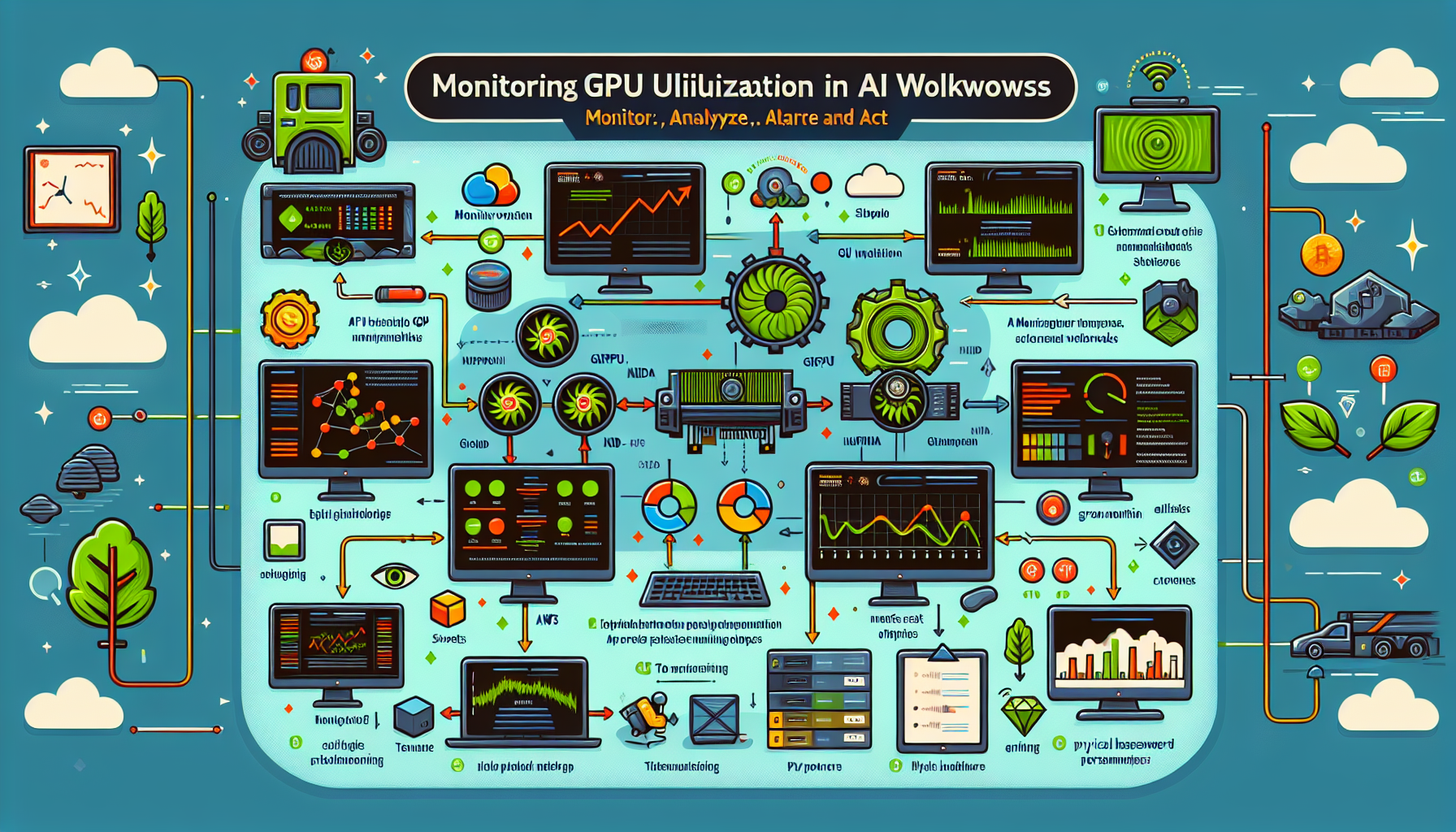
How do I monitor GPU utilization in AI workloads?

Monitoring GPU utilization in AI workloads is critical for understanding performance, optimizing resource usage, and troubleshooting bottlenecks. 1. Use GPU vendor tools Each vendor provides CLI utilities that ship with their drivers. Start here before adding extra layers. NVIDIA GPUs nvidia-smi: The standard command-line interface. Run nvidia-smi for a snapshot, or nvidia-smi dmon for a […]

How do I manage multi-GPU setups for deep learning?

Multi-GPU deep learning works when the hardware, software stack, and training strategy line up. Miss one and you’ll waste cycles debugging throughput instead of training models. 1. Choose the Right Hardware GPU Selection: Pick GPUs built for deep learning: NVIDIA A100, RTX 4090, or RTX 3090/3080. VRAM must fit your largest model plus activations and […]

How do I prevent GPU overheating in data-intensive tasks?

1. Optimize Data Center Cooling Arrange servers and racks for efficient airflow. Use hot-aisle/cold-aisle containment to separate hot and cold air streams. Monitor temperature and humidity continuously with environmental sensors. For high-density GPU racks, evaluate liquid cooling or upgraded HVAC. 2. Monitor GPU Temperatures Use nvidia-smi, AMD Radeon Software, or Prometheus/Grafana for telemetry. Set alerts […]

Scroll to top