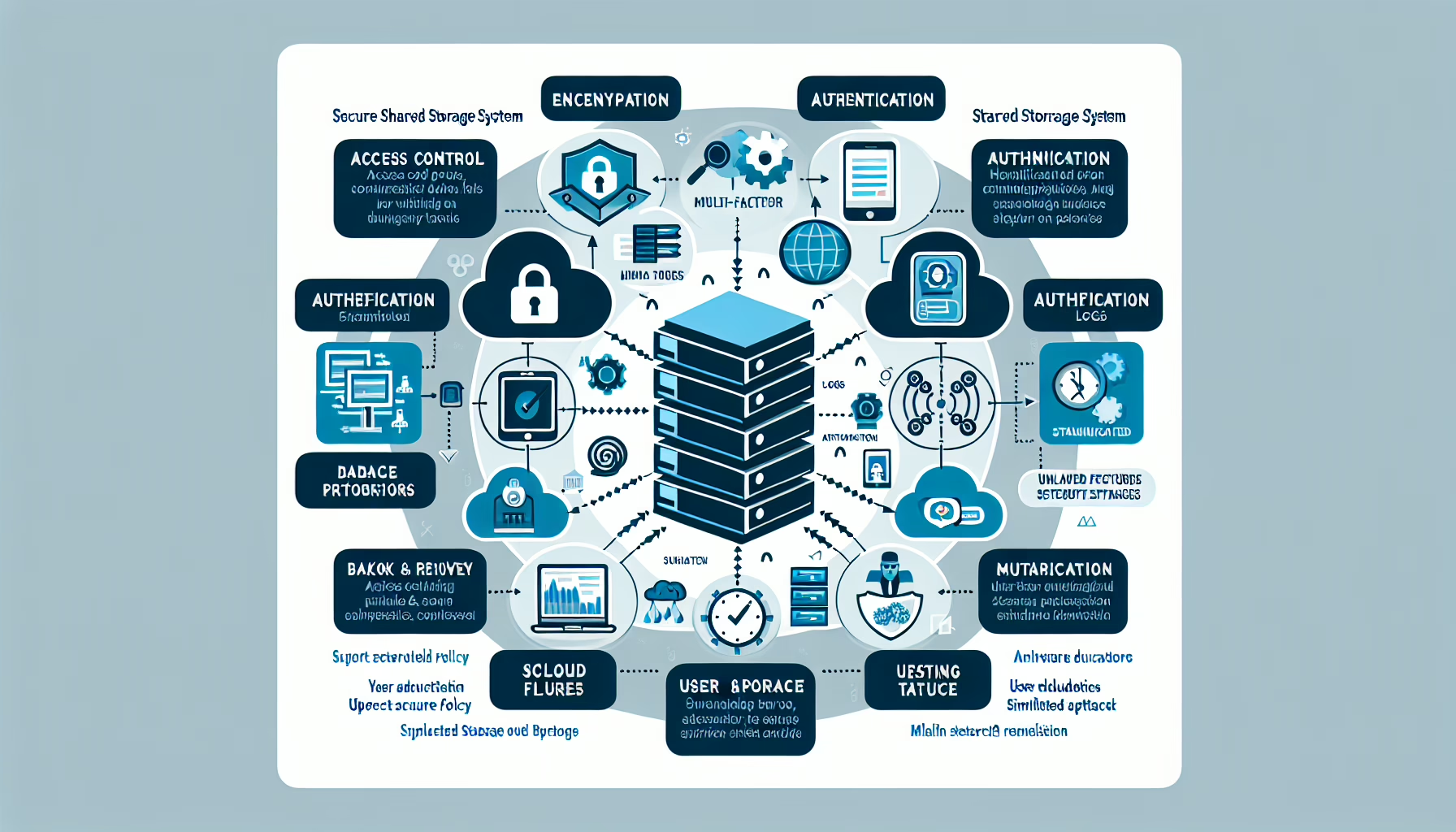
Securing backup systems is critical to ensuring the integrity, availability, and confidentiality of your data. Here are the best practices:
1. Implement Strong Access Controls
- Role-Based Access Control (RBAC): Grant access based on roles. Only authorized personnel should reach backup systems.
- Least Privilege: Limit permissions to the minimum necessary for each job function.
- Multi-Factor Authentication (MFA): Require MFA for all backup system access.
2. Encrypt Backup Data
- Data Encryption at Rest: Encrypt backup files on disks, tapes, or cloud storage.
- Data Encryption in Transit: Use secure protocols (HTTPS, SFTP) for data moving between servers and storage.
- Key Management: Store encryption keys in a secure key management system.
3. Regular Backup Validation and Testing
- Restore Testing: Regularly test restores to verify data integrity and backup functionality.
- Checksum Validation: Use checksums or hash algorithms to confirm backup file integrity.
4. Protect Backup Storage Locations
- Physical Security: Lock down on-premises backup storage with restricted access.
- Network Isolation: Place backup storage on a separate network segment or VLAN.
- Cloud Backup Security: For cloud backups, enforce compliance standards and use the provider’s secure configurations.
5. Maintain Backup Redundancy
- 3-2-1 Backup Rule: Keep 3 copies of data, on 2 different storage types, with 1 offsite.
- Geo-Redundant Backups: Store backups in geographically separate locations to survive regional disasters.
6. Protect Against Ransomware
- Immutability: Use immutable storage (WORM — Write Once Read Many) so backups cannot be altered or deleted.
- Air-Gapped Backups: Keep copies offline or on isolated systems.
- Anti-Malware Scanning: Scan backup files for malware before storing them.
7. Patch and Update Backup Systems
- Regular Updates: Keep backup software, OS, and firmware current to mitigate vulnerabilities.
- Vendor Advisories: Follow vendor security advisories and recommended practices.
8. Monitor and Audit Backup Activities
- Activity Logs: Enable logging for all backup operations and review regularly for anomalies.
- Alerts: Configure alerts for unauthorized access attempts or backup failures.
- Auditing: Run periodic audits to verify compliance with security policies.
9. Secure Backup Applications
- Application Hardening: Disable unnecessary features, enforce strong authentication.
- Firewall Rules: Restrict access to backup application interfaces and services via firewalls or security groups.
10. Backup Retention Policies
- Retention Duration: Define and enforce how long backups are kept.
- Retention Compliance: Align retention with regulatory and data privacy requirements.
11. Disaster Recovery Planning
- Document Procedures: Maintain detailed runbooks for backup and restore processes.
- Disaster Recovery Testing: Periodically test DR plans to confirm critical data recovery works.
12. Backup for Critical Systems
- High-Priority Data: Ensure databases, Kubernetes clusters, and other critical workloads have dedicated backups.
- Kubernetes Backup: Use specialized tools (Velero, Kasten) for cluster and configuration backups.
13. Backup Security in Virtualized Environments
- VM Snapshot Protection: Secure virtual machine snapshots and restrict hypervisor access.
- Secure Storage for Virtual Backups: Protect SAN or NAS devices holding virtual backups.
14. Educate Staff
- Training: Train IT staff on backup security protocols, sensitive data handling, and incident response.
- Awareness: Teach employees to recognize phishing and other risks that could compromise backups.

Ali YAZICI is a Senior IT Infrastructure Manager with 15+ years of enterprise experience. While a recognized expert in datacenter architecture, multi-cloud environments, storage, and advanced data protection and Commvault automation , his current focus is on next-generation datacenter technologies, including NVIDIA GPU architecture, high-performance server virtualization, and implementing AI-driven tools. He shares his practical, hands-on experience and combination of his personal field notes and “Expert-Driven AI.” he use AI tools as an assistant to structure drafts, which he then heavily edit, fact-check, and infuse with my own practical experience, original screenshots , and “in-the-trenches” insights that only a human expert can provide.
If you found this content valuable, [support this ad-free work with a coffee]. Connect with him on [LinkedIn].
Related Posts: