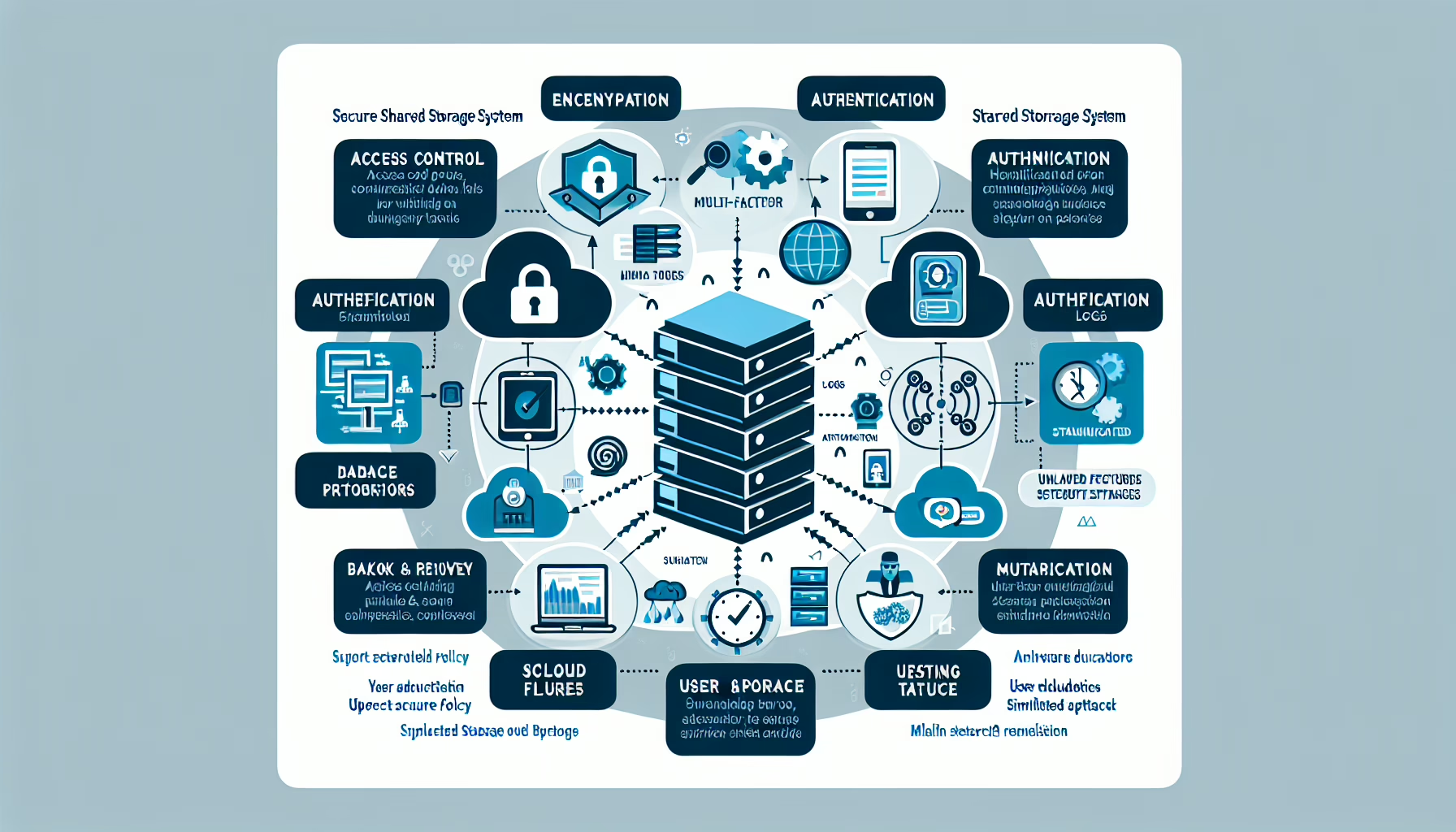
Storage encryption protects sensitive data, but only if you manage it right. Here’s what works in practice:
1. Use Industry-Standard Encryption Protocols
- Use AES-256. It’s the standard for a reason: widely vetted, compliant, and no known practical breaks.
- Skip proprietary or deprecated algorithms; they’re a liability.
2. Encrypt Data at Rest and In Transit
- Encrypt at rest with storage-level encryption; encrypt in transit with TLS 1.2 or higher.
- TLS for the wire, AES-256 (or equivalent) for the disk.
3. Implement Key Management Best Practices
- Centralized Key Management: Centralize key management in a dedicated KMS. Don’t scatter keys across scripts or config files.
- Key Rotation: Rotate keys on a schedule (e.g., annually) and after any suspected compromise.
- Secure Key Storage: Store master keys in HSMs. If you don’t have HSMs, use a cloud KMS with hardware-backed roots of trust.
- Access Controls: Enforce least-privilege access to keys. Require MFA for any key operation.
4. Enable Encryption at the Storage Level
- Self-encrypting drives (SEDs) and array-level encryption offload the CPU and simplify key handling.
- If hardware isn’t an option, use dm-crypt/LUKS on Linux or BitLocker on Windows—but expect a CPU hit.
5. Automate Encryption Configuration
- Codify encryption policy in IaC (Terraform, Ansible) or config management. No manual steps.
- Validate with compliance scans (e.g., OpenSCAP, custom scripts) in CI/CD.
6. Monitor and Audit Encryption Compliance
- Monitor for unencrypted volumes, expired keys, and policy drift. Alert on violations.
- Run quarterly audits against your policy and any regulatory baseline (PCI, HIPAA, etc.).
7. Protect Encryption Keys During Backups
- Encrypt backups with a different key hierarchy than production.
- If the backup key leaks, production stays safe.
8. Secure Access to Encrypted Data
- RBAC on the storage layer, not just the app. Least privilege everywhere.
- MFA for any console or API that can decrypt.
9. Adopt Encryption Standards for Cloud Storage
- Verify the provider’s encryption model before you commit.
- Prefer CMEK/CMK over provider-managed keys. You control rotation and revocation.
10. Prepare for Disaster Recovery
- Keys are part of DR. Document recovery steps and test them.
- Split knowledge: store key shards in separate physical/vault locations. Test restore annually.
11. Educate and Train Staff
- Run tabletop exercises: key compromise, lost HSM, expired cert.
- Document runbooks. Keep them current.
12. Test Encryption Systems Regularly
- Pen-test the key management workflow, not just the cipher.
- Run a key-compromise drill. Measure time to re-key.
13. Comply with Regulations and Standards
- Know which regulations apply. Map each requirement to a control.
- Assign someone to track NIST, ISO, and regulatory changes.
14. Plan for Performance Impacts
- Benchmark with and without encryption on your actual workload. NVMe drives with inline encryption engines often eliminate the penalty.
- If software encryption bottlenecks CPU, move to SEDs or NICs with TLS offload.

Ali YAZICI is a Senior IT Infrastructure Manager with 15+ years of enterprise experience. While a recognized expert in datacenter architecture, multi-cloud environments, storage, and advanced data protection and Commvault automation , his current focus is on next-generation datacenter technologies, including NVIDIA GPU architecture, high-performance server virtualization, and implementing AI-driven tools. He shares his practical, hands-on experience and combination of his personal field notes and “Expert-Driven AI.” he use AI tools as an assistant to structure drafts, which he then heavily edit, fact-check, and infuse with my own practical experience, original screenshots , and “in-the-trenches” insights that only a human expert can provide.
If you found this content valuable, [support this ad-free work with a coffee]. Connect with him on [LinkedIn].
Related Posts: