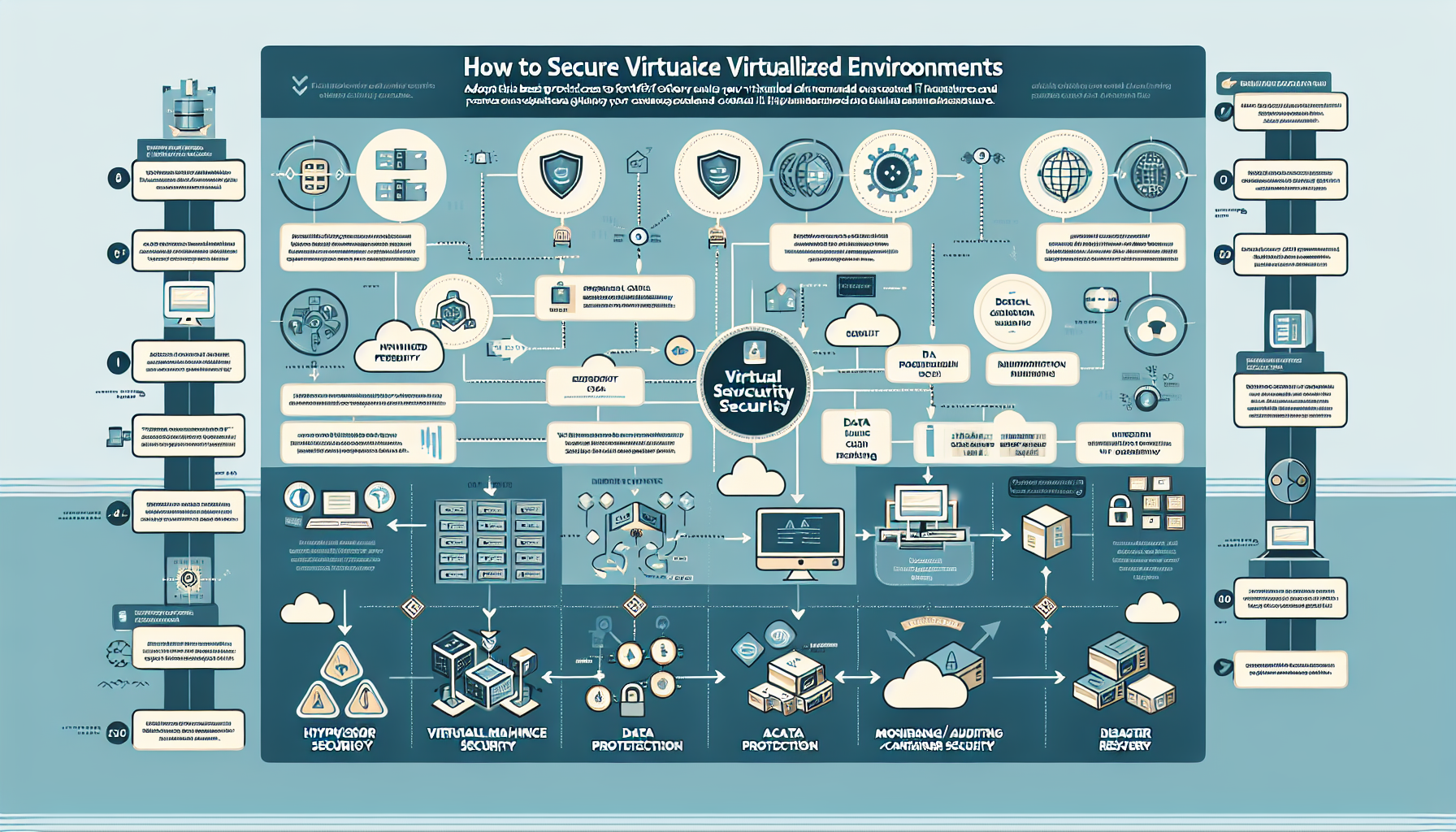
Securing virtualized environments protects your IT infrastructure from vulnerabilities, attacks, and data breaches. These environments often host multiple workloads, making them a high-value target. Below are best practices and strategies to secure your virtualized environments:
1. Harden the Hypervisor
The hypervisor is the core of your virtualized environment. Its security comes first.
Deploy a minimal hypervisor: install only the features and services you need.
Keep the hypervisor patched and updated to address known vulnerabilities.
Limit administrative access to authorized personnel only.
Enable logging for hypervisor activities to track access and changes.
Use secure protocols (HTTPS, SSH) and network isolation for management interfaces.
2. Secure Virtual Machines (VMs)
Treat each virtual machine like a physical server.
Harden the guest OS: apply security best practices for both Windows and Linux.
Disable unnecessary services and ports.
Apply the principle of least privilege.
Keep VM operating systems and applications up to date with patches.
Install and maintain anti-malware and endpoint security solutions.
Use VLANs or virtual network segmentation to isolate workloads.
3. Network Security for Virtual Environments
Virtualized environments include complex virtual networking that you must secure.
Use software-defined networking (SDN) to create granular network segments between VMs (microsegmentation).
Implement virtual firewalls and configure them to control traffic between VMs.
Encrypt data in transit with TLS or IPSec.
Deploy network intrusion detection/prevention systems (IDS/IPS) to monitor for anomalies.
4. Protect Data
The data stored in your virtualized environment is a primary target.
Encrypt virtual machine disks and backups to protect data at rest.
Secure storage networks: use iSCSI with CHAP authentication or Fibre Channel with zoning.
Implement a solid backup strategy and test recovery procedures regularly.
5. Implement Role-Based Access Control (RBAC)
Limit access to virtualized resources based on roles and responsibilities.
Enforce separation of duties: avoid giving full administrative privileges to a single user.
Require multi-factor authentication (MFA) for management consoles.
Regularly review who has access to what and adjust as necessary.
6. Secure Virtualization Management Tools
The tools used to manage your environment can become an attack vector.
Restrict access to management tools; ensure they are only reachable from trusted networks.
Use strong authentication mechanisms and enforce complex passwords.
Deploy management tools on dedicated, isolated networks.
7. Monitor and Audit the Environment
Proactive monitoring and auditing help you detect and mitigate threats early.
Use a centralized logging solution (SIEM) to collect and analyze logs from VMs, hypervisors, and management tools.
Set up alerts for unusual behavior: unexpected VM creations, configuration changes, etc.
Conduct regular compliance audits against internal policies and external regulations.
8. Secure Kubernetes and Containerized Workloads
If you run Kubernetes or containerized workloads in your virtualized environment:
Kubernetes security:
Restrict access to the Kubernetes API server.
Use namespaces to isolate workloads.
Enable network policies to control traffic between pods.
Container security:
Use trusted container images and registries.
Scan container images for vulnerabilities.
Limit container privileges (avoid running containers as root).
9. Protect Against VM Escape Attacks
VM escape is a critical threat in virtualized environments.
Ensure strong isolation between VMs to prevent a compromised VM from affecting others.
Keep hypervisor software up to date to mitigate known vulnerabilities.
Enable hardware-assisted virtualization (Intel VT-x, AMD-V) and hypervisor-specific security features such as Intel TXT or AMD SEV where available.
10. Disaster Recovery and Business Continuity
Security measures need reliable disaster recovery plans behind them.
Back up VMs regularly and test restore procedures.
Use replication for critical VMs to ensure high availability.
Maintain a disaster recovery site that can take over operations quickly during an outage.
11. Educate and Train Staff
Human error is a common cause of security issues.
Train IT staff on virtualization security best practices.
Run incident response drills so staff can react quickly to security events.
12. Automate Security Operations
Automation reduces human error and keeps pace with scale.
Automate patching, backups, and compliance checks.
Deploy tooling for real-time threat detection and automated response where appropriate.
13. Regular Security Assessments
Regular assessments identify and remediate vulnerabilities before attackers do.
Scan VMs, hypervisors, and management tools for vulnerabilities.
Conduct penetration tests to evaluate the effectiveness of your security controls.
Ali YAZICI is a Senior IT Infrastructure Manager with 15+ years of enterprise experience. While a recognized expert in datacenter architecture, multi-cloud environments, storage, and advanced data protection and Commvault automation , his current focus is on next-generation datacenter technologies, including NVIDIA GPU architecture, high-performance server virtualization, and implementing AI-driven tools. He shares his practical, hands-on experience and combination of his personal field notes and “Expert-Driven AI.” he use AI tools as an assistant to structure drafts, which he then heavily edit, fact-check, and infuse with my own practical experience, original screenshots , and “in-the-trenches” insights that only a human expert can provide.