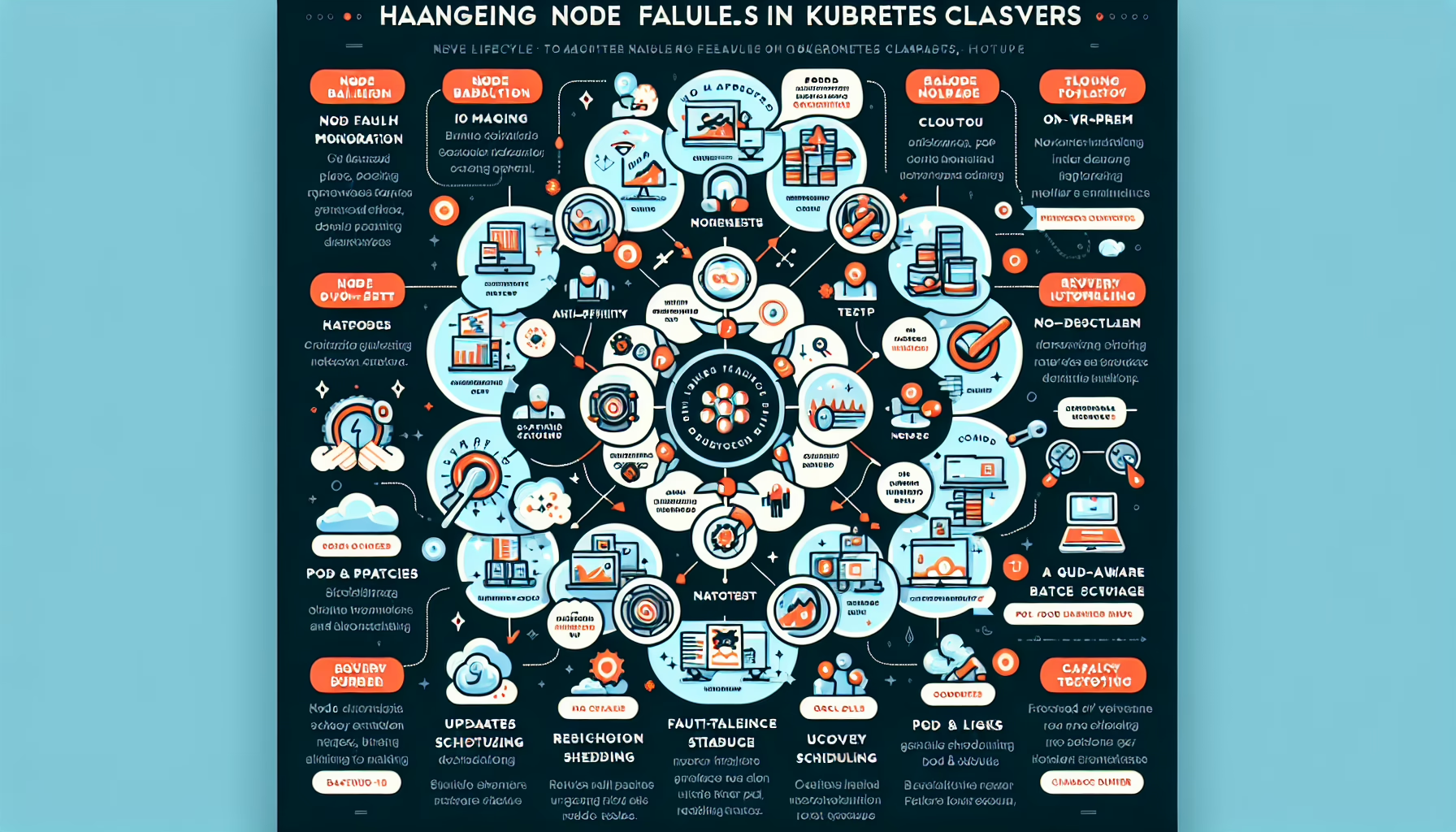
Scaling a Kubernetes cluster means balancing performance, resilience, and cost. Here are the key strategies.
1. Scale Nodes (Cluster Autoscaling)
Cluster Autoscaler automatically adjusts node count based on pending pods.
Implementation:
– Verify your cloud provider supports it (AWS, Azure, GCP, etc.).
– Configure autoscaling in your provisioning tool (kubeadm, Terraform, cloud console).
– Set minimum and maximum node limits to prevent runaway scaling.
Best practices:
– Match instance types to workload profiles (CPU-heavy vs. memory-heavy).
– Label node pools so the scheduler can segregate workloads.
2. Scale Pods (Horizontal Pod Autoscaler – HPA)
Horizontal Pod Autoscaler changes replica count based on CPU, memory, or custom metrics.
Implementation:
– Add resource requests and limits to pod specs.
– Deploy the HPA controller and reference it in your manifests.
– Use the Metrics Server for built-in metrics; Prometheus Adapter for custom ones.
Best practices:
– Tune thresholds to avoid thrashing.
– Don’t over-provision requests; it wastes money and hurts scheduling.
3. Scale Workloads (Vertical Pod Autoscaler – VPA)
Vertical Pod Autoscaler adjusts pod resource requests/limits based on actual usage.
Implementation:
– Install the VPA components.
– Start in “recommendation” mode to review suggestions before applying.
Best practices:
– Use VPA for batch jobs and backend services, not latency-sensitive paths.
– Combine with HPA carefully; they can fight each other if configured on the same resources.
4. Use Multi-Zone or Multi-Cluster Architecture
Multi-Zone Clusters spread nodes across availability zones in one region.
Implementation: Manage clusters with GitOps workflows (Argo CD, Flux) and a fleet manager.
5. Optimize Resource Requests and Limits
Define requests (guaranteed minimum) and limits (hard ceiling) for every container.
Keep limits realistic; inflated limits cause contention and poor scheduling decisions.
Monitor usage with kubectl top, Prometheus, or Grafana and adjust regularly.
6. Optimize Cluster Networking and Storage
Networking:
– Choose a CNI plugin (Calico, Flannel, Cilium) that fits your scale and policy needs.
– Scale ingress controllers (NGINX, Traefik, Envoy) independently to absorb traffic spikes.
Storage:
– Use dynamic provisioning via CSI drivers.
– Expand PVCs as workloads grow; enable volume expansion in your StorageClass.
7. Monitor and Alert
Instrument the cluster with Prometheus + Grafana, the ELK stack, or a hosted platform (Datadog, etc.).
Alert on node saturation, pod restart loops, API server latency, and scheduler queue depth.
8. Plan for GPU Scaling (If Running AI/ML Workloads)
GPU Nodes:
– Install the NVIDIA GPU Operator (or vendor equivalent) for device discovery.
– Taint GPU nodes and add tolerations to GPU workloads so they land on the right hardware.
Best practices:
– Keep GPU nodes in dedicated node pools; scale them separately from general compute.
– Track GPU utilization with NVIDIA DCGM or vendor tooling.
9. Use Infrastructure-as-Code (IaC)
Define node pools, cluster settings, and autoscaling policies in Terraform, Pulumi, or Helm.
Version-control everything; changes go through PRs, not console clicks.
10. Test and Validate Scaling
Run load tests (JMeter, Locust, k6) that mimic real traffic patterns.
Verify that HPA/VPA/Cluster Autoscaler react within your SLO windows.
Test failure scenarios: zone loss, node drain, API server overload.
11. Cost Optimization
Run fault-tolerant batch workloads on Spot/Preemptible instances.
Buy Reserved Instances or Savings Plans for steady baseline capacity.
Schedule batch jobs during off-peak hours with Kubernetes CronJobs.
12. Security and Compliance
Enforce least-privilege RBAC on every cluster, especially as you add node pools.
Ali YAZICI is a Senior IT Infrastructure Manager with 15+ years of enterprise experience. While a recognized expert in datacenter architecture, multi-cloud environments, storage, and advanced data protection and Commvault automation , his current focus is on next-generation datacenter technologies, including NVIDIA GPU architecture, high-performance server virtualization, and implementing AI-driven tools. He shares his practical, hands-on experience and combination of his personal field notes and “Expert-Driven AI.” he use AI tools as an assistant to structure drafts, which he then heavily edit, fact-check, and infuse with my own practical experience, original screenshots , and “in-the-trenches” insights that only a human expert can provide.