1. Optimize Data Center Cooling
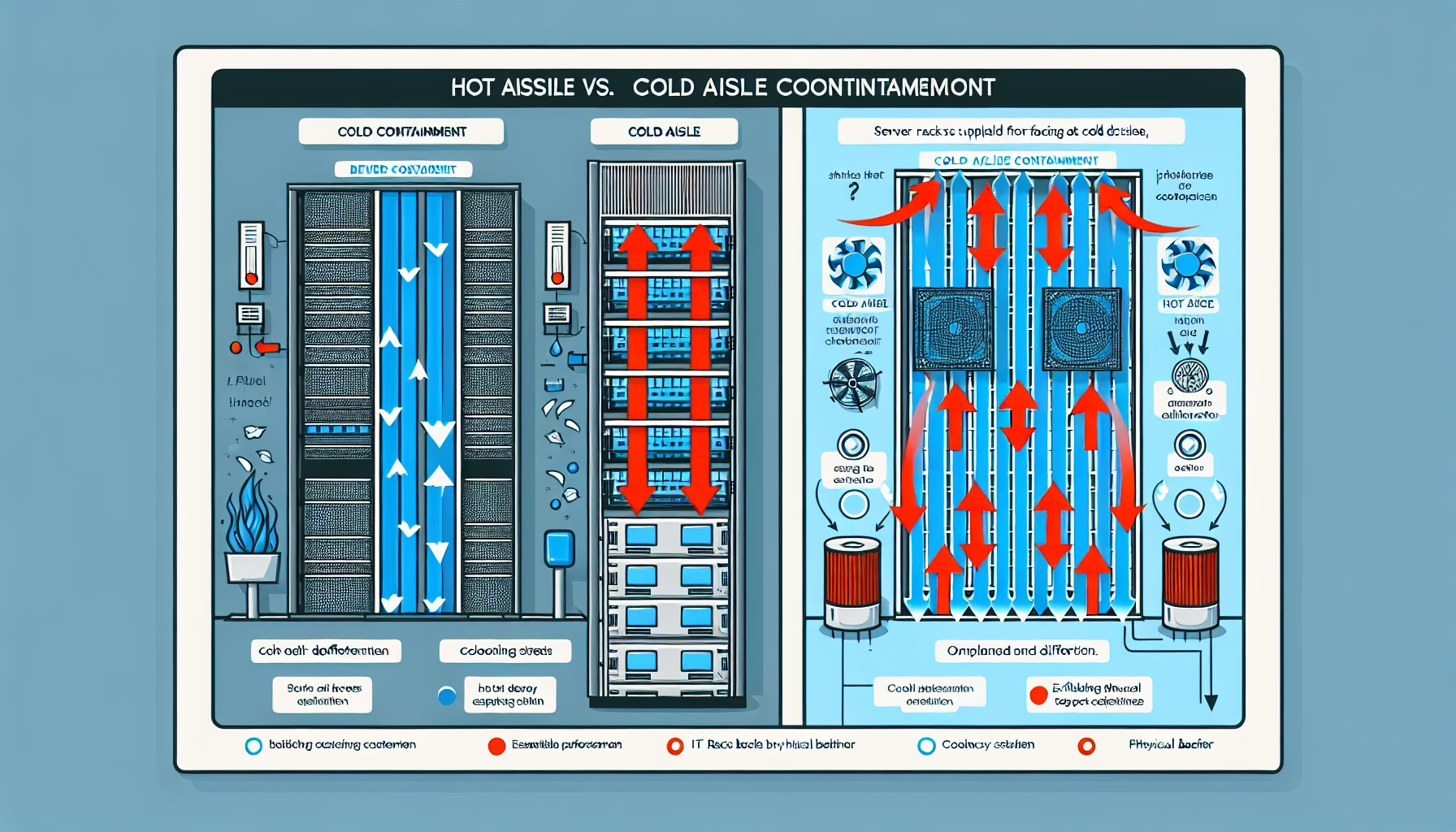
- Arrange servers and racks for efficient airflow. Use hot-aisle/cold-aisle containment to separate hot and cold air streams.
- Monitor temperature and humidity continuously with environmental sensors.
- For high-density GPU racks, evaluate liquid cooling or upgraded HVAC.
2. Monitor GPU Temperatures
- Use
nvidia-smi, AMD Radeon Software, or Prometheus/Grafana for telemetry. - Set alerts at 80–85°C — most GPUs throttle near this range.
3. Optimize Workloads
- Throttle GPU utilization during non-critical windows or when temperatures climb.
- Spread data-intensive tasks across multiple GPUs or nodes instead of saturating one card.
4. Maintain and Upgrade Hardware
- Clean GPUs on a schedule — dust clogs fans and heatsinks fast.
- Reapply quality thermal paste when it degrades (typically every 2–3 years in 24/7 use).
- If stock cooling falls short, look at aftermarket air coolers or water blocks.
5. Adjust Power and Performance Settings
- Undervolt to cut heat without a meaningful performance hit.
- Cap max power draw with
nvidia-smi -pl <watts>.
6. Leverage GPU Management Tools
- Enable dynamic fan curves in driver software (not BIOS) so fans ramp with load.
- Lower clock speeds during idle or low-priority work to reduce heat output.
7. Adopt Redundancy and Scalability
- Add GPUs rather than overloading one — scale horizontally.
- In Kubernetes, use taints, tolerations, and resource limits to balance GPU workloads across nodes.
8. Optimize Data Center Power Management
- Verify each GPU gets stable, adequate power — sagging rails cause inefficiency and heat.
- Smart PDUs give per-outlet telemetry; use it to catch imbalances early.
9. Regular Firmware and Driver Updates
- Keep drivers current — vendors ship power-management and thermal fixes regularly.
- Update GPU firmware (VBIOS) when the OEM releases stability improvements.
10. Plan for Heat Dissipation
- Leave physical space between cards in multi-GPU servers so heat can escape.
- Rack-mounted exhaust ducts or rear-door heat exchangers pull hot air out fast.
11. Conduct Stress Testing
- Run controlled stress tests periodically to verify cooling headroom and catch degradation early.

Ali YAZICI is a Senior IT Infrastructure Manager with 15+ years of enterprise experience. While a recognized expert in datacenter architecture, multi-cloud environments, storage, and advanced data protection and Commvault automation , his current focus is on next-generation datacenter technologies, including NVIDIA GPU architecture, high-performance server virtualization, and implementing AI-driven tools. He shares his practical, hands-on experience and combination of his personal field notes and “Expert-Driven AI.” he use AI tools as an assistant to structure drafts, which he then heavily edit, fact-check, and infuse with my own practical experience, original screenshots , and “in-the-trenches” insights that only a human expert can provide.
If you found this content valuable, [support this ad-free work with a coffee]. Connect with him on [LinkedIn].
Related Posts: