Optimizing IT infrastructure for secure data sharing means combining hardware, software, policies, and practices that actually work together. Here’s how to approach it:
1. Assess and Audit Current Infrastructure
Identify critical data: classify by sensitivity (public, confidential, restricted).
Run a security audit to find gaps in your current sharing processes.
Map compliance requirements (GDPR, HIPAA, CCPA) to your infrastructure.
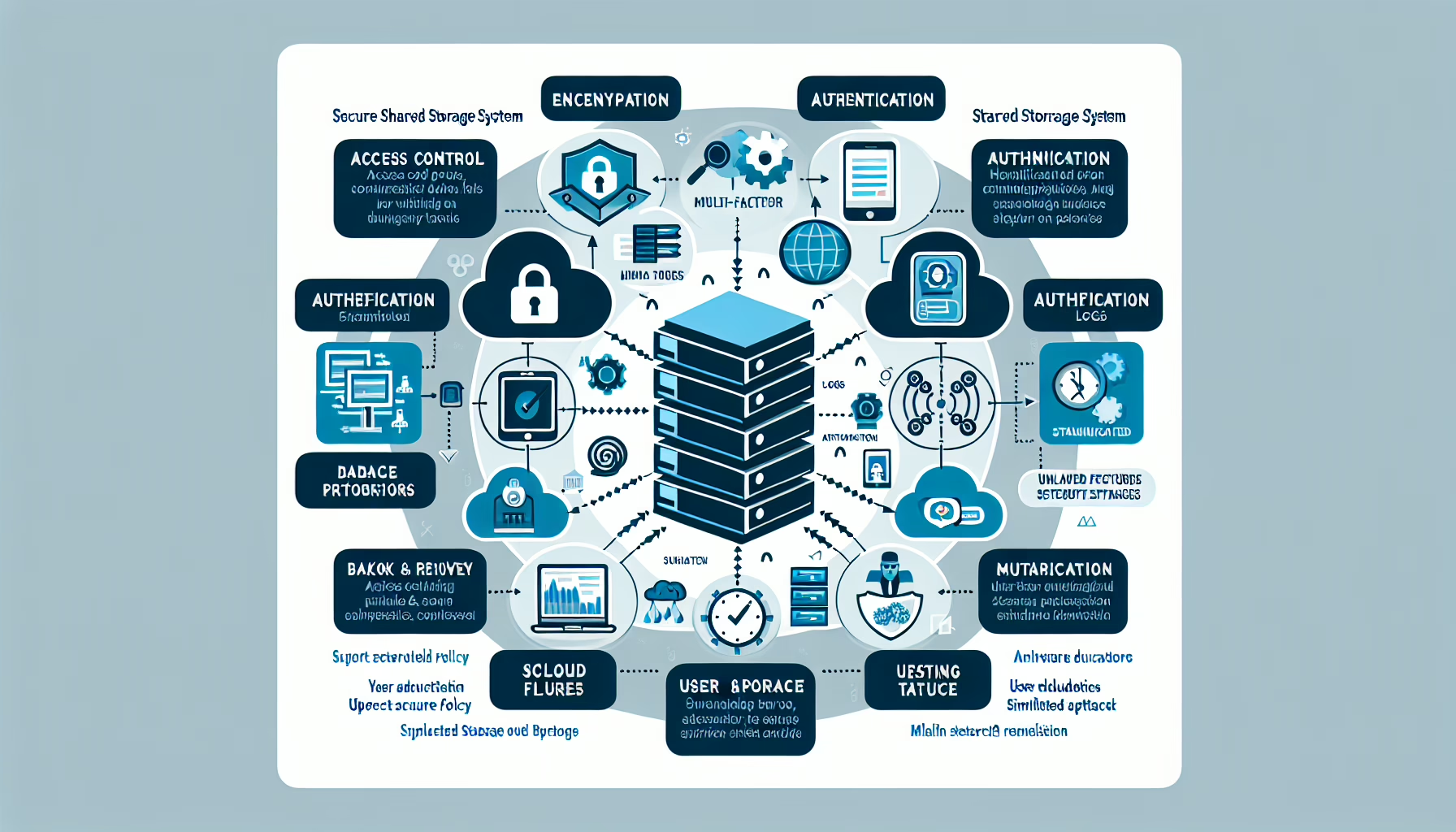
2. Implement a Secure Data Sharing Architecture
Centralized storage: use enterprise-grade SAN or NAS with built-in encryption.
Role-based access control (RBAC): grant least-privilege access to shared data.
Zero-trust model: verify every access request regardless of network location.
3. Data Encryption
At-rest encryption: BitLocker (Windows), LUKS (Linux), or vendor encryption on storage arrays.
In-transit encryption: enforce TLS 1.2+ or SFTP for all transfers.
Key management: use a dedicated KMS (HashiCorp Vault, AWS KMS, Azure Key Vault) — never store keys alongside data.
4. Secure File Sharing Solutions
Enterprise file sync and share (EFSS): OneDrive for Business, Google Workspace, or Dropbox Business with security policies enforced.
On-premise option: Nextcloud or ownCloud for full control.
Data Loss Prevention (DLP): deploy rules that block or quarantine sensitive data leaving approved channels.
5. Virtualization and Containers for Isolation
Virtual machines: isolate sensitive workloads from general-purpose environments.
Kubernetes security:
Network policies to isolate pods and namespaces.
Runtime security with Falco or Aqua Security.
Scan container images for vulnerabilities before deployment.
6. Multi-Factor Authentication (MFA)
Enforce MFA for all access to shared resources.
Add Single Sign-On (SSO) to reduce credential sprawl.
7. Network Security
Segment with VLANs or SDN to isolate data-sharing zones.
Firewall rules: default-deny inbound to sharing services; allow only required ports.
IDS/IPS: Snort, Suricata, or a managed service to catch malicious traffic.
8. Backup and Disaster Recovery
Automated, scheduled backups of all critical shares.
Immutable backups via WORM storage or object lock to prevent ransomware encryption.
Offsite copies in a separate geographic region.
9. Secure Endpoint Devices
Endpoint protection (EDR/XDR) on every device accessing shared data.
MDM (Intune, Workspace ONE) to enforce encryption, wipe, and compliance on mobile devices.
10. Anomaly Detection with SIEM and ML
Centralize logs in Splunk, ELK, or a SIEM with behavioral analytics.
Profile normal user access patterns; alert on deviations (impossible travel, bulk downloads, odd hours).
11. Secure Collaboration Tools
Encrypted messaging: Signal, Teams, or Slack with retention and DLP policies configured.
Version control: GitHub/GitLab with branch protection, signed commits, and strict RBAC for code and docs.
12. User Education and Policy
Regular security awareness training focused on phishing and safe sharing habits.
Written data-sharing policy: what can be shared, with whom, via which approved tools.
13. Continuous Monitoring and Auditing
Real-time monitoring of file access and sharing events.
Detailed audit logs retained per compliance requirements.
Periodic compliance audits against your policy and regulatory baselines.
GPUs or dedicated accelerators can speed up homomorphic encryption or secure multi-party computation — only relevant if you’re building privacy-preserving analytics pipelines.
For standard file sharing, CPU-based AES-NI is sufficient.
15. Incident Response Plan
Documented runbook for data breach scenarios: containment, investigation, notification, recovery.
Run tabletop exercises quarterly; update the plan after each drill or real incident.
Ali YAZICI is a Senior IT Infrastructure Manager with 15+ years of enterprise experience. While a recognized expert in datacenter architecture, multi-cloud environments, storage, and advanced data protection and Commvault automation , his current focus is on next-generation datacenter technologies, including NVIDIA GPU architecture, high-performance server virtualization, and implementing AI-driven tools. He shares his practical, hands-on experience and combination of his personal field notes and “Expert-Driven AI.” he use AI tools as an assistant to structure drafts, which he then heavily edit, fact-check, and infuse with my own practical experience, original screenshots , and “in-the-trenches” insights that only a human expert can provide.