Managing persistent storage in Kubernetes takes a few moving parts. Here’s how the pieces fit together.
1. Understand Kubernetes Storage Concepts
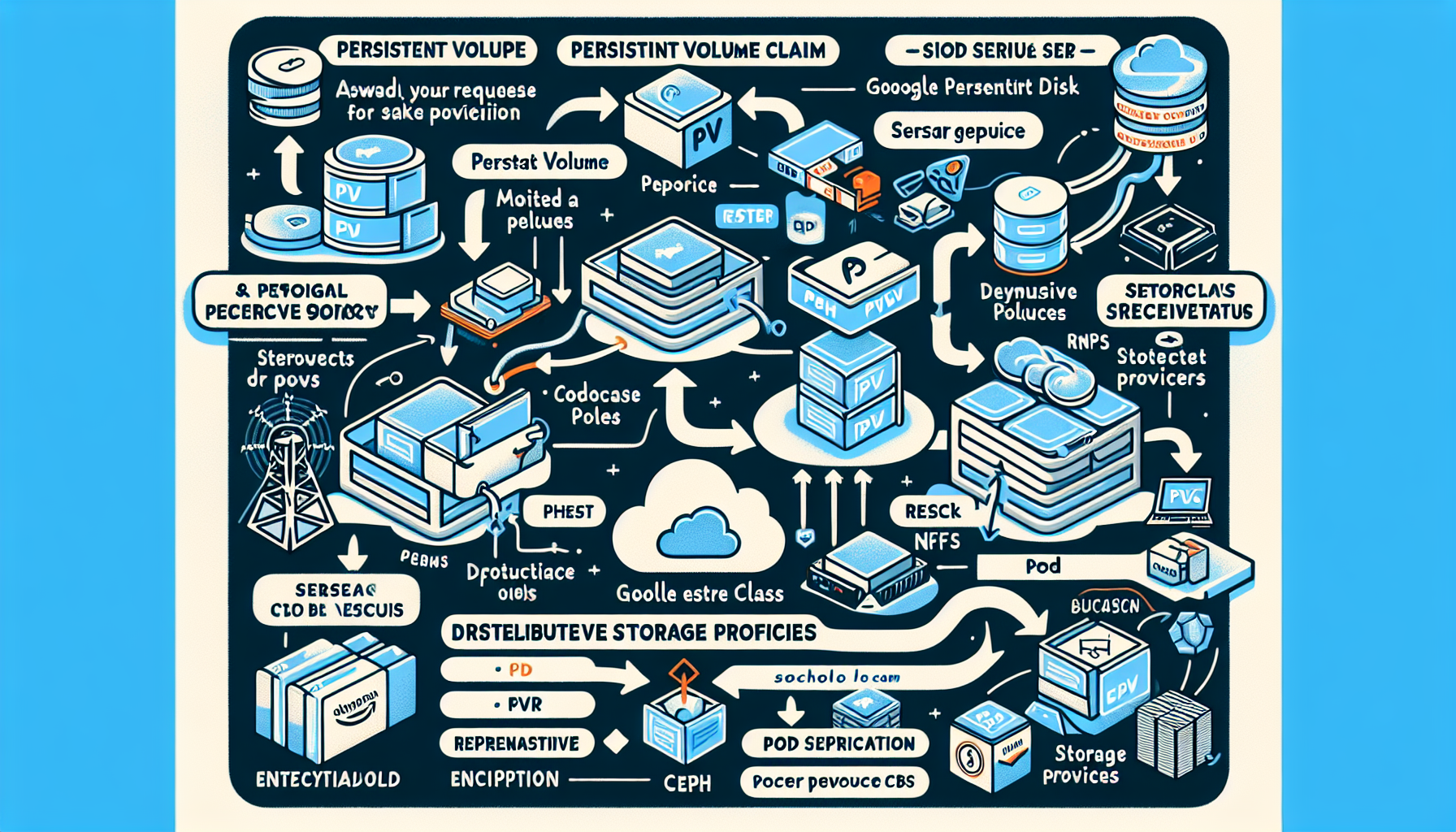
Kubernetes abstracts storage through three main objects:
- PersistentVolume (PV): A piece of storage in the cluster — local disk, NFS, iSCSI, cloud block volume, etc.
- PersistentVolumeClaim (PVC): A pod’s request for storage. PVCs bind to PVs either statically or dynamically.
- StorageClass: Defines how volumes are provisioned on demand (AWS EBS, GCE PD, Ceph, etc.).
2. Choose a Storage Provider
The backend can be a cloud service, on-prem hardware, or a distributed system:
- Cloud: AWS EBS, Google Persistent Disk, Azure Disk
- On-prem: VMware vSphere, NFS, iSCSI, SAN
- Distributed: Ceph, GlusterFS, OpenEBS, Longhorn, Rook
Pick based on what your workloads need for performance, redundancy, and cost.
3. Configure Storage Classes
StorageClasses enable dynamic provisioning. Example for gp2 EBS volumes:
yaml
apiVersion: storage.k8s.io/v1
kind: StorageClass
metadata:
  name: fast-storage
provisioner: kubernetes.io/aws-ebs
parameters:
  type: gp2
  fsType: ext4
The provisioner points to the backend; parameters tune the volume (disk type, filesystem, etc.).
4. Create PersistentVolumeClaims
Pods request storage via PVCs. This one asks for 10Gi on the fast-storage class:
yaml
apiVersion: v1
kind: PersistentVolumeClaim
metadata:
  name: my-pvc
spec:
  accessModes:
    - ReadWriteOnce
  resources:
    requests:
      storage: 10Gi
  storageClassName: fast-storage
The PVC binds to an existing PV or triggers dynamic provisioning when a StorageClass is named.
5. Use Volumes in Pods
Mount the PVC in a pod’s volume spec:
yaml
apiVersion: v1
kind: Pod
metadata:
  name: my-pod
spec:
  containers:
  - name: my-container
    image: nginx
    volumeMounts:
    - mountPath: /data
      name: my-volume
  volumes:
  - name: my-volume
    persistentVolumeClaim:
      claimName: my-pvc
The volume appears at /data inside the container.
6. Manage Data Retention (Reclaim Policies)
A PV’s reclaimPolicy decides what happens after its PVC is deleted:
- Retain: Data stays; you clean up manually.
- Delete: Underlying storage is removed.
- Recycle: Scrubs and re-provisions (deprecated).
Example PV with Delete policy (using hostPath for demo only):
yaml
apiVersion: v1
kind: PersistentVolume
metadata:
  name: my-pv
spec:
  capacity:
    storage: 10Gi
  accessModes:
    - ReadWriteOnce
  persistentVolumeReclaimPolicy: Delete
  storageClassName: fast-storage
  hostPath:
    path: /mnt/data
7. Monitor Storage Usage
Track capacity and performance with Prometheus, Grafana, or your cloud provider’s monitoring.
8. Ensure High Availability and Scalability
For production workloads:
- Run distributed storage (Ceph, Rook, Longhorn) for replication and fault tolerance.
- Spread across zones or clusters for disaster recovery.
- Back up with Velero or an external solution.
9. Backup and Disaster Recovery
Set up a backup cadence:
- Velero can snapshot and restore Kubernetes resources and persistent volumes.
- Ship backups to object storage (S3, Azure Blob, etc.) on a schedule.
10. Security and Access Control
Lock down storage access:
- Use RBAC to limit who can create or bind PVCs.
- Encrypt volumes — cloud provider encryption or tools like Vault.
- Enforce read-only mounts where appropriate via pod security standards.
Troubleshooting Tips
If a PVC stays Pending:
- Verify the StorageClass exists and matches the PVC’s
storageClassName. - Check that the backend has capacity (cloud quota, disk space, etc.).
- Inspect the provisioner’s logs for errors.

Ali YAZICI is a Senior IT Infrastructure Manager with 15+ years of enterprise experience. While a recognized expert in datacenter architecture, multi-cloud environments, storage, and advanced data protection and Commvault automation , his current focus is on next-generation datacenter technologies, including NVIDIA GPU architecture, high-performance server virtualization, and implementing AI-driven tools. He shares his practical, hands-on experience and combination of his personal field notes and “Expert-Driven AI.” he use AI tools as an assistant to structure drafts, which he then heavily edit, fact-check, and infuse with my own practical experience, original screenshots , and “in-the-trenches” insights that only a human expert can provide.
If you found this content valuable, [support this ad-free work with a coffee]. Connect with him on [LinkedIn].
Related Posts: