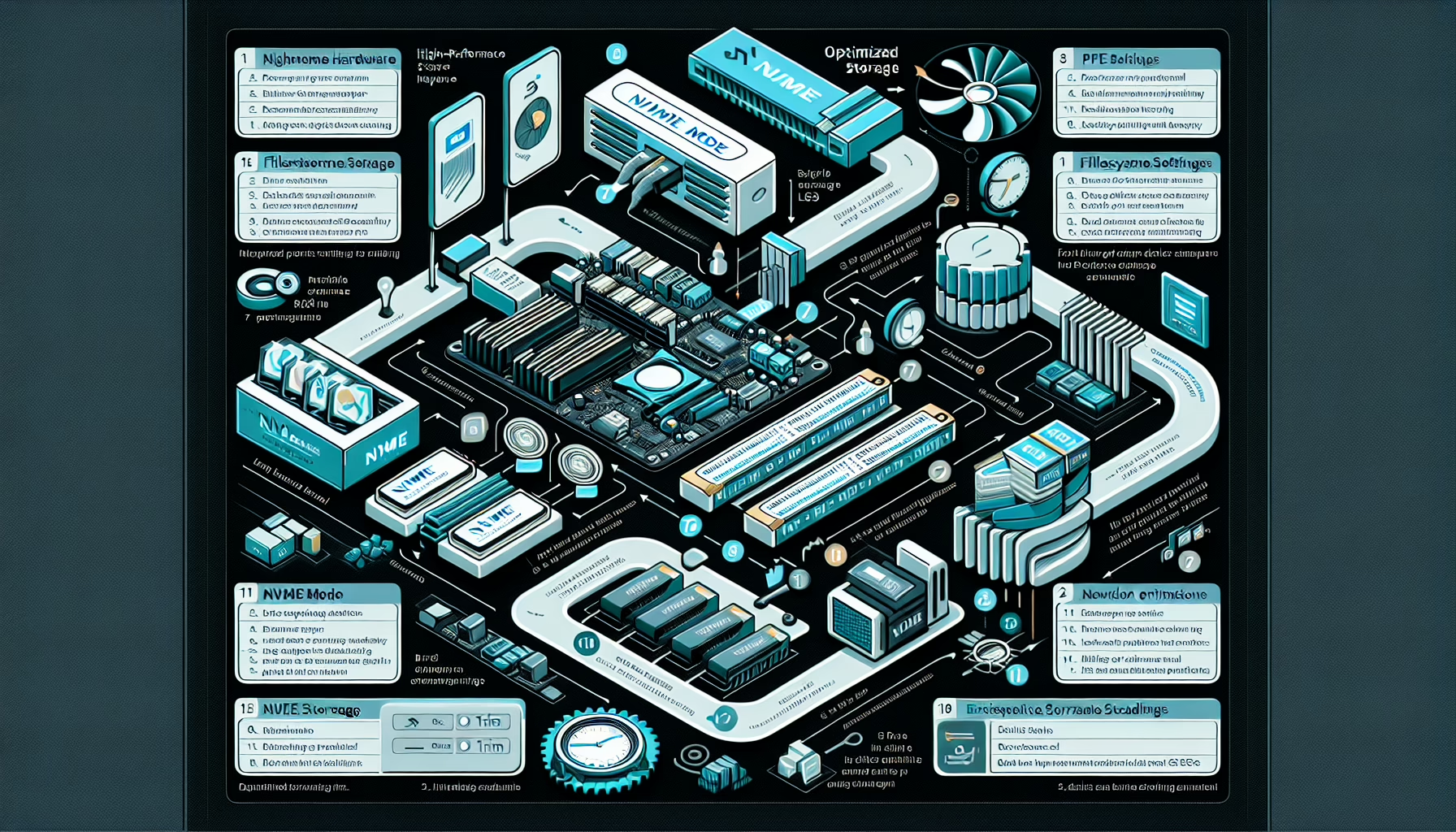
1. Hardware Optimization
- Use servers with fast CPUs, high clock speeds, large cache sizes, and multi-core architectures optimized for parallel processing.
- Deploy DDR4/DDR5 RAM with low latency and high bandwidth. Ensure sufficient memory for your workload to avoid swapping.
- Replace traditional storage drives with NVMe SSDs for faster data access and reduced I/O latency.
- For AI, ML, or data-intensive workloads, use GPU cards like NVIDIA A100 or AMD Instinct for accelerated computing.
- Use high-speed, low-latency NICs with RDMA (Remote Direct Memory Access) support for network communication.
2. Network Optimization
- Invest in 10GbE, 25GbE, or 100GbE network interfaces for high-throughput communication.
- Use high-performance switches with low-latency features and minimal packet processing overhead.
- Implement a dedicated network for latency-sensitive applications to avoid congestion.
- Configure QoS settings to prioritize traffic for low-latency applications.
3. Virtualization and Containerization
- Avoid virtualization overhead by deploying applications directly on bare-metal servers for critical low-latency workloads.
- Optimized Kubernetes Configurations: For containerized applications, configure Kubernetes clusters with:
- CPU pinning and NUMA-aware scheduling.
- Reduced pod overhead and tuned resource limits.
- If virtualization is needed, use lightweight hypervisors like KVM or optimize VMware ESXi for performance.
4. Operating System and Kernel Tuning
- For Linux servers, enable real-time kernel features and reduce kernel scheduling latency.
- Turn off non-essential services or daemons to free up resources.
- Use the
noopordeadlineschedulers (ormq-deadlineon newer kernels) for disk I/O to prioritize latency. - Disable or tune transparent huge pages (THP) to minimize memory allocation delays.
5. Application-Specific Optimizations
- Use frameworks like Apache Kafka, RabbitMQ, or Redis to optimize message queues and event processing.
- Optimize applications to take advantage of multi-core and multi-threaded processing.
- Tune database configurations for high performance with caching, query optimization, and indexing.
6. Backup and Storage Optimization
- Implement caching mechanisms and tiered storage to prioritize frequently accessed data.
- Use high-performance distributed file systems like Ceph or Lustre for scalable storage.
- Configure backups to avoid interference with application performance (e.g., use snapshots or asynchronous replication).
7. Monitoring and Analytics
- Deploy tools like Prometheus, Grafana, and ELK Stack to monitor latency metrics and identify bottlenecks.
- Use tools like Wireshark or SolarWinds to analyze packet flows and troubleshoot network latency.
- Use APM tools like Dynatrace, New Relic, or AppDynamics to monitor application latency.
8. AI and Machine Learning Integration
- For AI workloads, optimize inference performance with low-latency frameworks like NVIDIA Triton Inference Server or TensorRT.
- Use Kubernetes GPU scheduling to allocate GPU resources efficiently for AI workloads.
- Ensure models are deployed close to data sources or edge locations to reduce latency in prediction.
9. Security Measures
- Use low-latency firewalls that minimize packet inspection delays.
- Optimize encryption algorithms with hardware accelerators like AES-NI or TLS offloading on NICs.
- Implement fast authentication mechanisms that don’t introduce latency.
10. Scalability and Redundancy
- Design the infrastructure to scale horizontally across multiple nodes to distribute load and reduce latency.
- Use high-performance load balancers like HAProxy or hardware-based solutions.
- Implement redundant paths and failover mechanisms to maintain availability during outages.
11. Edge and Cloud Integration
- Deploy edge nodes to process data closer to the source, reducing latency for applications like IoT and streaming.
- Leverage hybrid cloud solutions with low-latency connectivity between on-premises and cloud environments.
- Use services like AWS Direct Connect or Azure ExpressRoute for low-latency cloud access.

Ali YAZICI is a Senior IT Infrastructure Manager with 15+ years of enterprise experience. While a recognized expert in datacenter architecture, multi-cloud environments, storage, and advanced data protection and Commvault automation , his current focus is on next-generation datacenter technologies, including NVIDIA GPU architecture, high-performance server virtualization, and implementing AI-driven tools. He shares his practical, hands-on experience and combination of his personal field notes and “Expert-Driven AI.” he use AI tools as an assistant to structure drafts, which he then heavily edit, fact-check, and infuse with my own practical experience, original screenshots , and “in-the-trenches” insights that only a human expert can provide.
If you found this content valuable, [support this ad-free work with a coffee]. Connect with him on [LinkedIn].
Related Posts: