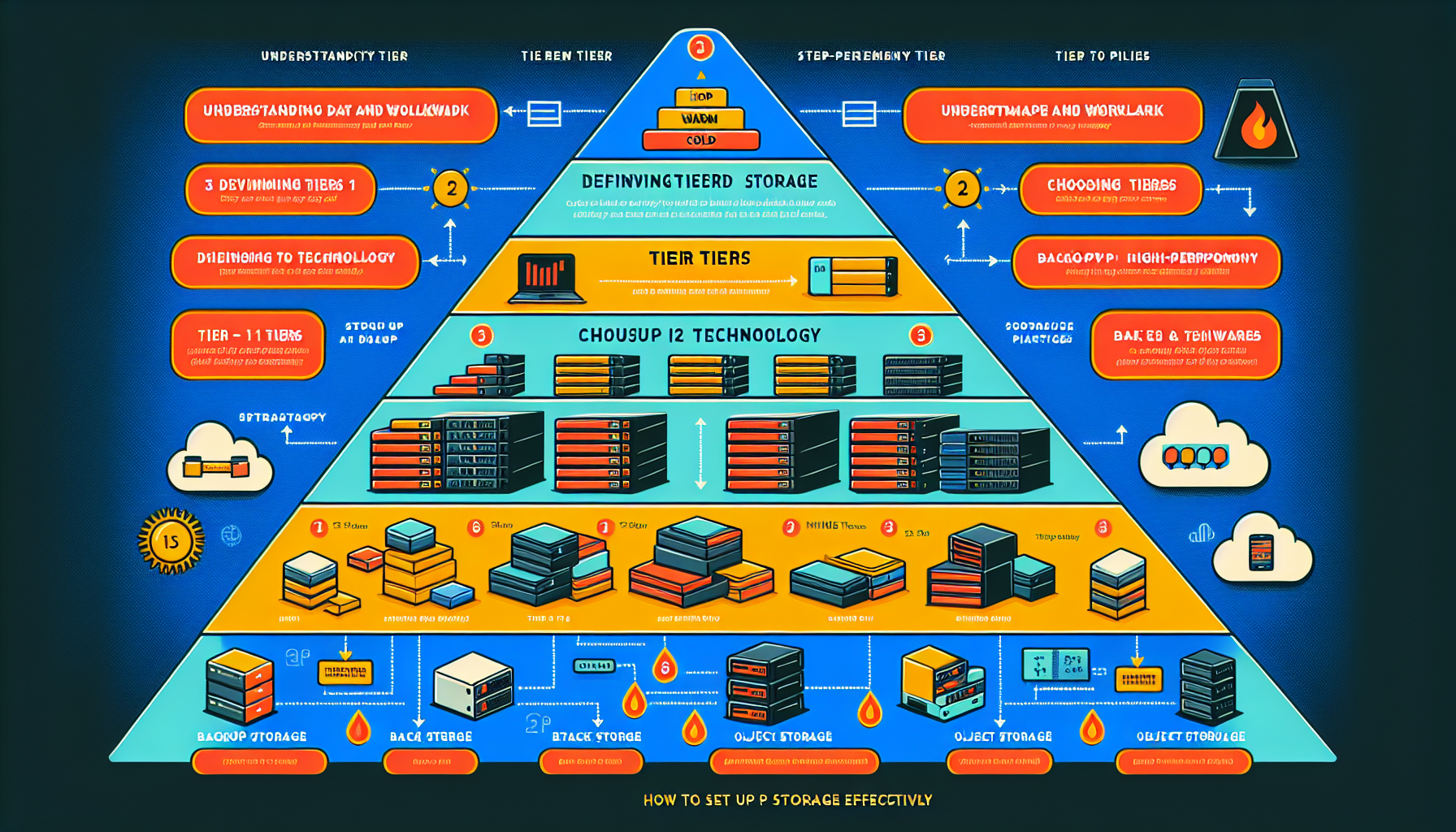
Tiered storage organizes data across different media types to balance performance, capacity, and cost. Here’s how to set it up:
1. Understand Your Data and Workload
- Monitor read/write frequency, latency needs, and usage trends to identify hot, warm, and cold data.
- Classify data by performance, latency, and retention requirements (production, archival, backups, etc.).
2. Define Your Tiers
- Tier 1 (High-Performance): NVMe or enterprise SSDs for hot data needing low latency and high IOPS (databases, VMs, AI/ML training).
- Tier 2 (General-Purpose): SATA SSDs or high-speed HDDs for warm data accessed occasionally (shared file systems, test environments).
- Tier 3 (Cold Storage): High-capacity HDDs, object storage, or tape for archival and backup data rarely accessed.
- Tier 4 (Cloud): Public or private cloud for additional scalability or DR (AWS S3, Azure Blob, Google Cloud Storage).
3. Choose the Right Storage Technology
- Hardware-Based Tiering:
- Storage arrays with automated tiering (Dell EMC Unity, HPE Nimble, NetApp AFF/FAS).
- Match RAID to tier: RAID 10 for Tier 1 performance; RAID 5/6 for Tier 2/3 capacity.
- Software-Defined Storage (SDS):
- Platforms with built-in tiering (VMware vSAN, Nutanix, Ceph, Red Hat OpenShift Data Foundation).
- Cloud Integration:
- Hybrid cloud solutions to extend on-premises storage into deeper tiers.
- Cold-storage services (AWS Glacier, Azure Cool Blob) for long-term retention.
4. Implement Automation and Policies
- Automated Tiering: Move data between tiers based on access frequency, age, or size. Example: data untouched for 30 days moves from SSD to HDD.
- Manual Tiering: Assign specific workloads to tiers (e.g., separate production and backup environments).
- Data Lifecycle Management (DLM): Define retention periods per data type and enforce governance policies.
5. Integrate Backup and Disaster Recovery
- Align backup/DR with your tiered architecture.
- Use deduplication and compression in cold tiers.
- Test recovery regularly to verify data integrity.
6. Leverage Virtualization and Containers
- In virtualized environments (VMware, Hyper-V, KVM), optimize storage tiers for VMs and virtual disks.
- In Kubernetes, use Storage Classes, CSI drivers, or dynamic provisioning to assign tiers to container workloads.
7. Optimize for AI/ML Workloads
- Use high-performance NVMe tiers for training datasets; SSD tiers for inference.
- Pair GPU nodes with storage tiers built for high throughput on large datasets.
8. Monitor and Fine-Tune
- Track performance and utilization across tiers (Prometheus, Grafana, vendor tools).
- Adjust policies as workloads evolve.
- Plan capacity to prevent bottlenecks in critical tiers.
9. Consider Security and Compliance
- Encrypt data at rest and in transit across all tiers.
- Apply RBAC to protect sensitive data.
- Meet relevant standards (GDPR, HIPAA, ISO 27001).
10. Test and Document
- Benchmark performance across tiers.
- Document architecture, policies, and workflows for troubleshooting and onboarding.
Example Scenario
- Tier 1: NVMe SSDs for databases and high-performance VMs.
- Tier 2: SATA SSDs for shared file systems and application data.
- Tier 3: HDDs or object storage for archival, backups, and infrequent access.
- Cloud Tier: AWS Glacier for long-term cold storage.

Ali YAZICI is a Senior IT Infrastructure Manager with 15+ years of enterprise experience. While a recognized expert in datacenter architecture, multi-cloud environments, storage, and advanced data protection and Commvault automation , his current focus is on next-generation datacenter technologies, including NVIDIA GPU architecture, high-performance server virtualization, and implementing AI-driven tools. He shares his practical, hands-on experience and combination of his personal field notes and “Expert-Driven AI.” he use AI tools as an assistant to structure drafts, which he then heavily edit, fact-check, and infuse with my own practical experience, original screenshots , and “in-the-trenches” insights that only a human expert can provide.
If you found this content valuable, [support this ad-free work with a coffee]. Connect with him on [LinkedIn].
Related Posts: