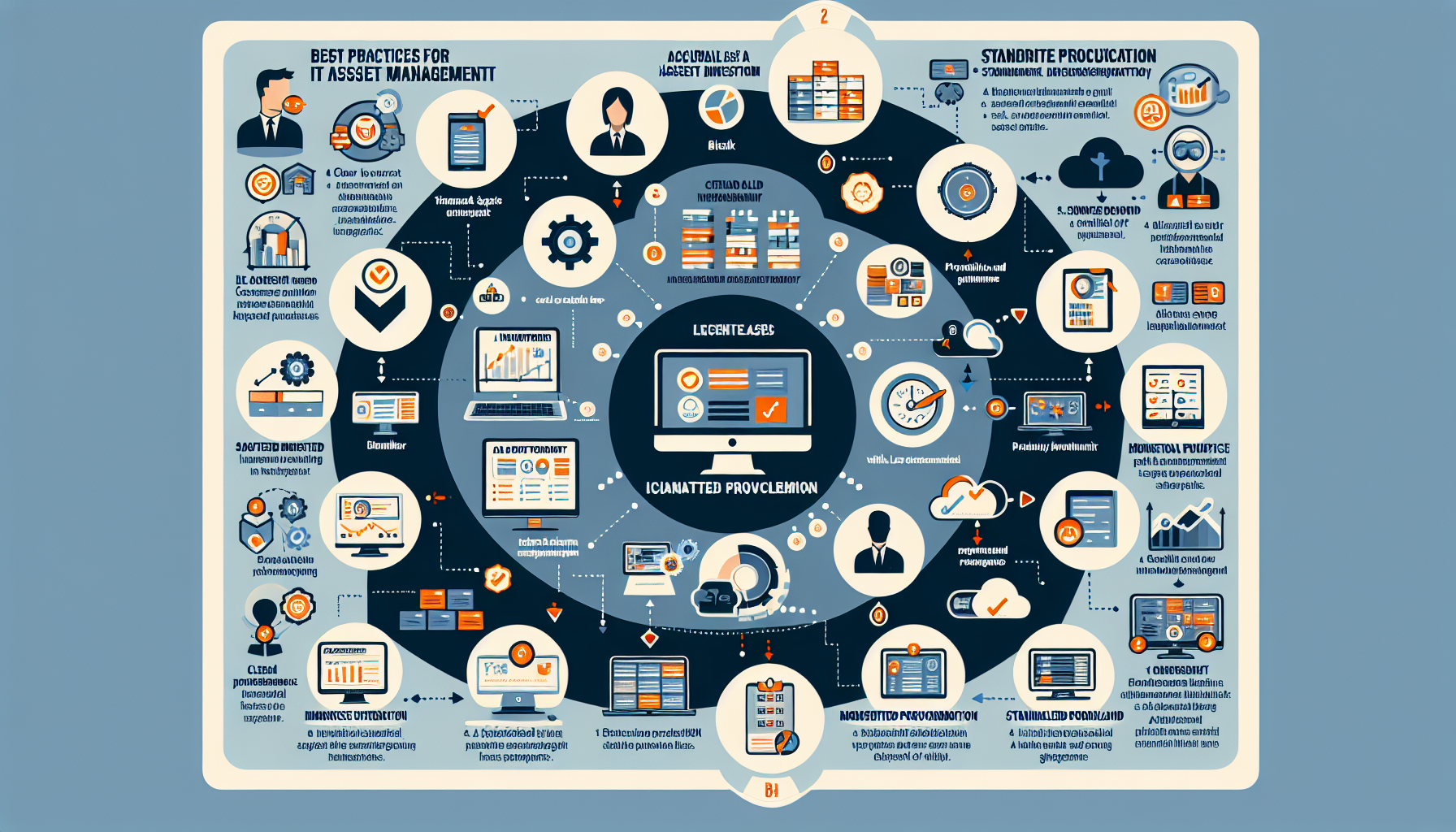
Effective IT asset management (ITAM) keeps your infrastructure efficient, secure, and scalable. Here are the practices that work.
1. Implement a Centralized IT Asset Management System
- Use an ITAM platform to consolidate all asset data in one place. ServiceNow, SolarWinds, Freshservice, or open-source options like Snipe-IT all work.
- Integrate with your CMDB, ticketing system, and monitoring tools so data flows automatically.
2. Maintain an Accurate and Up-to-Date Inventory
- Track every physical and virtual asset: servers, storage, network gear, software licenses, GPUs, Kubernetes nodes, and cloud resources.
- Run automated discovery scans on a schedule — don’t rely on manual updates.
- Categorize by type, location, owner, and lifecycle stage.
3. Define Clear Asset Ownership
- Assign each asset to a person or team. No orphaned resources.
- Document who handles procurement, maintenance, and retirement.
4. Tag and Label All Assets
- Standardize tagging: QR codes, barcodes, or RFID for hardware; consistent naming conventions for VMs, Kubernetes nodes, and containers.
- Every label must resolve to a record in your ITAM system.
5. Monitor Asset Utilization
- Audit server, storage, GPU, and license usage regularly. Identify what’s underused or overcommitted.
- Use Prometheus, Nagios, or Grafana for real-time utilization data.
- Reallocate or retire idle assets.
6. Standardize Procurement and Deployment
- Maintain an approved hardware and software catalog to prevent sprawl.
- Build workflows for purchasing, deployment, and onboarding so new assets meet policy from day one.
7. Track Asset Lifecycles
- Follow each asset from acquisition through disposal: procurement, deployment, maintenance, retirement.
- Plan upgrades before EOL/EOS dates hit, especially for critical gear — servers, storage arrays, GPUs.
8. Ensure License Compliance
- Keep a current software license inventory: Windows, commercial Linux subscriptions, Kubernetes platform entitlements.
- Audit periodically to avoid penalties or feature lockouts.
- SAM tools can automate much of this tracking.
9. Prioritize Security
- Patch everything on a schedule — physical servers, hypervisors, Kubernetes control planes.
- Wipe data securely when decommissioning storage devices and GPUs.
- Scan for vulnerabilities with Nessus, Qualys, or equivalent.
10. Use Metrics and Reporting
- Define KPIs: uptime, failure rates, utilization, license consumption.
- Produce regular reports for budgeting and capacity planning.
11. Automate Where Possible
- Automate discovery, patching, monitoring, and reporting with Ansible, Puppet, or PowerShell.
- Manage infrastructure as code using Terraform or similar.
12. Plan for Scalability
- Forecast growth in storage, compute, and GPU workloads to avoid bottlenecks.
- Design with scalable patterns: HCI, Kubernetes, cloud-backed storage.
13. Integrate Cloud and Hybrid Resources
- Bring AWS, Azure, and GCP resources into ITAM — instances, volumes, managed services.
- Track usage and cost to optimize hybrid/multicloud spend.
14. Establish a Backup and Recovery Plan
- Back up critical assets: data, VMs, Kubernetes etcd/state, model artifacts.
- Use enterprise tools — Veeam, CommVault, NetBackup.
- Test DR plans on a calendar, not when you need them.
15. Train Staff
- Teach the team ITAM processes, tools, and policies.
- Keep skills current on Kubernetes, virtualization, and GPU workloads.
16. Regularly Audit and Optimize
- Run scheduled audits to catch drift in your ITAM database.
- Consolidate resources, renegotiate contracts, decommission dead weight.

Ali YAZICI is a Senior IT Infrastructure Manager with 15+ years of enterprise experience. While a recognized expert in datacenter architecture, multi-cloud environments, storage, and advanced data protection and Commvault automation , his current focus is on next-generation datacenter technologies, including NVIDIA GPU architecture, high-performance server virtualization, and implementing AI-driven tools. He shares his practical, hands-on experience and combination of his personal field notes and “Expert-Driven AI.” he use AI tools as an assistant to structure drafts, which he then heavily edit, fact-check, and infuse with my own practical experience, original screenshots , and “in-the-trenches” insights that only a human expert can provide.
If you found this content valuable, [support this ad-free work with a coffee]. Connect with him on [LinkedIn].
Related Posts: