Effective datacenter cooling keeps IT infrastructure reliable, performant, and long-lived. Poor cooling causes overheating, failures, shorter hardware life, and higher energy bills.
1. Optimize Airflow Management
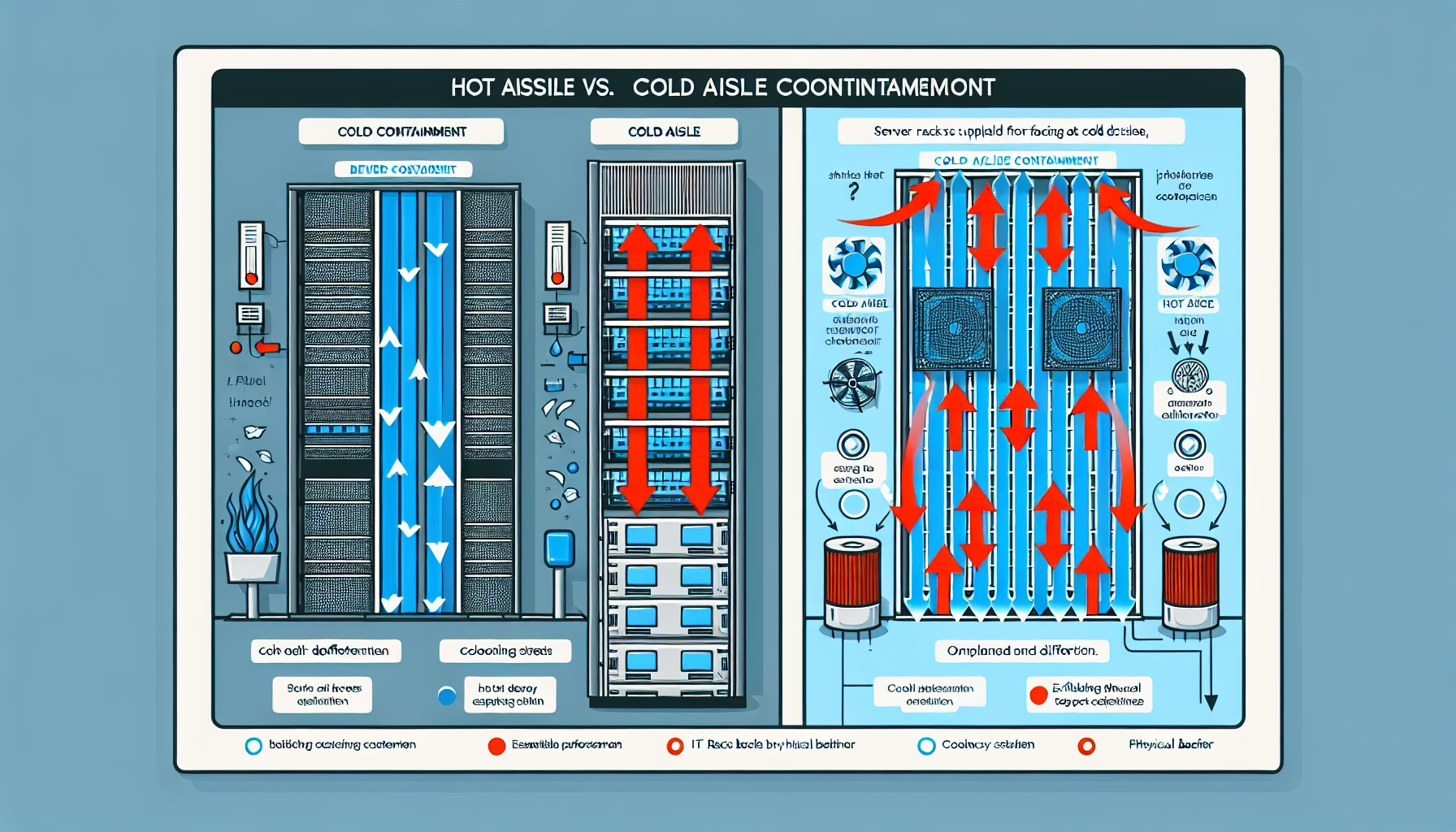
Hot and Cold Aisle Containment: Arrange racks in hot aisle/cold aisle rows. Direct cold air to server intakes, exhaust hot air out the back. Use containment — curtains, doors, or full enclosures — to stop the two air streams from mixing.
Seal Gaps: Fill every empty U-space with blanking panels. Open slots let hot exhaust recirculate to the cold aisle.
Cable Management: Route and bundle cables so they don’t block airflow through rack perforations or between equipment.
2. Adopt Energy-Efficient Cooling Systems
Use Economizers: When outside air or water temperatures allow, use air-side or water-side economizers to reject heat without mechanical refrigeration.
Liquid Cooling: For high-density GPU or AI clusters, direct liquid cooling (cold plates, immersion) removes heat far more efficiently than air.
Variable Speed Fans: Fit fans with VFDs or EC motors. They ramp down during low load, cutting fan energy significantly.
3. Monitor and Optimize Rack Density
Distribute Heat Load: Don’t pack a single rack with nothing but high-power GPUs. Spread dense workloads across multiple racks to avoid localized hotspots.
Thermal Mapping: Place temperature sensors at multiple heights on each rack face, or use thermal imaging, to find and fix hotspots before hardware throttles.
4. Monitor Temperature and Humidity
ASHRAE Guidelines: Target 18–27 °C (64–81 °F) at the server inlet and 40–60 % relative humidity, per ASHRAE TC 9.9. Wider ranges are allowed for some equipment classes — check your vendor specs.
Environmental Sensors: Deploy sensors at every rack inlet and outlet, not just at the CRAC unit. Real-time visibility lets you react before thresholds are breached.
5. Implement Advanced Cooling Technologies
In-Row Cooling: Place cooling units between racks. Shorter airflow paths reduce fan energy and improve temperature uniformity.
Rear Door Heat Exchangers: Passive or active coils on the rack rear door capture exhaust heat before it enters the room.
Immersion Cooling: Submerge entire servers in dielectric fluid for the highest density heat removal. Plan for floor loading, fluid maintenance, and hardware compatibility.
6. Use Efficient Air Conditioning and CRAC Units
Upgrade to Modern CRAC/CRAH Units: Newer units with modulating compressors, EC fans, and integrated controls match capacity to load far better than legacy on/off units.
Ducted Hot-Air Return: Route hot exhaust directly back to the CRAC/CRAH via ceiling plenum or ductwork. This prevents hot/cold mixing and raises return-air temperature, improving coil efficiency.
Regular Maintenance: Clean coils, replace filters, check refrigerant charge, and verify belt tension (if applicable) on schedule. Dirty coils alone can add 10–15 % to cooling energy.
7. Virtualization and Workload Optimization
Consolidate Servers: Virtualize and containerize to run fewer physical hosts. Less hardware means less total heat to remove.
Balance Workloads: Use scheduler policies to avoid concentrating heavy compute on a subset of nodes, which creates rack-level hotspots.
8. Leverage Automation for Cooling Control
Dynamic Cooling Adjustment: Feed real-time sensor data into a control loop (PID, MPC, or ML-based) that adjusts fan speeds, valve positions, and setpoints continuously.
Predictive Maintenance: Trend vibration, power draw, and delta-T on pumps, chillers, and CRACs. Replace components before they fail, not after.
9. Ensure Redundancy
N+1 (or 2N) Cooling Redundancy: Size capacity so the loss of any single chiller, CRAC, or pump doesn’t exceed remaining capacity. Match the redundancy level to your uptime requirements and budget.
Power Backup for Cooling: Put CRACs, chillers, pumps, and controls on UPS and generator. Cooling must survive the same outages your servers are designed to ride through.
10. Regular Audits and Capacity Planning
Track PUE: Measure Power Usage Effectiveness monthly. Investigate any upward trend — it usually signals airflow degradation, fouled coils, or control drift.
Capacity Reviews: Before every major hardware refresh, model the new heat load against current cooling capacity. Add capacity proactively, not reactively.
11. Heat Reuse Where Practical
Waste Heat Recovery: If you have adjacent office space, district heating, or industrial processes that need low-grade heat, install a heat pump or heat exchanger to capture exhaust energy. The economics depend on local utility rates and heating demand.
Ali YAZICI is a Senior IT Infrastructure Manager with 15+ years of enterprise experience. While a recognized expert in datacenter architecture, multi-cloud environments, storage, and advanced data protection and Commvault automation , his current focus is on next-generation datacenter technologies, including NVIDIA GPU architecture, high-performance server virtualization, and implementing AI-driven tools. He shares his practical, hands-on experience and combination of his personal field notes and “Expert-Driven AI.” he use AI tools as an assistant to structure drafts, which he then heavily edit, fact-check, and infuse with my own practical experience, original screenshots , and “in-the-trenches” insights that only a human expert can provide.