Troubleshooting API failures in your infrastructure takes a systematic approach. Here’s a practical guide to track down the root cause and fix it.
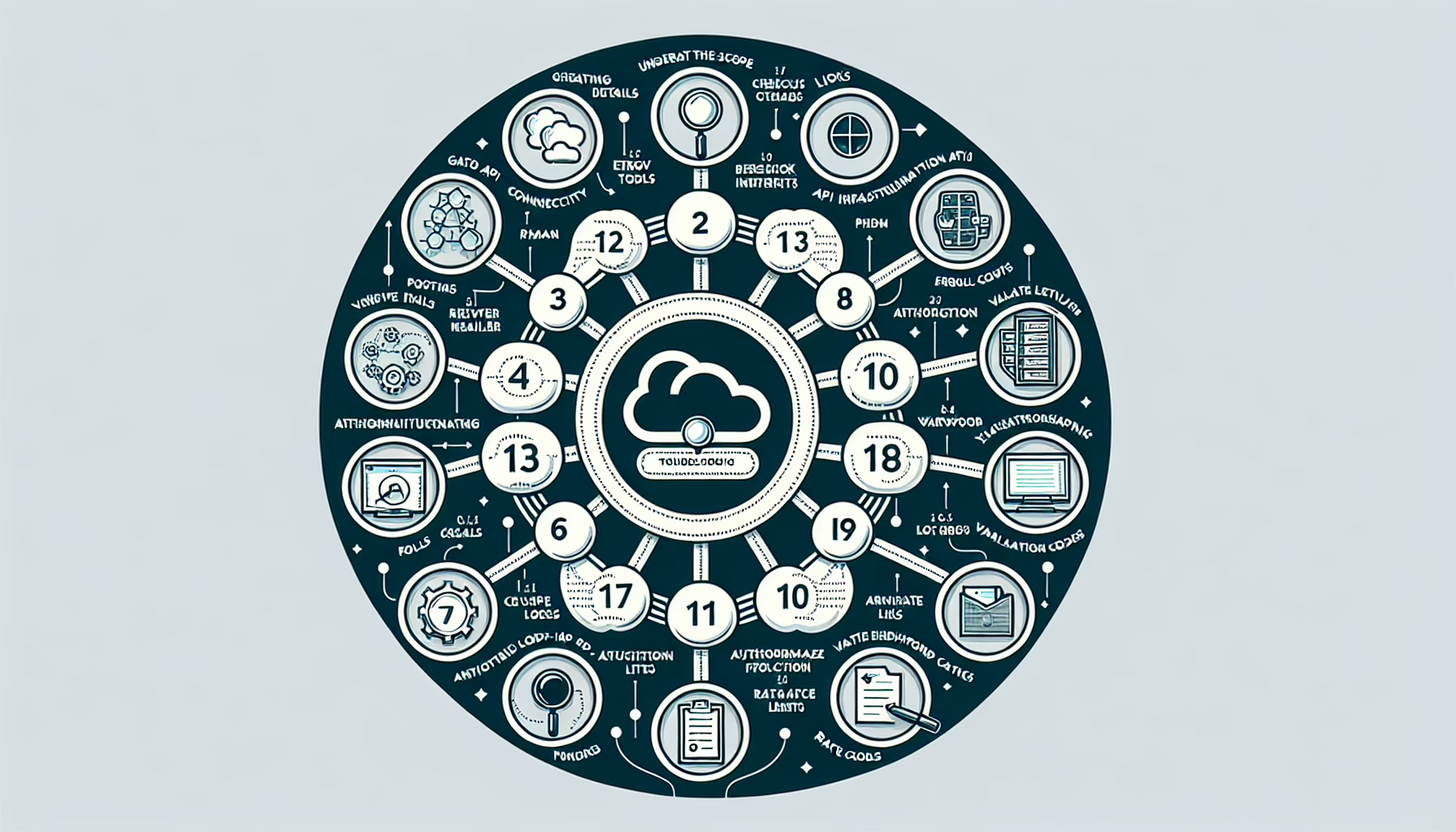
1. Understand the Scope of the Issue
Gather details: determine which API endpoints are failing and identify the affected users, applications, or services.
Collect error codes, stack traces, logs, or any descriptive messages to pinpoint the failure.
Confirm whether the issue is intermittent or consistent.
Check if the failure is specific to production, staging, or development environments.
2. Verify API Connectivity
Network checks: ensure there’s no connectivity issue between the client and the API server. Use tools like ping, telnet, or curl to test the connection.
Firewall rules: check for blocked ports or misconfigured firewall settings that might prevent API communication.
DNS resolution: verify the API domain resolves correctly to an IP address.
3. Check API Authentication and Authorization
API keys or tokens: confirm they are valid and not expired.
Permissions: ensure the client has the necessary permissions to access the API endpoint.
Rate limits: verify if the API call exceeds the rate limit or quota for the service.
4. Review API Logs and Metrics
API server logs: inspect logs for error messages, request failures, or unusual activity.
Monitoring tools: use application performance monitoring (APM) tools like Prometheus, Grafana, or Datadog to track API performance and errors.
HTTP response codes:
4xx: indicates client-side issues (e.g., bad request, unauthorized).
5xx: indicates server-side issues (e.g., internal server error).
5. Validate API Endpoint Functionality
Manual testing: use tools like Postman, Insomnia, or curl to manually test the problematic API endpoints.
Swagger/OpenAPI documentation: review the API documentation for potential misconfigurations or usage errors.
Version mismatch: confirm that the client and server are using compatible API versions.
6. Analyze the Application Code
Integration issues: check if the application code is correctly calling the API with the expected parameters and headers.
Timeouts: verify the application waits long enough for the API response.
Error handling: ensure the application properly handles API errors and retries failed requests if appropriate.
7. Check Infrastructure Health
Server resources: confirm the API server has adequate CPU, memory, and storage.
Load balancer: ensure it’s properly routing requests to healthy API instances.
Database/backend services: verify that the API’s backend services (e.g., database, authentication server) are operational and not overloaded.
8. Kubernetes and Container-Specific Checks (if applicable)
Pod health: check if the API pods are running correctly using kubectl get pods.
Container logs: inspect container logs for errors using kubectl logs <pod-name>.
Service discovery: ensure Kubernetes services are resolving properly and DNS is operational.
Ingress/egress: check ingress controllers or egress settings to confirm requests are reaching the API correctly.
9. GPU-Specific Troubleshooting (if AI/ML APIs are involved)
Driver issues: ensure GPU drivers are up-to-date and compatible with the API’s dependencies.
Resource allocation: confirm GPU resources are properly allocated and not oversubscribed.
Framework errors: check for compatibility issues with AI frameworks like TensorFlow, PyTorch, or CUDA.
10. Backup and Restore Mechanisms
API state: if the API relies on stateful data, ensure the data is intact and recoverable from backups.
Rollback: if recent changes were made to the API infrastructure, consider rolling back to a previous stable state.
11. Collaborate with Stakeholders
Communicate: notify affected users or teams about the issue and progress updates.
Escalate: involve the API vendor, cloud provider, or relevant third-party support if necessary.
12. Prevent Future Failures
After resolution, put guards in place:
Implement monitoring and alerting for API failures.
Optimize API performance and capacity planning.
Document the troubleshooting steps and resolution for future reference.
Ali YAZICI is a Senior IT Infrastructure Manager with 15+ years of enterprise experience. While a recognized expert in datacenter architecture, multi-cloud environments, storage, and advanced data protection and Commvault automation , his current focus is on next-generation datacenter technologies, including NVIDIA GPU architecture, high-performance server virtualization, and implementing AI-driven tools. He shares his practical, hands-on experience and combination of his personal field notes and “Expert-Driven AI.” he use AI tools as an assistant to structure drafts, which he then heavily edit, fact-check, and infuse with my own practical experience, original screenshots , and “in-the-trenches” insights that only a human expert can provide.