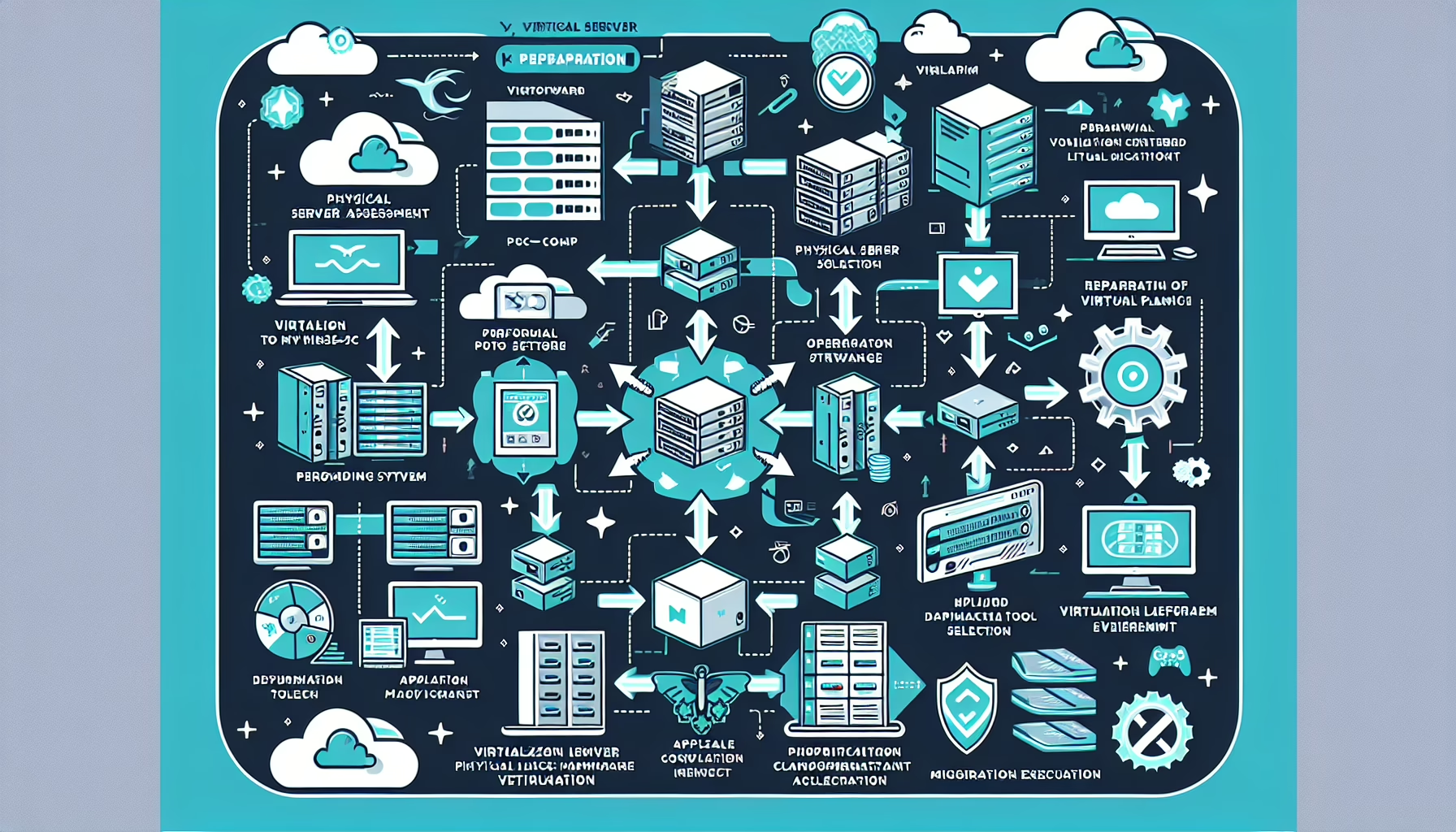
Optimizing virtual machine (VM) resource allocation improves datacenter efficiency, performance, and cost. Here are the practices that work:
1. Assess Workload Requirements
Analyze the workloads running on your VMs and identify their CPU, memory, storage, and network requirements.
Use monitoring tools like vSphere Performance Charts, Prometheus, or SolarWinds to track resource utilization trends and identify over- or under-provisioned VMs.
Ensure resource allocation aligns with service level agreements (SLAs) for critical applications.
2. Right-Size VMs
Don’t overprovision CPU, memory, or disk space. Allocate only what the workload needs based on measured performance.
Use historical performance data to make informed decisions about the resources each VM needs.
Review resource allocations periodically and adjust them as workloads evolve.
3. Implement Resource Limits and Reservations
Set upper limits on CPU and memory usage to prevent a VM from monopolizing resources.
Reserve specific amounts of CPU and memory for critical VMs to ensure availability during contention.
4. Use Dynamic Resource Allocation
Enable VMware Distributed Resource Scheduler (DRS) or similar tools to dynamically balance workloads across hosts based on current resource demands.
Implement auto-scaling for VMs based on real-time metrics to allocate resources elastically.
5. Optimize Storage Allocation
Use thin provisioning to allocate storage dynamically instead of pre-allocating large amounts.
Move less critical workloads to slower storage tiers and reserve high-performance storage (e.g., NVMe or SSD) for demanding applications.
Enable deduplication and compression to optimize storage utilization.
6. Account for NUMA Topology
For VMs requiring high performance, configure them so the scheduler can optimize CPU and memory locality on multi-socket servers.
7. Optimize VM Placement
Use affinity rules to group related VMs on the same host or anti-affinity rules to spread VMs across multiple hosts to prevent single points of failure.
Distribute VMs evenly across physical hosts to avoid overloading specific servers.
8. Reduce Idle and Zombie VMs
Identify and shut down or decommission VMs that are running but rarely used.
Remove VMs that are no longer in use but still consuming resources.
9. Optimize Networking
Ensure VMs have sufficient network bandwidth and avoid bottlenecks by upgrading to higher-speed network interfaces if needed.
Use VLANs or SDN solutions to segment traffic and minimize congestion.
10. Use Performance Monitoring Tools
Tools such as VMware vRealize Operations Manager, Microsoft System Center, or open-source solutions like Grafana help monitor and visualize resource usage trends across your infrastructure.
Set up alerts to notify you of resource contention or underutilized VMs.
11. Implement Backup and Snapshots Strategically
Avoid excessive snapshots; they consume storage and degrade VM performance.
Schedule backups during low-usage periods to minimize resource impact.
12. Enable Virtualization-Specific Optimization
Install and update hypervisor tools (e.g., VMware Tools, Hyper-V Integration Services) to improve VM performance.
Allocate GPU resources for VMs hosting AI, machine learning, or graphic-intensive applications. Use tools like NVIDIA vGPU Manager to manage GPU assignments.
Virtualize GPU resources for multiple VMs if workloads don’t require exclusive access.
14. Regularly Patch and Update
Update hypervisors, guest OSes, and virtualization tools to benefit from performance improvements and optimizations introduced by vendors.
15. Use Kubernetes for Containerized Workloads
Kubernetes or OpenShift handle efficient resource allocation and orchestration for containers.
They automatically scale pods, distribute workloads across nodes, and optimize the use of underlying VM resources.
16. Conduct Capacity Planning
Use forecasting tools to plan for future resource requirements based on usage patterns.
Maintain sufficient headroom for peak workloads and unanticipated spikes.
17. Apply AI-Driven Recommendations
Tools like VMware vRealize AI or HPE InfoSight predict resource needs and recommend optimizations.
Ali YAZICI is a Senior IT Infrastructure Manager with 15+ years of enterprise experience. While a recognized expert in datacenter architecture, multi-cloud environments, storage, and advanced data protection and Commvault automation , his current focus is on next-generation datacenter technologies, including NVIDIA GPU architecture, high-performance server virtualization, and implementing AI-driven tools. He shares his practical, hands-on experience and combination of his personal field notes and “Expert-Driven AI.” he use AI tools as an assistant to structure drafts, which he then heavily edit, fact-check, and infuse with my own practical experience, original screenshots , and “in-the-trenches” insights that only a human expert can provide.