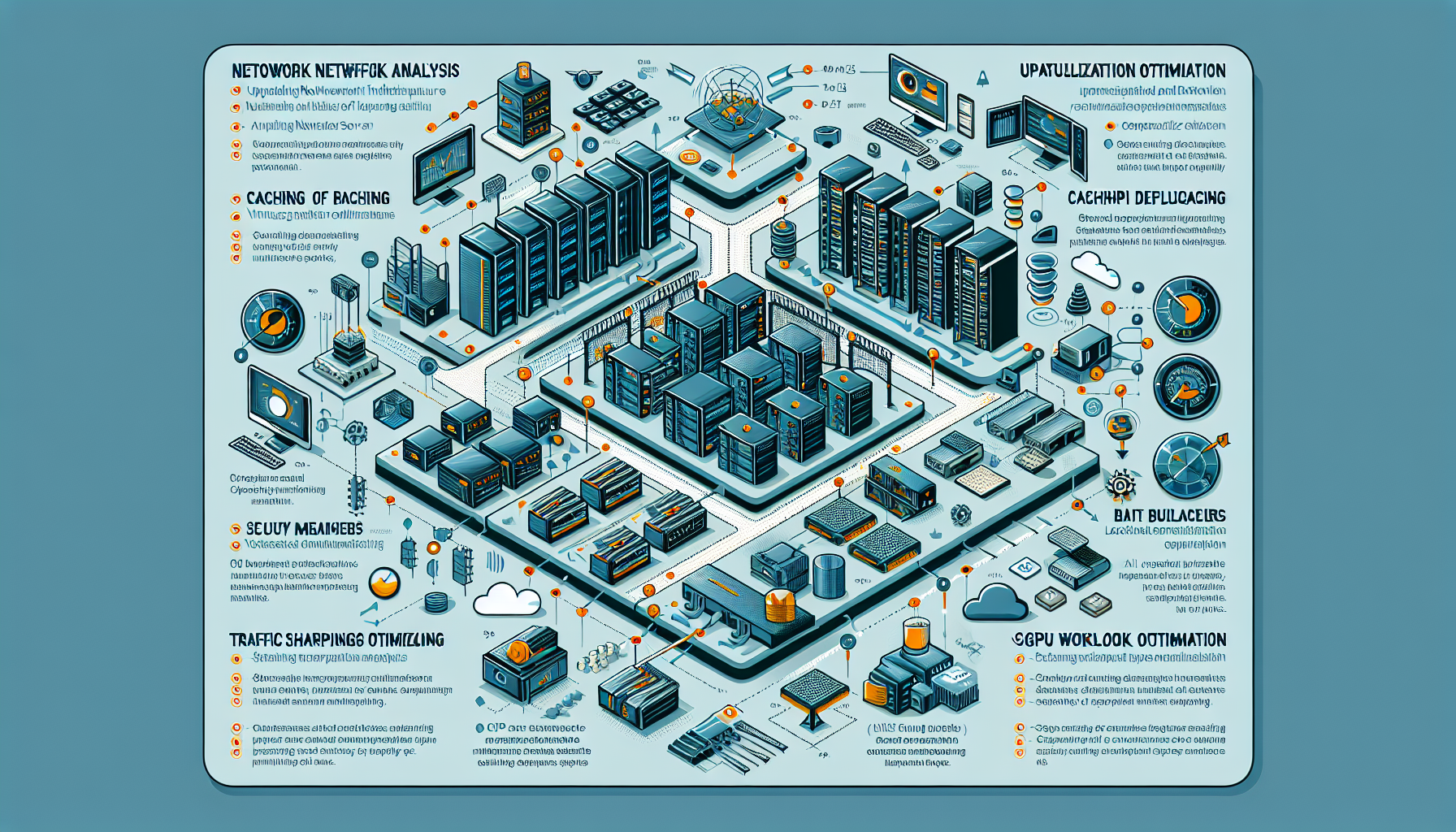
Bandwidth bottlenecks in a datacenter show up as slow backups, replication lag, and application latency. Here are the strategies that actually move the needle.
1. Network Traffic Analysis
Monitor and analyze traffic with tools like SolarWinds, Nagios, or PRTG to identify patterns, peak usage, and top talkers.
Pinpoint congestion — specific switches, routers, or links — and address it before it becomes an outage.
Restrict or throttle non-critical applications and recreational internet usage.
3. Upgrade Network Infrastructure
Scale up bandwidth: move to 10G, 40G, or 100G Ethernet when demand consistently exceeds capacity.
Deploy enterprise-grade switches and routers with high throughput and low latency.
Implement SD-WAN to dynamically route traffic across multiple WAN links based on real-time conditions.
4. Optimize Virtualization and Server Deployment
Reduce east-west traffic: place VMs and containers to minimize unnecessary intra-datacenter hops. Use VMware DRS or Kubernetes node affinity/anti-affinity rules.
Enable VM network optimization: SR-IOV or direct-path I/O to reduce hypervisor overhead.
5. Implement Caching and Content Delivery
Deploy local caching for frequently accessed data to cut external bandwidth usage.
For global services, use CDNs to serve content closer to users and reduce datacenter egress.
6. Leverage Compression and Deduplication
Enable compression for data transfers — backups, file syncs, replication streams.
Use deduplication to eliminate redundant blocks during backups or storage replication.
7. Optimize Backup and Disaster Recovery
Schedule backups and replication during off-peak hours to avoid saturating links during business hours.
Use incremental or differential backups instead of full backups to minimize data transfer volumes.
8. Use Load Balancers
Distribute traffic evenly across servers to prevent any single link from overloading.
Ali YAZICI is a Senior IT Infrastructure Manager with 15+ years of enterprise experience. While a recognized expert in datacenter architecture, multi-cloud environments, storage, and advanced data protection and Commvault automation , his current focus is on next-generation datacenter technologies, including NVIDIA GPU architecture, high-performance server virtualization, and implementing AI-driven tools. He shares his practical, hands-on experience and combination of his personal field notes and “Expert-Driven AI.” he use AI tools as an assistant to structure drafts, which he then heavily edit, fact-check, and infuse with my own practical experience, original screenshots , and “in-the-trenches” insights that only a human expert can provide.