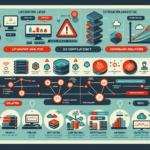
Storage integration makes or breaks a virtualization platform. Get it wrong and you’ll chase performance issues forever. Get it right and the infrastructure mostly runs itself. Here’s how to approach it.
1. Assess Your Storage Requirements
Determine capacity based on actual VM workloads, not vendor sizing guides.
Identify IOPS, throughput, and latency requirements for each application tier.
Define availability targets: what fails, what survives, and how fast recovery must be.
Plan for growth in both capacity and performance — they rarely scale linearly.
2. Choose the Right Storage Type
Match the storage to the workload, not the marketing:
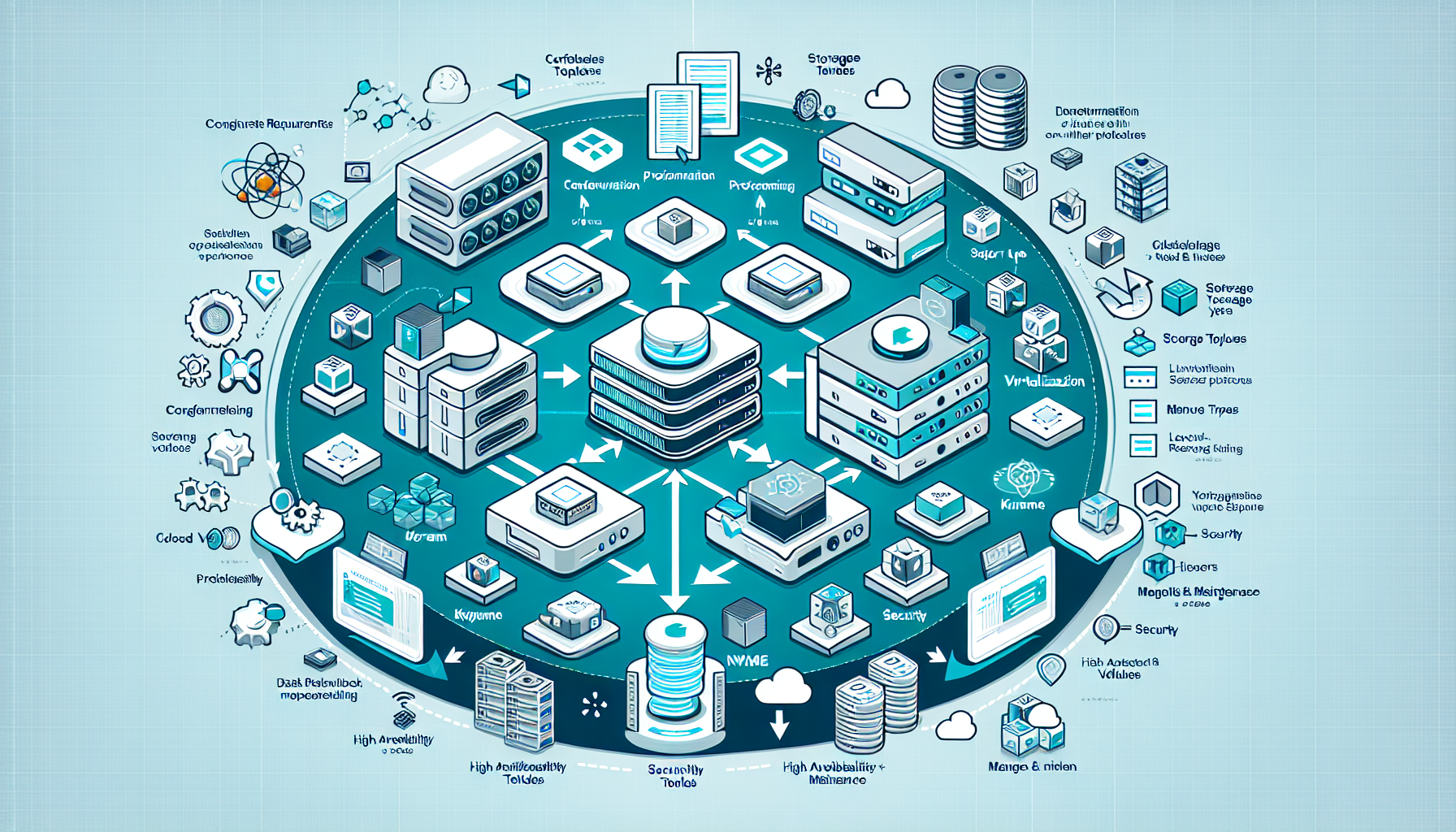
SAN (Storage Area Network): High-performance shared storage. iSCSI for Ethernet, Fibre Channel when you need deterministic latency.
NAS (Network Attached Storage): File-based, easy to manage. NFS for Linux/VMware, SMB/CIFS for Windows/Hyper-V.
DAS (Direct Attached Storage): Local disks or JBODs. Simple, fast, doesn’t scale across hosts.
Software-Defined Storage (SDS): Runs on commodity hardware. Good fit for hyper-converged setups.
NVMe/TCP or NVMe-oF: Protocol-level speed for latency-sensitive workloads — databases, real-time analytics.
Cloud Storage: Hybrid or public for burst capacity, backup targets, or tiering cold data.
Don’t mix protocols on the same workload unless you have a specific reason.
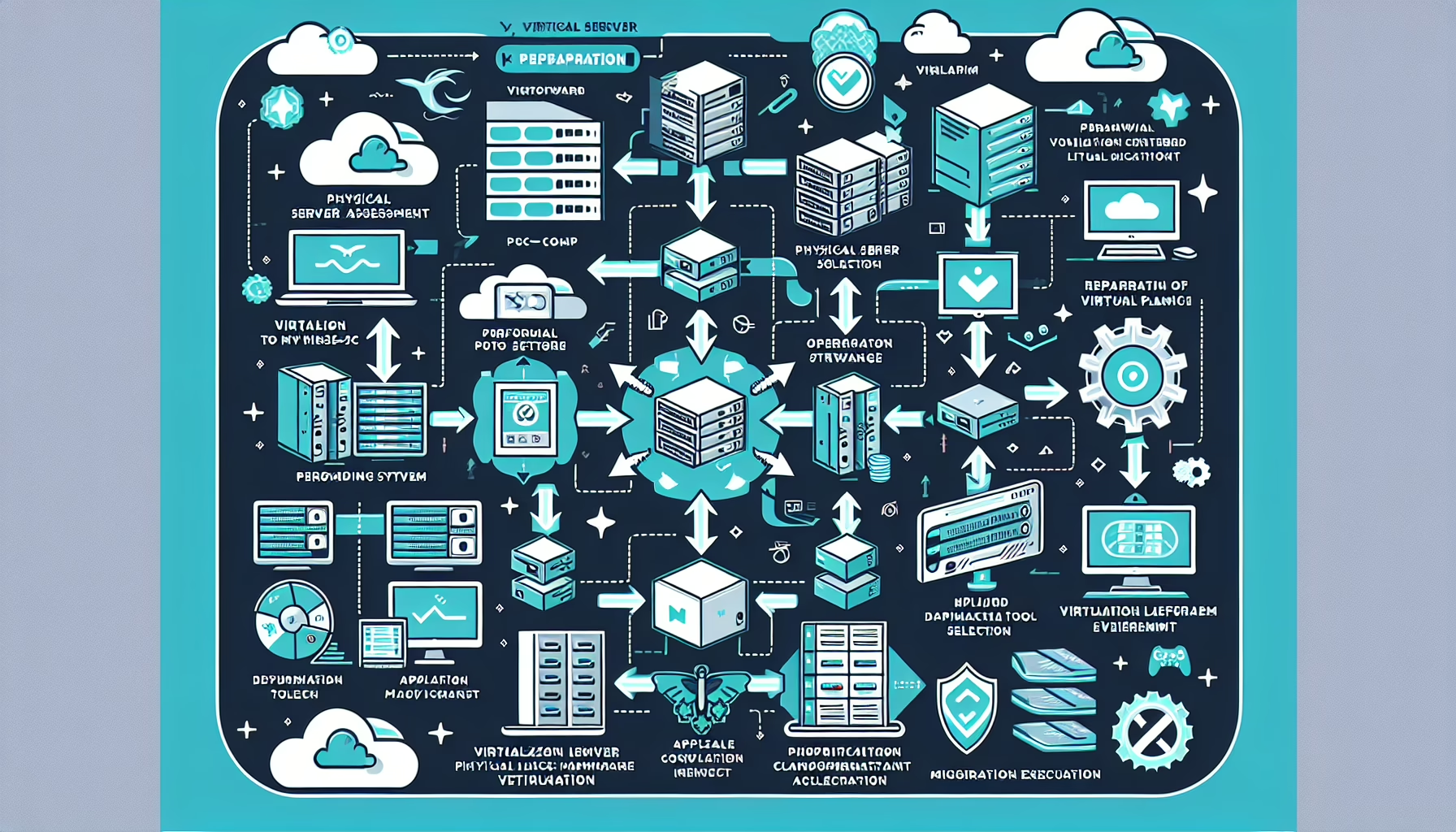
4. Provision Storage for Virtual Machines
Create datastores (VMware) or storage pools/volumes (Hyper-V) on your storage system.
Thin provisioning saves space; thick provisioning guarantees it. Performance difference is negligible on modern arrays — choose based on capacity management preference.
Enable snapshots for backups and cloning for rapid deployment. Know your snapshot retention policy before you start.
5. Integrate Storage Management Tools
Vendor plugins save manual work:
VMware: vSAN, Dell PowerStore, NetApp ONTAP, Pure Storage plugins.
Hyper-V: Storage Spaces Direct, plus third-party VASA providers.
Ali YAZICI is a Senior IT Infrastructure Manager with 15+ years of enterprise experience. While a recognized expert in datacenter architecture, multi-cloud environments, storage, and advanced data protection and Commvault automation , his current focus is on next-generation datacenter technologies, including NVIDIA GPU architecture, high-performance server virtualization, and implementing AI-driven tools. He shares his practical, hands-on experience and combination of his personal field notes and “Expert-Driven AI.” he use AI tools as an assistant to structure drafts, which he then heavily edit, fact-check, and infuse with my own practical experience, original screenshots , and “in-the-trenches” insights that only a human expert can provide.