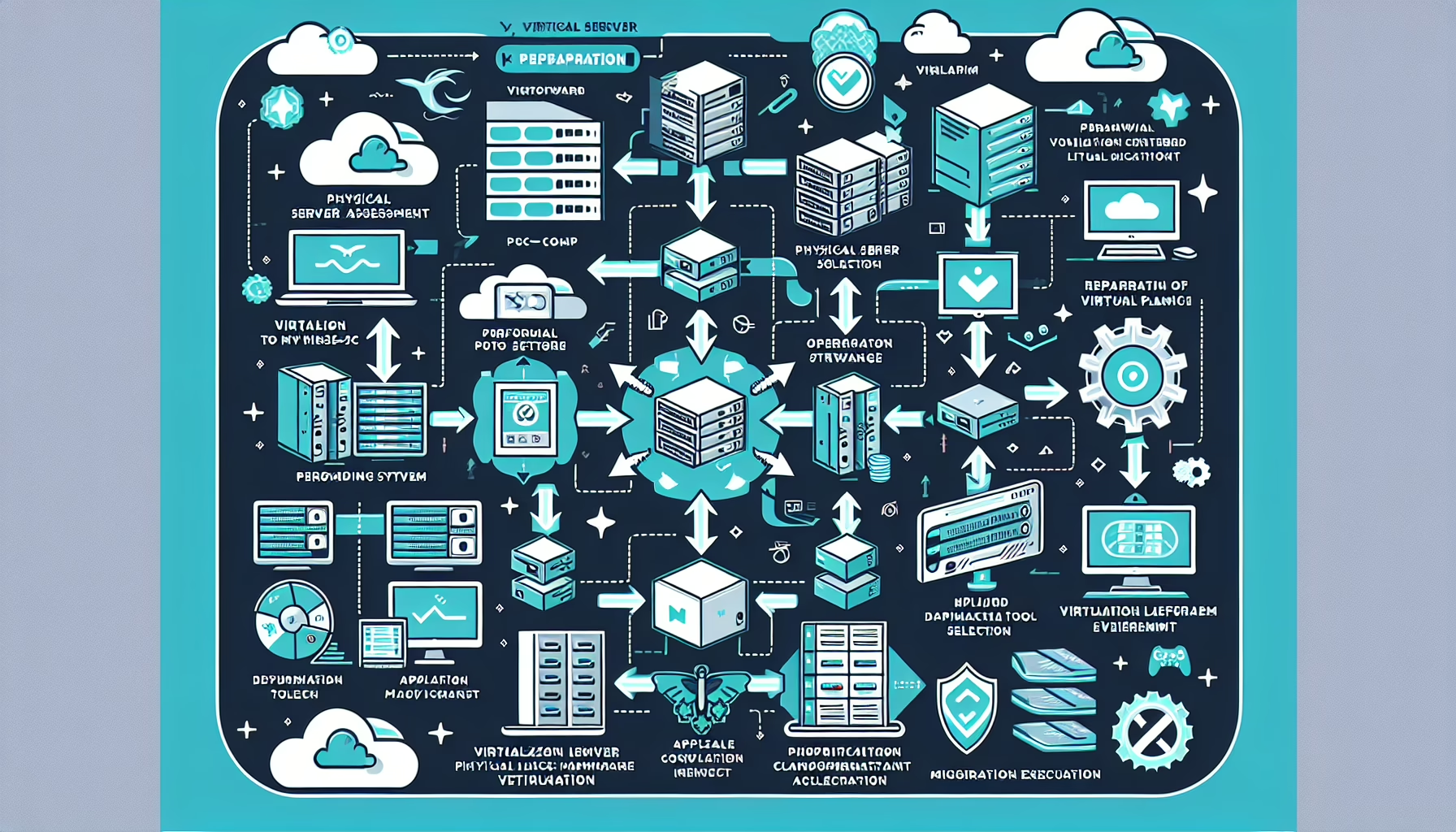
Large-scale data migrations live or die by infrastructure preparation. The steps below cover what actually moves the needle.
1. Assess the Scope of Migration
- Analyze the size, type, structure, and sensitivity of the data to be migrated.
- Evaluate the current infrastructure (source) and destination (on-premises, cloud, or hybrid).
- Identify dependencies on applications, databases, and services tied to the data.
2. Plan and Document the Migration Strategy
- Define clear goals: performance improvement, cost reduction, scalability, or compliance.
- Choose the migration type: lift-and-shift, re-platforming, or modernization.
- Create a schedule with milestones to minimize disruptions.
- Identify risks and plan contingencies, including rollback procedures.
3. Upgrade Network and Bandwidth
- Verify switches, routers, and firewalls can handle sustained high-throughput transfers without bottlenecks. Upgrade where needed.
- Allocate dedicated bandwidth for migration so regular operations aren’t impacted.
- Consider WAN optimization (e.g., Riverbed SteelHead, Citrix SD-WAN) for cross-site or cloud links.
4. Leverage Storage Solutions
- Use NVMe or SSD-based storage for staging and temporary holding areas to accelerate ingest and egress.
- Enable deduplication to reduce the total bytes transferred.
- Compress data before transfer to cut bandwidth consumption.
5. Virtualization and Containers
- Spin up VMs for staging and test migrations without touching production.
- Containerize application workloads (Docker images, Kubernetes manifests) for portability and faster cutover.
6. Optimize Backup and Recovery
- Take a full, verified backup before any data moves.
- Replicate to the destination in real-time or near-real-time using tools like Veeam, Commvault, or Dell PowerProtect.
- Update and test the disaster recovery plan before cutover.
7. Utilize Automation Tools
- Use purpose-built migration tools: AWS DataSync, Azure Migrate, Google Transfer Service, or rsync for simpler cases.
- Script repetitive tasks (pre-checks, validation, cleanup) and wire them into monitoring.
- Orchestrate infrastructure changes with Ansible or Terraform.
8. Monitor Resources During Migration
- Track server, storage, and network metrics in real time (Prometheus/Grafana, SolarWinds, Datadog, Zabbix).
- Ensure compute (CPU, RAM, GPU if applicable) can scale dynamically for peak loads.
9. Test Before Migration
- Run a pilot migration on a representative data subset to validate the end-to-end process.
- Measure throughput and latency during the test.
- Verify rollback procedures work under failure conditions.
10. Post-Migration Optimization
- Validate data integrity and application functionality at the destination.
- Tune storage, network, and compute for the new environment.
- Update runbooks and architecture docs with new configurations and lessons learned.
Tools to Consider
- Storage migration: VMware vSphere Storage vMotion, NetApp SnapMirror, Dell PowerPath.
- Backup/replication: Veeam Backup & Replication, Commvault, Rubrik.
- Cloud migration: AWS Snowball, Azure Data Box, Google Transfer Service.
- Monitoring: Prometheus + Grafana, SolarWinds, Datadog, Zabbix.

Ali YAZICI is a Senior IT Infrastructure Manager with 15+ years of enterprise experience. While a recognized expert in datacenter architecture, multi-cloud environments, storage, and advanced data protection and Commvault automation , his current focus is on next-generation datacenter technologies, including NVIDIA GPU architecture, high-performance server virtualization, and implementing AI-driven tools. He shares his practical, hands-on experience and combination of his personal field notes and “Expert-Driven AI.” he use AI tools as an assistant to structure drafts, which he then heavily edit, fact-check, and infuse with my own practical experience, original screenshots , and “in-the-trenches” insights that only a human expert can provide.
If you found this content valuable, [support this ad-free work with a coffee]. Connect with him on [LinkedIn].
Related Posts: