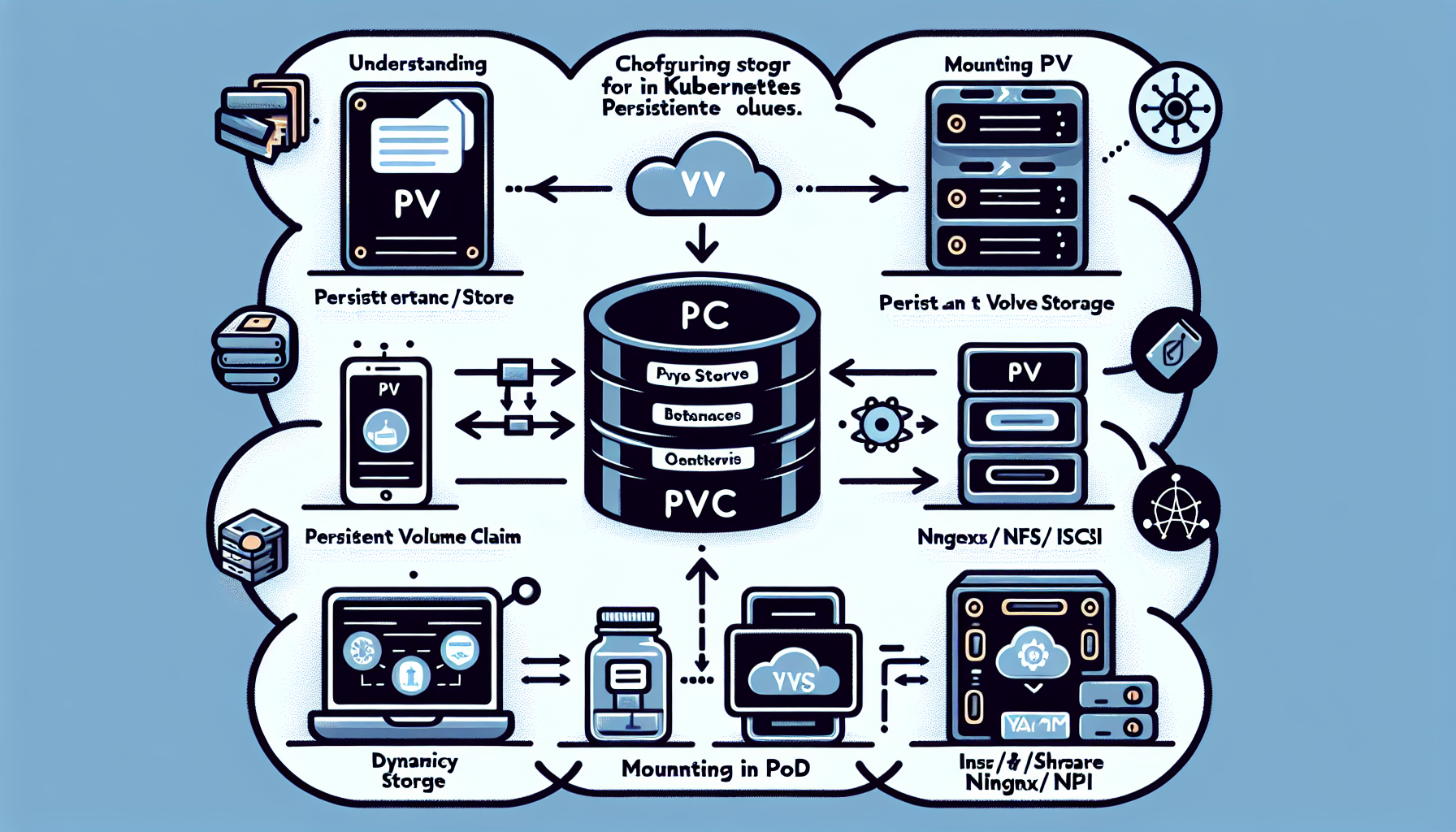
Configuring storage for Kubernetes Persistent Volumes (PVs) involves several steps:
1. Understand Persistent Volumes (PV) and Persistent Volume Claims (PVC)
Persistent Volume (PV): A cluster resource that represents physical storage.
Persistent Volume Claim (PVC): A request for storage by a pod. It allows pods to use the PV.
2. Choose a Storage Backend
Kubernetes supports various storage backends, such as:
– Local Storage: Directly using disks or directories on the node.
– Networked Storage: NFS, iSCSI, Ceph, GlusterFS.
– Cloud Storage: AWS EBS, Google Persistent Disks, Azure Disks, etc.
– CSI Drivers: Cloud and on-premises storage providers often have CSI (Container Storage Interface) plugins.
3. Install and Configure the Storage Backend
a. Cloud Storage:
– Ensure your cluster nodes have the necessary IAM roles or credentials for accessing cloud storage.
– Configure and provision storage in the cloud platform (e.g., AWS EBS, GCP Persistent Disk, Azure Disk).
b. NFS or iSCSI:
– Install and configure the necessary server (e.g., NFS or iSCSI target).
– Ensure nodes have access to the storage network.
c. CSI Drivers:
– Install the CSI driver for your specific storage solution. This may involve deploying a Kubernetes DaemonSet or StatefulSet.
4. Create the Persistent Volume (PV)
A Persistent Volume is a static resource that represents storage in the cluster.
The provisioner in the StorageClass must match the CSI driver or dynamic provisioner for your storage solution.
8. Verify the Setup
Check PVs: kubectl get pv
Check PVCs: kubectl get pvc
Check Pods: kubectl describe pod <POD_NAME>
Ensure the PVC is bound and the pod can write to and read from the storage.
9. Monitor Storage Usage
Check capacity with kubectl get pv and kubectl get pvc. For actual usage, use node-level tools (e.g., df) or a monitoring stack like Prometheus and Grafana.
10. Best Practices
Use ReadWriteOnce for workloads that require exclusive access to storage.
Use ReadWriteMany for shared storage across multiple pods.
Ali YAZICI is a Senior IT Infrastructure Manager with 15+ years of enterprise experience. While a recognized expert in datacenter architecture, multi-cloud environments, storage, and advanced data protection and Commvault automation , his current focus is on next-generation datacenter technologies, including NVIDIA GPU architecture, high-performance server virtualization, and implementing AI-driven tools. He shares his practical, hands-on experience and combination of his personal field notes and “Expert-Driven AI.” he use AI tools as an assistant to structure drafts, which he then heavily edit, fact-check, and infuse with my own practical experience, original screenshots , and “in-the-trenches” insights that only a human expert can provide.