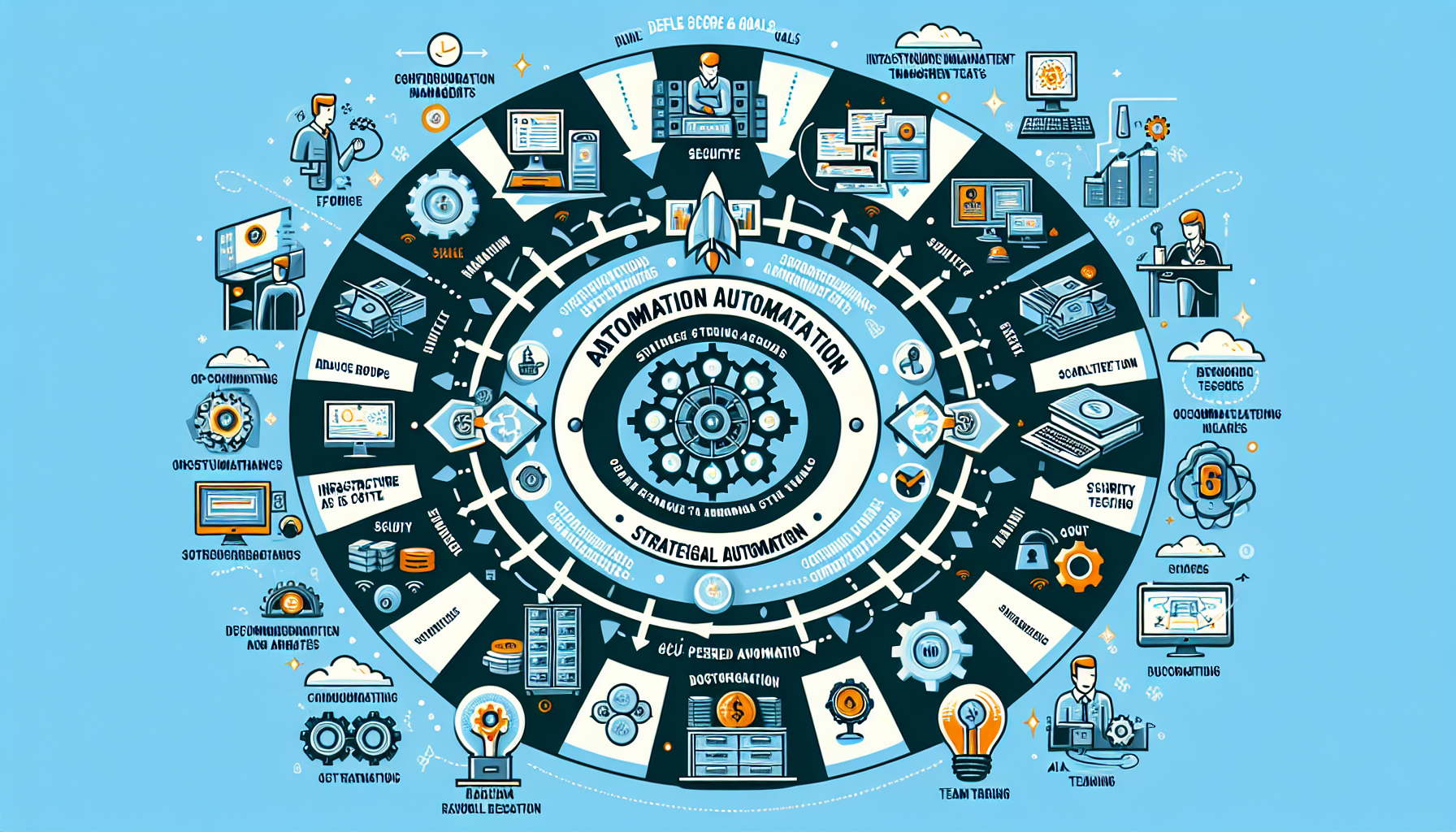
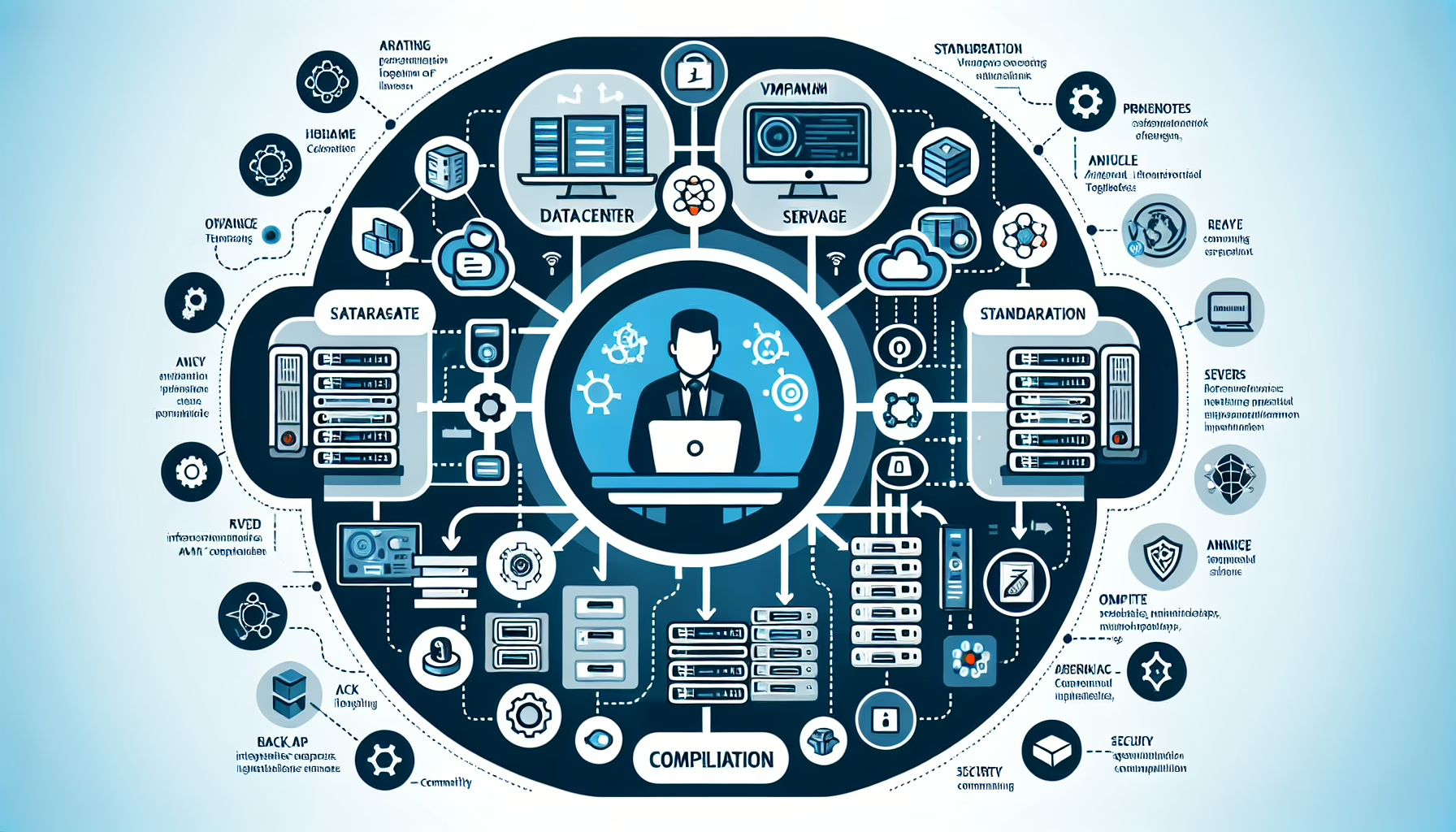
Start by identifying the repetitive tasks eating your time: provisioning, monitoring, patch management, backups, scaling, security updates. Be specific about what you want to achieve — less downtime, faster deploys, compliance, cost savings — so you can measure whether automation actually helps.
Configuration management
These tools enforce desired state across your fleet. Pick one and standardize.
Ansible — agentless, low barrier to entry. Good for ad-hoc tasks, package installs, config pushes, and orchestration. Uses YAML playbooks.
Puppet — declarative, model-driven. Scales to large environments but has a steeper learning curve. Agent-based.
Chef — Ruby-based DSL. Flexible but requires more coding discipline. Agent-based.
SaltStack — event-driven, fast at scale. Good if you need real-time reaction to infrastructure changes.
Infrastructure as Code
Define infrastructure in version-controlled code. This gives you reproducibility and audit trails.
Terraform — provider-agnostic, works across AWS, Azure, GCP, and on-prem. State file management is critical; use remote state with locking.
Pulumi — write infrastructure in Python, TypeScript, Go, or C#. Useful if your team already lives in those languages.
CloudFormation / ARM templates — cloud-native, no extra tooling, but verbose and vendor-locked.
Backup automation
Schedule incremental, differential, and full backups. Test restores quarterly — untested backups are just wishful thinking.
Veeam Backup & Replication — strong for VMware/Hyper-V and physical agents. Good instant-recovery features.
Commvault — broad platform support, complex but comprehensive.
Rubrik — appliance-based, simplifies hybrid cloud DR.
Velero — Kubernetes-native backup/restore for cluster resources and persistent volumes.
Monitoring and alerting
Collect metrics, logs, and traces. Alert on symptoms (error rates, latency, saturation), not just thresholds.
Prometheus — pull-based metrics, PromQL, native Kubernetes integration. Pair with Alertmanager and Grafana.
Nagios — mature, plugin-heavy. Still common for legacy checks but showing age.
Zabbix — agent-based, auto-discovery, scales to large enterprises.
Datadog — SaaS, unified metrics/logs/APM. Costs add up at scale.
Microsoft System Center Orchestrator — runbook automation for Windows-heavy shops. Legacy but entrenched.
OpenStack Heat — orchestration for OpenStack. Only relevant if you run OpenStack.
AIOps
Tools that apply ML to observability data for anomaly detection and root-cause analysis.
Dynatrace, Moogsoft, Splunk ITSI — ingest metrics/logs/traces, baseline behavior, reduce alert noise. Expensive; evaluate ROI before committing.
Document your automation — runbooks, playbooks, architecture diagrams. Version-control everything. Test in a staging environment that mirrors production. Break things on purpose to verify rollback works.
Ali YAZICI is a Senior IT Infrastructure Manager with 15+ years of enterprise experience. While a recognized expert in datacenter architecture, multi-cloud environments, storage, and advanced data protection and Commvault automation , his current focus is on next-generation datacenter technologies, including NVIDIA GPU architecture, high-performance server virtualization, and implementing AI-driven tools. He shares his practical, hands-on experience and combination of his personal field notes and “Expert-Driven AI.” he use AI tools as an assistant to structure drafts, which he then heavily edit, fact-check, and infuse with my own practical experience, original screenshots , and “in-the-trenches” insights that only a human expert can provide.