Mastering IT Infrastructure Lifecycle Management: A Proven Enterprise Approach
Managing the lifecycle of IT infrastructure in an enterprise environment is not just about keeping systems running — it’s about ensuring predictable performance, minimizing downtime, and maximizing ROI. In my two decades managing datacenters, virtualization clusters, and hybrid cloud deployments, I’ve learned that success comes from a structured, proactive approach backed by automation and clear governance.
This guide outlines a best-practice framework for IT Infrastructure Lifecycle Management (ITILM) that I’ve refined through real-world experience, including pitfalls to avoid and automation tricks that save hundreds of man-hours annually.
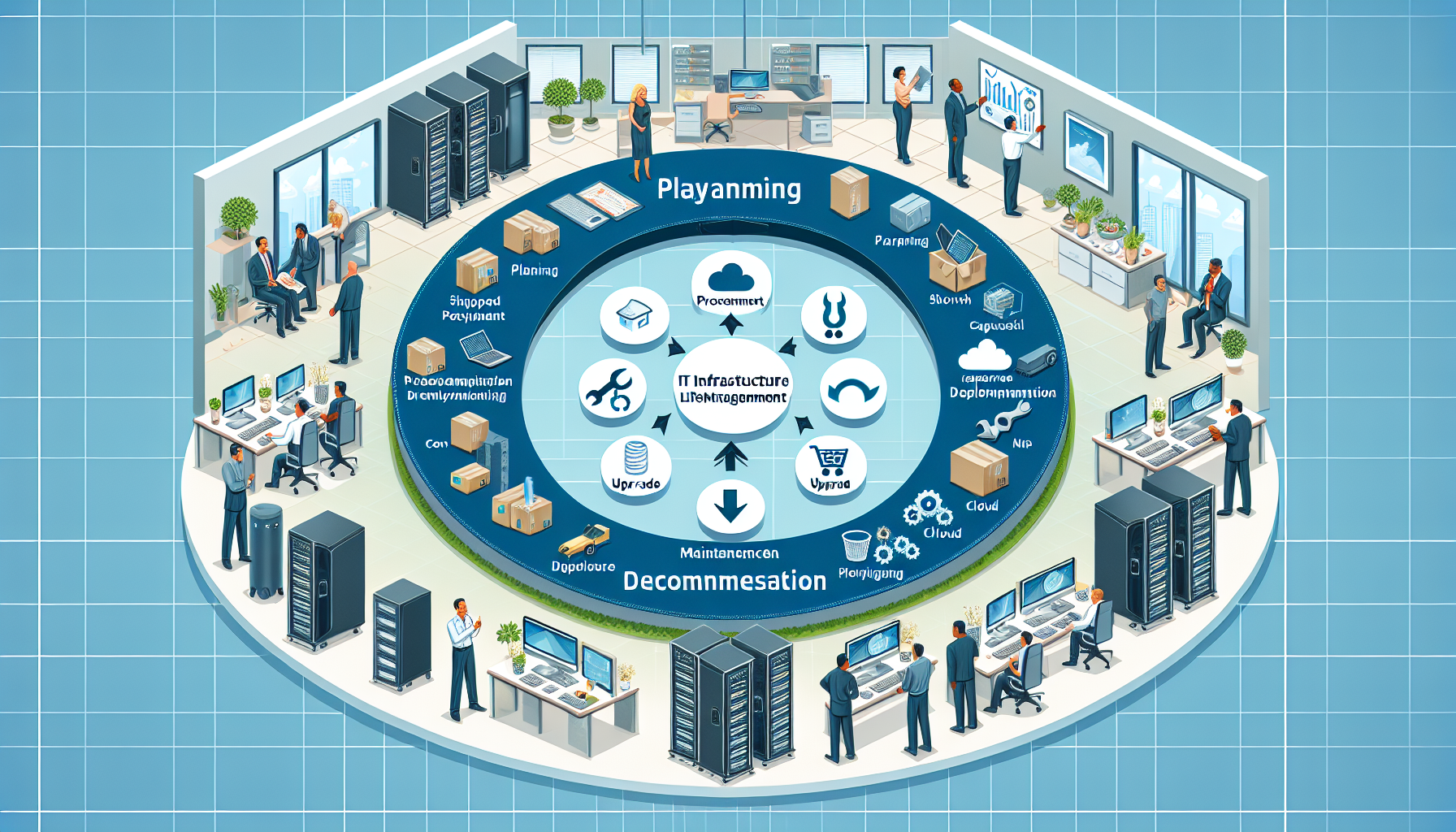
Decommissioning – Secure data wiping, hardware recycling, license termination.
[Visual Aid Placeholder: IT Infrastructure Lifecycle Flowchart]
2. Step-by-Step Guide to Effective Lifecycle Management
Step 1: Capacity Planning with Predictive Analytics
In my experience, relying on historical growth trends alone is risky — especially with unpredictable AI/ML workloads. I use Prometheus + Grafana to monitor CPU, memory, and GPU utilization, feeding this data into a Python forecasting model for predictive capacity planning.
Example: Predictive Resource Modeling
“`python
import pandas as pd
from fbprophet import Prophet
df = pd.read_csv(‘resource_usage.csv’) # Historical usage data
df.columns = [‘ds’, ‘y’] # Prophet format
model = Prophet()
model.fit(df)
future = model.make_future_dataframe(periods=90)
forecast = model.predict(future)
forecast[[‘ds’, ‘yhat’, ‘yhat_lower’, ‘yhat_upper’]].tail()
“`
Pro-Tip: Always factor in 30–40% headroom for GPU-intensive workloads — AI training spikes can be 3–5x average load.
Step 2: Vendor Procurement and Standardization
A common pitfall I’ve seen is mixing too many hardware vendors, which complicates firmware updates and support contracts. I standardize on two vendors per category (servers, storage, networking) to simplify lifecycle management.
Best Practice:
– Maintain a centralized Bill of Materials (BOM) in your CMDB.
– Define End-of-Life (EOL) timelines in procurement contracts.
– Leverage multi-year support agreements to avoid mid-cycle coverage gaps.
Step 3: Automated Deployment and Baseline Configuration
For virtualization clusters (VMware, Hyper-V, or Kubernetes), I use Ansible to apply baseline security hardening and OS configuration during deployment.
Step 4: Continuous Monitoring and Proactive Maintenance
I integrate Zabbix for hardware health checks and ELK Stack for log aggregation. This allows early detection of disk failures, temperature spikes, or network bottlenecks.
Pro-Tip: Implement automated ticket creation via API calls from your monitoring tool to your ITSM platform (ServiceNow, Jira Service Management). This removes the human delay in reacting to alerts.
Step 5: Optimization Through Virtualization and Containerization
A common mistake is letting virtual machines accumulate unused resources. I run quarterly VM right-sizing reviews using vRealize Operations or Kubernetes metrics server outputs.
Example: Kubernetes Resource Audit bash
kubectl top pods --all-namespaces
kubectl describe node | grep -A5 "Allocated resources"
From this data, adjust CPU/memory requests and limits to free up capacity.
Step 6: Secure Decommissioning
Never skip secure data destruction — I’ve seen companies fined because of residual data left on recycled disks.
Best Practice:
– Use shred for Linux disks: bash
shred -n 3 -vz /dev/sdX
– Maintain chain-of-custody documentation for all retired assets.
– Remove from CMDB immediately to avoid ghost assets in audits.
3. Governance and Documentation
Governance is the glue that holds lifecycle management together. I enforce:
– Quarterly Lifecycle Review Meetings with IT leadership.
– CMDB Accuracy Audits every month.
– Change Advisory Board (CAB) approvals for any lifecycle phase transitions.
4. Key Takeaways
Predictive analytics prevent capacity shortfalls, especially for AI/ML workloads.
Vendor standardization simplifies updates and support.
Automation reduces deployment time and human error.
Continuous monitoring paired with proactive maintenance avoids costly downtime.
Secure decommissioning is critical to compliance.
In my experience, organizations that follow a disciplined lifecycle approach not only reduce operational costs but also achieve far greater agility when adopting new technologies like GPU acceleration or hybrid cloud. By embedding automation, analytics, and governance into every phase, you can turn infrastructure management from a reactive chore into a strategic advantage.
Ali YAZICI is a Senior IT Infrastructure Manager with 15+ years of enterprise experience. While a recognized expert in datacenter architecture, multi-cloud environments, storage, and advanced data protection and Commvault automation , his current focus is on next-generation datacenter technologies, including NVIDIA GPU architecture, high-performance server virtualization, and implementing AI-driven tools. He shares his practical, hands-on experience and combination of his personal field notes and “Expert-Driven AI.” he use AI tools as an assistant to structure drafts, which he then heavily edit, fact-check, and infuse with my own practical experience, original screenshots , and “in-the-trenches” insights that only a human expert can provide.