Troubleshooting IT Infrastructure Power Supply Issues: A Step-by-Step Guide from the Datacenter Floor
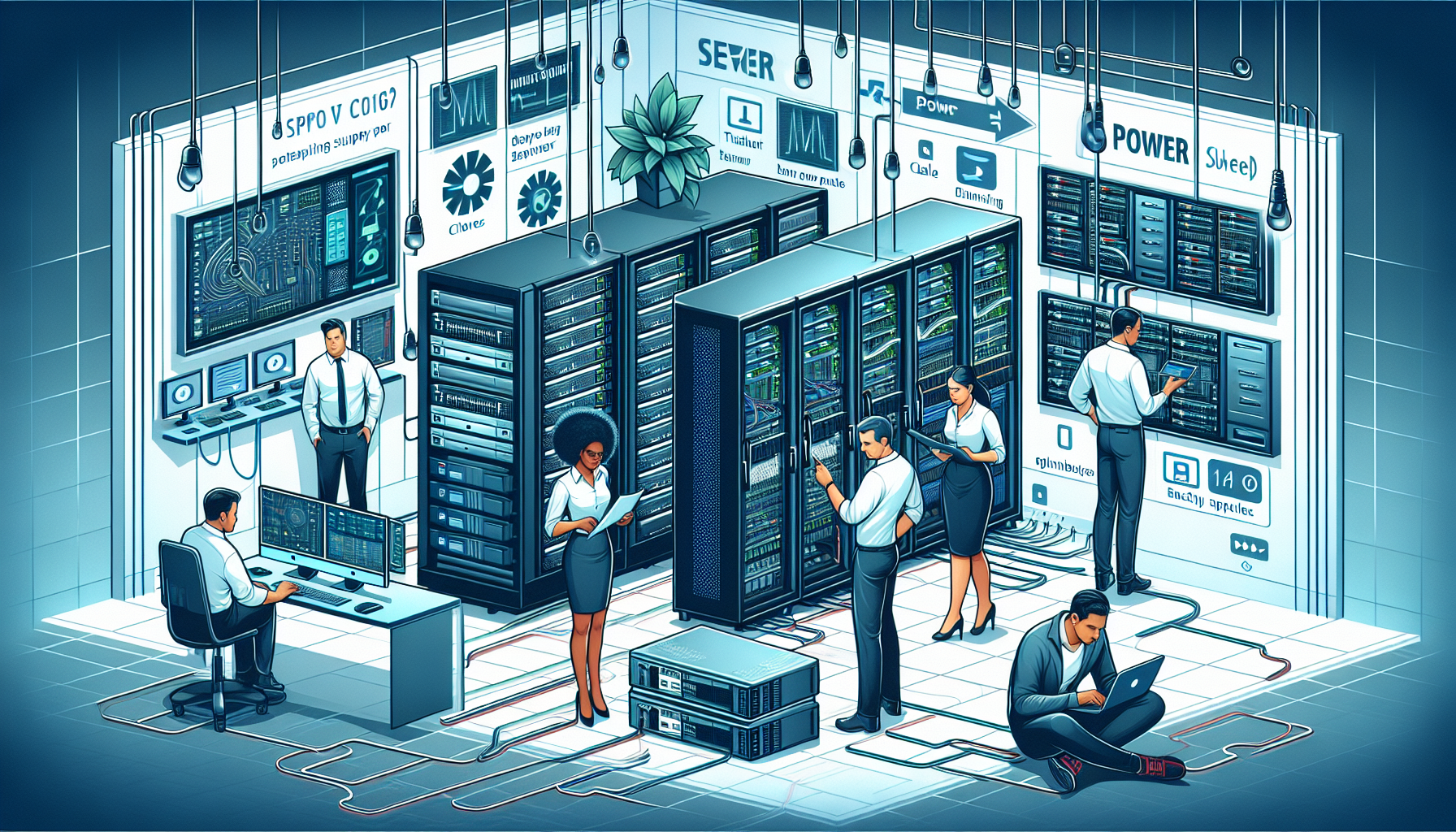
Power supply problems in IT infrastructure can cripple operations, cause costly downtime, and even damage critical hardware. In my experience managing enterprise datacenters, power issues are rarely straightforward—they often involve a mix of electrical, environmental, and hardware factors. This guide walks through a proven, real-world process to identify, isolate, and resolve power supply problems effectively.
1. Understand the Scope of the Outage
Before touching any equipment, determine whether you’re dealing with:
– Localized failure (one server, switch, or rack)
– Rack-level outage (common PDU or circuit issue)
– Room-wide blackout (UPS or facility-wide power failure)
Pro Tip: Always confirm whether the issue is upstream (facility power) or downstream (internal equipment power supplies). I’ve seen teams waste hours swapping PSUs when the real culprit was a tripped breaker in the PDU.
2. Check the Environmental and Facility Power Feeds
UPS Status: Verify that your Uninterruptible Power Supply is online and not in bypass mode.
ATS (Automatic Transfer Switch): Ensure it’s functioning correctly if you have dual power feeds.
Generator Health: If running on backup power, check fuel levels and load distribution.
Common Pitfall: Overlooking facility maintenance schedules—sometimes electricians cut power to a specific feed without notifying IT teams.
3. Inspect Rack-Level Power Distribution
PDU (Power Distribution Unit): Confirm circuit breakers are not tripped.
Load Balancing: Ensure that both redundant PDUs are active. I’ve encountered cases where one PDU silently failed, forcing all load onto the other and causing overload shutdowns.
Voltage Check: Use a multimeter to verify correct voltage output from PDUs.
4. Test and Swap Hardware Power Supplies
If the issue is isolated to a single server or appliance:
1. Check the PSU LEDs — many enterprise PSUs have diagnostic lights.
2. Swap the PSU with a known good unit from identical hardware.
3. If the replacement works, log the failure for vendor RMA.
Pro Tip: Always keep at least 5–10% spare PSUs in inventory for critical systems. Waiting for vendor shipment during an outage is a risk you can avoid.
5. Verify Redundant Power Paths
Enterprise gear often has dual PSUs connected to separate PDUs or circuits. Ensure:
– Both PSUs are actually plugged in and drawing power.
– No cable damage or loose connectors.
– Firmware settings don’t disable redundant PSU functionality.
Real-World Example: I once traced a recurring outage to a redundant PSU that was connected to the same PDU as the primary—so when the PDU failed, both PSUs lost power.
6. Monitor and Log Power Events
Use SNMP or vendor APIs to track:
– PSU health metrics
– Voltage fluctuations
– Load per PDU circuit
Sample SNMP Check Script (Bash):
“`bash
!/bin/bash
HOST=”192.168.10.20″
COMMUNITY=”public”
OID=”.1.3.6.1.4.1.318.1.1.12.1.8.0″ # Example: APC PDU voltage OID
snmpget -v2c -c $COMMUNITY $HOST $OID
“`
Automating these checks can reveal intermittent drops that are hard to catch manually.
7. Implement Preventive Measures
Label Power Paths: Clear labeling reduces human error during maintenance.
Load Testing: Quarterly simulate failover scenarios for PDUs and UPS.
Capacity Planning: Avoid running circuits above 70% of rated load to prevent heat-related failures.
8. Escalation and Vendor Coordination
If internal checks fail to identify the cause:
– Engage facility electricians for upstream electrical issues.
– Contact hardware vendors for PSU diagnostic procedures.
– Document all steps taken for audit and compliance purposes.
Visual Architecture Reference
[ Facility Power Feed ] → [ UPS / Generator ] → [ ATS ] → [ Rack PDU ] → [ Server PSU ]
This flow helps map where the fault could be occurring.
Final Thoughts
Troubleshooting power supply issues in IT infrastructure is as much about methodical isolation as it is about technical skill. In my years of datacenter management, the fastest recoveries have always come from teams that follow a structured approach, keep spare parts on hand, and proactively monitor load and health metrics.
By applying these steps, you’ll reduce downtime, protect hardware, and maintain operational continuity—even during unexpected electrical events.
Ali YAZICI is a Senior IT Infrastructure Manager with 15+ years of enterprise experience. While a recognized expert in datacenter architecture, multi-cloud environments, storage, and advanced data protection and Commvault automation , his current focus is on next-generation datacenter technologies, including NVIDIA GPU architecture, high-performance server virtualization, and implementing AI-driven tools. He shares his practical, hands-on experience and combination of his personal field notes and “Expert-Driven AI.” he use AI tools as an assistant to structure drafts, which he then heavily edit, fact-check, and infuse with my own practical experience, original screenshots , and “in-the-trenches” insights that only a human expert can provide.